Trustreviewsx may earn a commission when you buy through links on this page, at no extra cost to you. This does not affect our ratings.
Sales reps and revenue teams who make frequent outbound calls and need to track every client interaction often look at kixie powercall as a calling solution. Choosing voice software means checking dialer features, contact data logging, and how calls get distributed across reps. In this assessment, Trustreviewsx looks at operational strengths, setup needs, and a practical checklist for sales organizations.
Outbound phone work depends on tools that help reps during live conversations while keeping records tidy. Before signing a contract for modern sales communication software, teams should confirm that call automation fits their outreach cadence, daily call volume, and lead management process.
Quick verdict: Scoring 7.9 / 10, this platform offers structured outbound calling tools for reps working active prospect conversations. It suits teams that value click-to-call dialing alongside client relationship records, and it is less suited to teams that only need basic office phone service without sales-specific dialing.
| Metric | Assessment Summary |
|---|---|
| Trustreviewsx score | 7.9 / 10 |
| Best for | Outbound sales teams needing structured calling workflows and real-time contact interaction logging |
| Not ideal for | Organizations looking solely for general administrative office phone numbers without outbound calling tools |
| Key strengths | Direct telephony calling tools, automated interaction tracking, and sales dialing capabilities |
| What to check before buying | Number availability by region, calling balance structures, and administrative seat minimums on the official provider website |
1. How Trustreviewsx Reviewed Kixie PowerCall
This review covers what the product is built to do, who it serves, and how it compares with similar tools. We applied seven Trustreviewsx criteria: features, ease of use, pricing and value, integrations, audience fit, support, and competitive position. Plans, prices, and limits change often, so we flag what to confirm on the official website before buying. This article was researched and drafted with the help of AI tools, then reviewed and edited by the Trustreviewsx Editorial Team.
2. What Is Kixie PowerCall and Who Is It for?
Kixie PowerCall is a telephony and sales dialing application that helps reps start calls, log call notes, and manage outbound voice touchpoints. It works as an outbound dialer and voice management utility that ties rep activity directly to prospect profiles, cutting the time spent manually keying in phone numbers.
Tools in this category usually address three recurring problems: downtime between calls, lost call context from delayed manual entry, and uneven follow-up cadence. Rather than relying on desk handsets, teams start outreach through digital call controls built into their desktop workflow.
Buyers researching options on Trust Reviews X should judge Kixie PowerCall against their own outbound requirements. Organizations with dedicated business development teams making dozens of outbound inquiries each day are most likely to benefit from standardized dialing controls and automatic activity logs.
3. Core Features and Telephony Capabilities

Assessing telephony solutions means looking closely at core calling functions, contact handling, and administration. The main capabilities of this platform focus on streamlining voice communication and standardizing how reps work their prospect pipelines.
3.1. Click-to-Call and Outbound Dialing Controls
Click-to-call lets reps start a conversation by selecting a number shown in a lead database or client record. This replaces manual keypad entry, which removes dialing errors and saves seconds on every outreach attempt.
Outbound dialers also include control panels where agents can mute, hold, transfer live calls to teammates, or record audio for quality review. Recording rules vary by jurisdiction, so sales teams should confirm regional compliance requirements and consent settings on the official provider website before enabling recording.
3.2. Automated Activity and Call Logging
Thorough records of customer conversations are essential for pipeline transparency. The platform supports immediate logging of call outcomes, talk durations, date stamps, and rep notes against the matching prospect record.
When a conversation ends, dialer tools show outcome menus where reps can label the result, such as left voicemail, conversation held, or gatekeeper reached. Standard dispositions like these keep reporting consistent across an entire sales department.
3.3. Inbound Routing and Call Reception
Beyond outbound calling, telephony platforms also handle inbound calls when prospects return missed contacts. Inbound routing sends incoming callers to the assigned account rep or distributes them across available sales team members.
Routing settings decide whether an unanswered call forwards to a backup team member, goes to centralized voicemail, or triggers a missed-call notification. Buyers should examine how routing logic works to avoid dropped leads when reps are already on active calls.
3.4. Local Number Presentation and Presence Tools
Telephony software often offers localized caller identifiers that match the recipient's geographic area. When calling contacts in different cities or regions, a matching area code can influence whether a prospect picks up.
Carrier regulations on caller identification change frequently, so buyers should review the official documentation on local number inventory, registration requirements, and carrier verification standards before setting regional outreach goals.
4. Ease of Use and Implementation Workflow
Adopting any sales communication tool involves both technical setup and daily behavior changes for reps. Telephony software needs to balance feature depth with a clean call interface so agents stay focused on conversations instead of complicated configuration.
4.1. Rep Interface and Dialing Experience
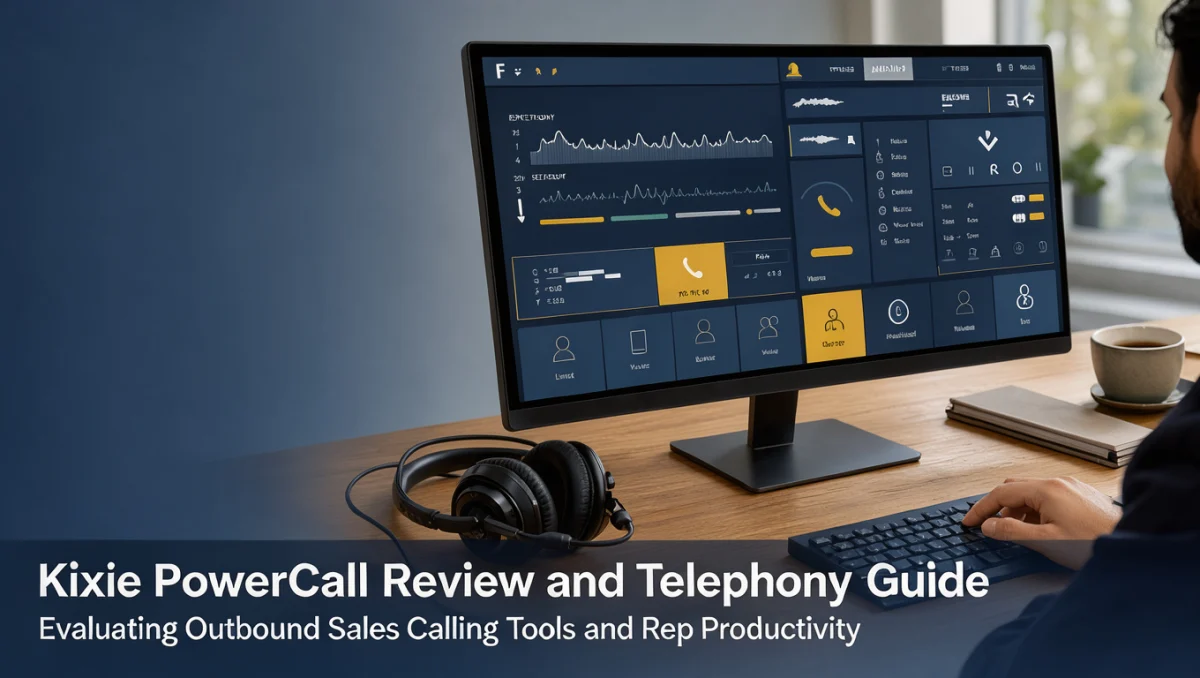
The daily experience centers on a compact dialer window. It displays contact names, call status, incoming alerts, and disposition options without cluttering the screen or covering underlying prospect records.
Reps can review past notes while the phone rings, which lets them personalize greetings and reference recent interactions. Simple layouts also reduce onboarding fatigue for new reps joining an outbound campaign.
4.2. Administrative Setup and Team Management
For sales managers and IT administrators, onboarding involves configuring phone numbers, assigning user licenses, and defining disposition tags. Clear permissions prevent unauthorized configuration changes and keep call logging uniform across departments.
Organizations moving from standard office phone systems to digital sales dialers should plan for an adjustment period. Clear call disposition guidelines keep reporting data clean and actionable across the team.
5. Pros and Cons
Every business communication tool trades functional advantages against operational compromises. Weighing both sides helps sales leaders judge whether this platform fits their team.
5.1. Operational Strengths
- Specialized outbound calling tools built to streamline sales outreach and telephone prospecting.
- Direct click-to-call functionality that removes manual dialing friction and speeds up outreach volume.
- Structured call outcome logging that creates clear accountability across sales development pipelines.
- Inbound call handling that routes returning prospect calls straight to active agents.
5.2. Practical Limitations and Considerations
- The focus is strictly on outbound and inbound sales calling rather than general corporate unified communications. Teams needing video conferencing and internal company chat must keep separate platforms.
- Voice quality depends heavily on office internet bandwidth and headset hardware, so adequate network infrastructure is required.
- Telecom usage charges, international calling rates, and phone number provisioning need careful budget tracking beyond the base software subscription.
6. Kixie PowerCall vs Similar Tools
Understanding where this platform sits in the sales communication market helps decision-makers pick the right software category. Telephony tools generally fall into dedicated sales dialers, broad contact center platforms, and traditional business phone systems.
| Solution Category | Primary Operational Focus | Best Fit For | Key Consideration |
|---|---|---|---|
| Kixie PowerCall | Sales prospecting, click-to-call, and rep activity tracking | Active outbound sales teams needing dedicated calling workflows | Examine call credit structures and seat requirements |
| Broad Business VoIP | General company phone menus, desk phones, and internal office extensions | Whole companies needing administrative communications | Lacks sales-focused rapid dialing features |
| Enterprise Contact Centers | Omnichannel routing, queue management, and large support desk coordination | Large-scale inbound support departments | Requires complex onboarding and enterprise configurations |
Sales dialers concentrate on outbound velocity and rep productivity. General business VoIP providers focus on company-wide directory routing, physical desk phone compatibility, and reception desks. Buyers must decide whether their main need is more outbound sales conversations or management of company-wide administrative phone lines.
7. Who Should Use Kixie PowerCall?

Checking whether your organization matches the intended user base prevents spending software budgets on the wrong tool category.
7.1. Outbound Sales Development Teams
Teams staffed with sales development representatives running structured cold outreach benefit most. Clicking directly on lead records and logging call notes right away keeps reps focused on prospect conversations throughout their calling blocks.
7.2. Account Executives Managing Active Pipelines
Closing reps who handle follow-up calls, contract reviews, and scheduled prospect check-ins find it useful to have past call notes available when inquiries come in. Quick access to previous dispositions keeps discussions continuous.
7.3. Organizations That Should Consider Other Options
Businesses that only need occasional administrative calls, such as receiving supplier inquiries or fielding general customer service requests, will find sales dialer software unnecessary. General business phone providers or standard mobile lines are more cost-effective for teams without dedicated sales outreach goals.
8. How to Choose the Right Plan and Manage Telephony Costs
Choosing the right subscription tier means weighing team headcount, expected outbound call volume, and supplementary telecom expenses.
| What to Check on the Official Pricing Page | Why It Matters | Who It Matters Most For |
|---|---|---|
| Per-seat subscription structure | Determines fixed recurring software expense independent of calling usage | Growing sales teams managing monthly software budgets |
| Outbound calling minute rates and local number fees | Telecom minutes and dedicated phone numbers add variable costs to each invoice | High-volume prospecting teams reaching multiple regional markets |
| Contract term flexibility | Monthly versus annual commitments influence cash flow and team scaling speed | Startups and agencies with fluctuating representative headcounts |
| Advanced dialer capabilities by plan | Specific automation tools may require higher subscription tiers | Sales managers needing automated outreach cadences |
Buyers should confirm current plan tiers, included features, and international minute fees directly on the official Kixie PowerCall pricing page before finalizing any contract.
9. Frequently Asked Questions
What operational requirements are needed before deploying sales dialer software?
Deploying sales dialer software requires stable broadband internet, professional USB headsets for reps, and an organized database of prospect phone numbers. Teams should establish clean contact records and standard call disposition categories before onboarding agents so performance metrics stay accurate.
How should sales leaders budget for telecom software beyond the base license fee?
Budget planning should cover the recurring per-user subscription plus monthly allowances for outbound calling minutes, inbound toll-free routing, and regional phone number rentals. Reviewing historical call duration trends helps administrators estimate variable monthly charges accurately.
Why does regional regulatory compliance matter when configuring outbound calls?
Telecom authorities enforce strict rules on cold outreach hours, automated dialing, caller identification practices, and call recording disclosures. Sales teams should consult legal counsel and review telecom compliance guidelines to ensure their calling practices meet all relevant local and international laws.
When should an organization move from basic office phones to a dedicated sales dialer?
Consider upgrading when reps spend noticeable portions of their day manually typing phone numbers or delay logging prospect notes. A dedicated dialer removes administrative bottlenecks and increases actual conversation time with potential clients.
10. Final Verdict
This platform provides a structured, sales-focused telephony environment for teams that rely on outbound conversations to build pipeline and close deals. Its main advantage is removing dialing friction and centralizing call activity tracking inside rep workflows.
| Evaluation Criterion | Score / 10 | Reason |
|---|---|---|
| Features | 8.4 | Strong outbound telephony capabilities, call logging tools, and call control options designed for sales teams. |
| Ease of Use | 8.0 | Clean calling panel that lets reps dial, mute, transfer, and log calls efficiently. |
| Pricing and Value | 7.2 | Requires careful evaluation of per-user license fees alongside variable calling minutes and phone number rentals. |
| Integrations | 8.2 | Connects voice calling activity directly to core business records and lead management databases. |
| Audience Fit | 8.5 | Highly focused on outbound business development and active sales account management. |
| Support | 7.4 | Users must confirm available support channels, hours, and response commitments on the official website. |
| Competitive Position | 7.9 | Holds a clear niche in outbound sales calling compared with broad administrative business phone systems. |
Overall Trustreviewsx score: 7.9 / 10
For sales organizations looking to improve rep calling efficiency, standardize disposition tracking, and keep accurate prospect conversation records, kixie powercall is a practical option. Teams should review their calling volumes and confirm telecom usage fees on the official Kixie PowerCall website before settling on a setup.
Have questions about choosing the right sales telephony tool for your organization? Readers can send inquiries through the Review Craft X contact page or follow Trustreviewsx on LinkedIn for ongoing software evaluation updates. Explore more sales software guides in the Sales category.