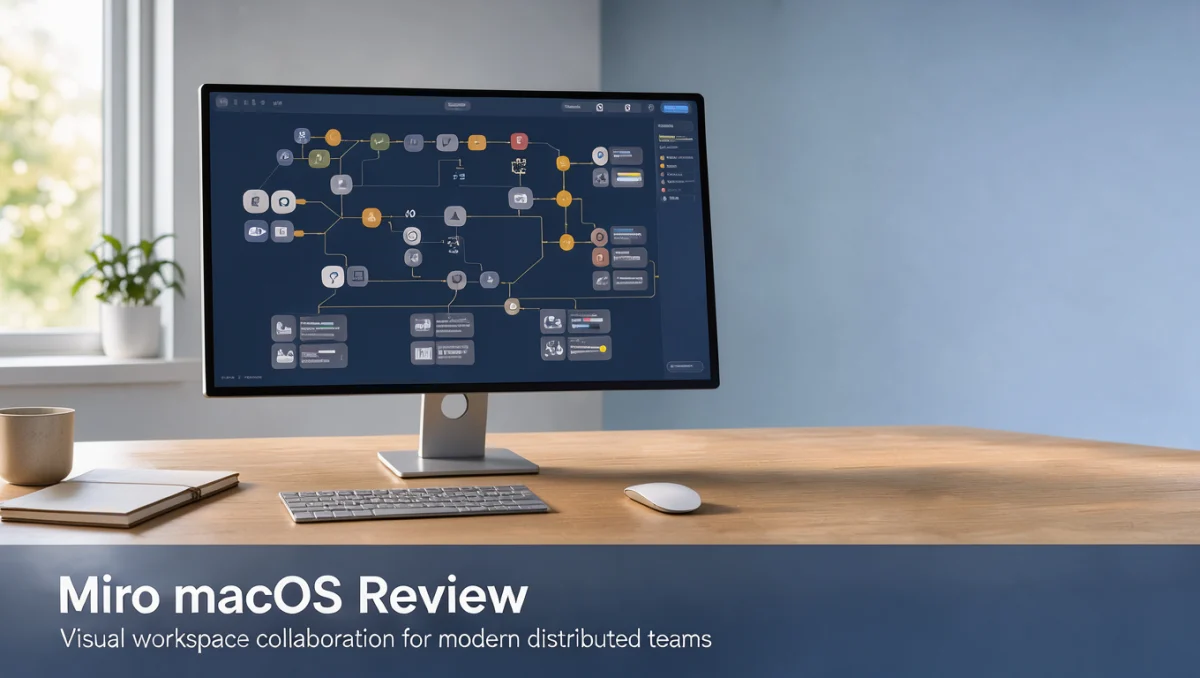
Teams that rely on a spatial canvas to brainstorm and map workflows often find that a shared digital board replaces scattered documents and rigid spreadsheets. At Trust Reviews X, we assessed Miro on macOS by asking how well it supports practical collaboration and strategic planning rather than how flashy its interface looks.
Choosing a digital canvas depends on how your organization is structured, how complex your planning cycles are, and how tightly your budget is governed. Before committing, test how the canvas behaves during busy cross-functional sessions and confirm administrative controls on the official vendor website.
Overall, Miro macOS scores 8.1/10 for visual workspace planning. It fits cross-functional teams, product managers, and visual thinkers who want flexible diagramming and shared workshop boards. It is less useful for solo users who only need simple linear task lists, or for teams that prefer plain text editors without spatial navigation.
| Metric | Summary |
|---|---|
| Trustreviewsx score | 8.1/10 |
| Best for | Cross-functional planning teams and visual strategists who run collaborative workshops and diagram complex processes |
| Not ideal for | Individual users who want basic linear checklists without spatial organization |
| Key strengths | Infinite canvas navigation, structured visual frameworks, diagramming, and workshop facilitation tools |
| What to check before buying | Account tiers, seat management policies, and integration requirements on the official vendor site |
1. How Trustreviewsx Reviewed Miro
We evaluated Miro against seven Trustreviewsx criteria: features, ease of use, pricing and value, integrations, audience fit, support, and competitive position. Plans, prices, and limits change frequently, so we highlight what you should verify on the official website before buying. This article was researched and drafted with AI assistance, then reviewed and edited by the Trustreviewsx Editorial Team.
2. What Miro Is and Who It Serves
Miro is a visual collaboration and digital whiteboarding platform built for distributed teams that brainstorm, map processes, design system architectures, and run project retrospectives. Instead of confining discussions to spreadsheets or linear documents, it offers an infinite two-dimensional workspace where ideas take shape as notes, shapes, connectors, and structured boards.
The platform is used by product management teams, software architects, design thinkers, agile coaches, marketing departments, and strategy consultants. It works as a central conceptual workspace where stakeholders contribute simultaneously in live meetings or add feedback asynchronously across different time zones.
Teams in the Collaboration & Productivity category use visual workspaces to reduce confusion and stay aligned. When members can see project dependencies, customer journeys, and technical diagrams in one spatial overview, execution tends to become more cohesive.
3. Core Features

Visual workspace tools earn their value through specific structural capabilities. Miro organizes its platform around several functional areas that turn creative discussions into concrete project assets.
Infinite visual canvas and spatial organization
The canvas is unbounded, so users can zoom out for high-level roadmaps or zoom in on detailed workflow nodes. Contributors can create distinct frames, cluster information with digital sticky notes, and apply color-coded tags to categorize qualitative ideas.
Diagramming and process mapping
Dedicated shape libraries and smart connectors support architecture schematics, flowcharts, customer journey maps, and organizational charts. Snapping guides and automatic connection points keep diagrams tidy when nodes are rearranged during collaborative reviews.
Workshop facilitation and interactive collaboration
For group sessions, the software includes interactive timers, voting, private comment threads, and presentation modes. Facilitators can direct participant focus to specific canvas sections, run structured ideation exercises, and capture consensus without switching to external survey tools.
4. Ease of Use and Learning Curve
Working on a spatial canvas requires a shift from standard document editing. Miro provides smooth pan and zoom controls along with trackpad gesture support, making it natural to move across large boards.
New users usually grasp sticky note placement and basic text formatting within minutes. Large boards with many unorganized frames, however, can disorient occasional guests. Clear visual hierarchies and standardized board templates help prevent clutter and keep sessions productive.
5. Pros and Cons
Advantages of the platform
- An expansive infinite canvas allows flexible organization of complex strategic initiatives
- Versatile diagramming tools support technical schematics and process flows on a single surface
- Structured workshop frameworks streamline live alignment and asynchronous review cycles
- A centralized visual repository preserves project context across distributed departments
Considerations and limitations
- Extensive boards can become overwhelming without consistent governance and designated board owners
- Navigating spatial canvases requires more visual coordination than simple text editors
- Subscription costs rise as additional collaborators need full editing permissions
6. Miro vs Similar Tools
Understanding how Miro compares with other collaboration tools helps buyers choose the platform that matches their team structure.
| Platform | Core positioning | Primary audience | Key consideration |
|---|---|---|---|
| Miro | Broad visual collaboration and workshop canvas | Cross-functional enterprise teams and product strategists | Check enterprise administration and seat permission policies |
| Mural | Visual teamwork and guided design thinking facilitation | Consultants, educators, and enterprise workshop facilitators | Evaluate facilitation framework preferences and template structures |
| FigJam | Lightweight whiteboarding tied to interface design workflows | Product designers, design researchers, and UI engineers | Review design file ecosystem alignment and participant roles |
| Lucidspark | Ideation boards connected to structured system architecture diagrams | Engineering departments, technical architects, and analysts | Confirm technical diagramming needs and documentation parity |
Miro occupies a broad middle ground, balancing general brainstorming with technical diagramming. FigJam aligns closely with design teams and Lucidspark emphasizes formal technical flowcharts, while Miro offers a shared meeting ground suited to both non-technical marketers and software engineers.
7. Who Should Use Miro

Product managers and agile development teams
Agile teams can map sprint backlogs, run interactive retrospectives, and draft user story maps. The spatial layout makes dependencies across development cycles easy to see without switching apps.
Marketing strategists and creative planners
Marketing departments can arrange campaign mood boards, map multichannel acquisition funnels, and lay out editorial calendars visually. Stakeholders can review draft assets and leave contextual comments right beside promotional graphics.
Consultants and workshop facilitators
Independent advisors and workshop leaders can guide client discovery sessions on structured interactive canvases. Voting and grouped sticky notes help facilitators distill client challenges into clear action items.
Individual operators and solo researchers
Solo entrepreneurs and analysts who synthesize research or draft conceptual models will find spatial mapping useful. Solo users who only track linear daily tasks may find a standard note-taking app or checklist simpler.
Who should look elsewhere
Organizations that need strictly regulated database management, mathematical spreadsheet analysis, or formal word-processing documentation should choose software built for those data types. Digital canvases complement structured databases rather than replace them.
8. How to Choose the Right Plan
Subscription costs depend on user roles, administrative controls, and collaboration scale. Review these criteria on the official website before finalizing a purchase.
| What to check | Why it matters |
|---|---|
| Editor versus viewer permissions | Determines which members incur recurring seat charges and which can review boards at no cost |
| Single sign-on and administrative controls | Enterprise governance often requires centralized identity management, which may appear only on advanced tiers |
| Active board allowances | Collaborative teams should confirm whether plan limits restrict the number of concurrently editable boards |
| Guest collaboration access | External client engagements need clear policies for guest contributors without full account provisioning |
| Backup and board export options | Supports compliance with internal records retention rules when archiving finished engagements |
9. Frequently Asked Questions
What should determine the budget for visual canvas tools
Budgeting requires separating full editing contributors from occasional stakeholders who only leave feedback. Confirm on the official pricing page how administrative policies distinguish internal editors, external guests, and view-only accounts. Teams often overspend by assigning full edit licenses to people who only need to view boards.
How can teams keep large digital boards from becoming cluttered
Prevent clutter by setting frame boundaries, using standardized sticky note colors, and naming a board owner for major projects. Archive completed segments and create separate boards for distinct phases rather than piling unrelated initiatives onto one infinite canvas.
How should teams choose between Miro and design-centric whiteboards
Assess the primary roles of your active contributors. Teams made up almost entirely of interface designers often prefer whiteboards built into their design software. Organizations whose marketing, operations, legal, and engineering stakeholders share workshops benefit from a general collaborative canvas that non-designers find approachable.
What technical settings should be verified before deployment
Administrators should confirm browser compatibility, desktop performance requirements, and firewall rules for real-time connections. Verifying single sign-on prerequisites and data residency policies on the official vendor portal helps ensure a compliant rollout across international offices.
10. Final Verdict
Miro macOS provides a capable visual planning environment for teams that need to bridge distances with an interactive spatial canvas. Its strengths are flexible workshop facilitation, versatile process mapping, and collaborative ideation across business units.
| Criterion | Score /10 | Reason |
|---|---|---|
| Features | 8.8 | Extensive canvas tools, diagramming libraries, and workshop facilitation components |
| Ease of Use | 8.2 | Smooth pan and zoom navigation, though large boards require deliberate organization |
| Pricing and Value | 7.5 | Review seat tiers and collaborator permissions on the official pricing page |
| Integrations | 7.8 | Confirm needed connectors in the official vendor application directory |
| Audience Fit | 8.6 | Well suited to cross-functional product teams, visual researchers, and distributed workshops |
| Support | 7.2 | Check official service commitments and self-service knowledge base resources |
| Competitive Position | 8.4 | Holds a balanced collaboration footprint alongside specialized design and diagramming alternatives |
Overall score: 8.1/10
If your team is ready to strengthen collaborative planning, assess your governance requirements and test board organization practices first. Questions about software selection or workflow design? Reach our team through the Trust Reviews X contact page at Trust Reviews X, or follow our industry updates on LinkedIn.