Trustreviewsx may earn a commission when you buy through links on this page, at no extra cost to you. This does not affect our ratings.
Project planners and business communicators often need to convert raw schedule data into slides that leadership can read at a glance. Many teams find that milestone dates buried in spreadsheet rows fail to explain progress during executive reviews. Trust Reviews X examined how well a dedicated office timeline import Excel approach closes that gap, and what it asks of the people using it.
Moving spreadsheet data into a presentation tool removes hours of manual shape placement, but only when the source columns match the structure the software expects. Before committing, buyers should understand the mapping rules, the visual customization options, and how schedule revisions flow through to finished slides.
Quick verdict: Rated 7.9 out of 10. This approach suits corporate professionals who present project schedules to senior leaders and want slides built directly from spreadsheet milestones. It is less suited to field teams that need multi-resource construction scheduling or continuous daily task tracking.
| Metric | Summary |
|---|---|
| Trustreviewsx score | 7.9 / 10 |
| Best for | Corporate professionals presenting milestone summaries to executive stakeholders |
| Not ideal for | Teams requiring multi-resource operational tracking or daily shift scheduling |
| Key strengths | Turns structured spreadsheet milestones into presentation-ready visuals |
| What to check before buying | Confirm data column mapping rules and subscription licensing policies on the official vendor site |
1. How Trustreviewsx Reviewed Office Timeline
This review considers what Office Timeline is designed to do, who it serves, and how it stacks up against similar tools. We applied our seven Trustreviewsx criteria: features, ease of use, pricing and value, integrations, audience fit, support, and competitive position. Plans, prices, and limits change frequently, so we flag what to confirm on the official website before purchase. This article was researched and drafted with AI assistance, then reviewed and edited by the Trustreviewsx Editorial Team.
2. What Is Office Timeline and Who Is It For
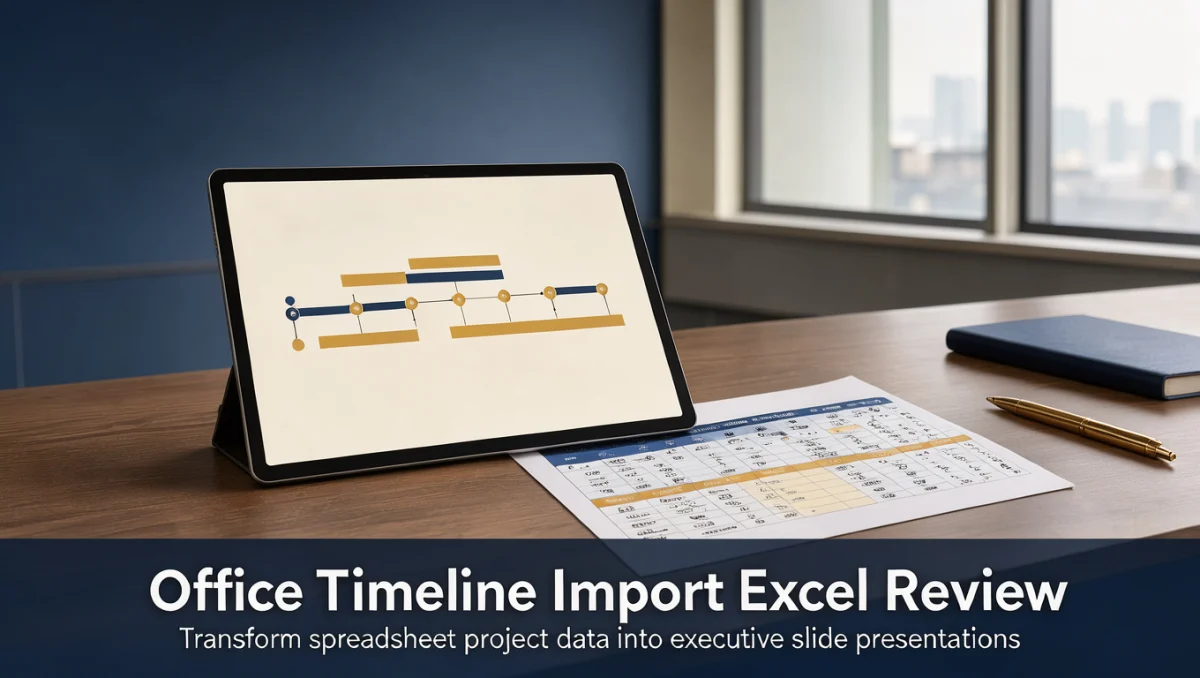
Office Timeline is a presentation and timeline visualization tool built to produce executive-ready Gantt charts, swimlane graphics, and milestone schedules. It tackles a familiar problem: project managers keep detailed schedules in spreadsheets or databases, while senior leaders want clean summaries that fit on one slide. By converting tabular milestone data into graphic timelines, the software eliminates the tedious work of positioning shapes, text boxes, and date markers by hand.
The product is aimed mainly at project managers, executive assistants, management consultants, program directors, and operational leaders who report to board members or department heads. These users often refresh progress trackers and need slides that reflect date changes without redrawing the entire diagram. Buyers working in the wider Collaboration & Productivity space should decide whether their team needs simple visual communication or detailed operational task tracking.
3. Core Features of the Office Timeline Import Excel Workflow

The core capability centers on reading tabular columns from external spreadsheets and generating timeline components automatically.
3.1. Spreadsheet Data Mapping and Milestone Detection
Data mapping is the foundation of the spreadsheet connection. Users select the columns that hold task titles, start dates, finish dates, and milestone markers. The software reads these columns and plots each entry in date order along a horizontal time axis. When plans change, users re-link the worksheet so that date updates refresh the graphic without losing the applied design theme.
3.2. Swimlane Grouping and Visual Categorization
Complex projects run several streams of work at once across departments. The software arranges milestones into horizontal swimlanes based on category columns in the spreadsheet. This keeps marketing, development, and procurement milestones in separate rows, so stakeholders can follow cross-functional progress without confusing dependencies.
3.3. Custom Graphic Styling and Template Selection
After import, timeline elements can be styled with color palettes, custom milestone shapes, percentage completion indicators, and progress bars. Pre-built layouts follow common corporate visual standards, so teams can produce polished summary slides in minutes rather than adjusting borders by hand for hours.
4. Ease of Use and Learning Curve
The software is built for quick onboarding by office workers who already use standard presentation tools and spreadsheets. Because the mapping logic mirrors familiar spreadsheet columns such as task name and start date, most project coordinators can build a first timeline on day one without formal training.
The learning curve rises when spreadsheets contain irregular date formats, merged cells, or nested subtasks. Users need to learn sound spreadsheet formatting habits to avoid mapping errors. Keeping columns clean and consistent is the main practical hurdle for new teams.
5. Pros and Cons
5.1. Advantages
- Produces executive-ready visual timelines from standard tabular columns quickly.
- Separates complex initiatives into horizontal swimlanes for clarity across departments.
- Cuts the time spent building visual schedules by hand for leadership presentations.
- Lets users re-sync with edited spreadsheets so revised dates appear on the slide.
5.2. Limitations and Workarounds
- Requires structured column layouts; keep a clean template sheet to prevent import errors.
- Focuses on presentation summaries rather than deep resource capacity planning; pair it with a dedicated enterprise scheduler if full resource leveling is needed.
- Styling options can overwhelm crowded slides; limit displayed milestones to the key executive events.
6. Office Timeline vs Similar Tools

Comparing timeline generators with other software categories helps buyers choose the right tool for their organizational maturity.
| Solution | Core Positioning | Best For | Primary Trade-off |
|---|---|---|---|
| Office Timeline | Visual presentation timeline generator | Executive slide reporting | Not built for deep operational resource tracking |
| Microsoft Project | Enterprise critical-path scheduling engine | Complex engineering projects | Steeper learning curve for non-technical stakeholders |
| Smartsheet | Collaborative work management platform | Team coordination and tracking | Requires configuring custom dashboards for executive slide decks |
| Lucidchart | General-purpose diagramming software | Flowcharts and technical diagrams | Timelines require manual shape positioning and alignment |
Enterprise engines such as Microsoft Project focus on critical path calculations, complex resource leveling, and baseline variances, which can produce charts too dense for high-level briefings. Collaborative platforms such as Smartsheet handle real-time task updates across distributed teams well but may take extra effort to condense into a single boardroom graphic. Diagramming tools such as Lucidchart offer broad flexibility but lack a specialized milestone date-plotting engine.
7. Who Should Use Office Timeline
7.1. Corporate Project Managers
Project managers who run formal steering committee meetings benefit from fast timeline creation. Instead of presenting rows of spreadsheet data that confuse stakeholders, they can generate clear summary graphics that highlight critical deadlines.
7.2. Management Consultants and Strategists
Advisors presenting transformation roadmaps to client leadership need polished visual deliverables. Importing strategic initiatives from Excel lets consultants update roadmaps quickly across client engagements.
7.3. Department Heads and Team Leads
Functional managers tracking quarterly objectives use visual swimlanes to show interdepartmental alignment. Displaying when marketing campaigns coincide with product releases helps keep the organization aligned without technical jargon.
7.4. Teams That Should Consider Other Solutions
Teams running agile sprints with daily backlog grooming, or construction supervisors managing hourly trade schedules, generally need dedicated operational tools rather than presentation-focused timeline software.
8. How to Choose the Right Plan
Vendors structure editions around functional depth, collaboration scope, and automation options. Before committing, buyers should work through the checklist below.
| What to Check | Why It Matters |
|---|---|
| Spreadsheet integration depth | Confirm on the official vendor site whether advanced data linking covers all the spreadsheet formats you use. |
| Licensing model and seat management | Review official subscription policies to see whether licenses attach to named individuals or shared administrative accounts. |
| Template library access | Check which pre-built layouts and swimlane styles are included in the edition you are considering. |
| Data refresh workflows | Verify how recurring schedule updates work when external spreadsheet files are refreshed over time. |
9. Frequently Asked Questions
9.1. What column structure should teams prepare before importing spreadsheets?
Spreadsheets should include clearly labeled header rows with separate columns for task or milestone descriptions, start dates, and end dates. An optional category column lets the software group items into horizontal swimlanes automatically during setup.
9.2. How do teams prevent visual clutter in executive timelines?
Executives usually need to see major milestone gates rather than granular daily checklists. Filtering the source spreadsheet to critical path deliverables keeps slides legible and prevents overlapping text markers.
9.3. Why do date formatting inconsistencies cause connection errors?
Timeline engines rely on standard chronological syntax to calculate intervals correctly. Mixing regional date conventions or placing text notes inside date columns breaks automatic mapping, so teams should standardize date formats across all project sheets.
9.4. How should buyers judge whether a presentation timeline tool fits their needs?
Buyers should assess whether the primary need is executive reporting or day-to-day operational task management. If leadership presentations consume significant preparation time, a dedicated visualization tool can deliver an immediate efficiency gain.
10. Final Verdict
| Criterion | Score /10 | Reason |
|---|---|---|
| Features | 8.5 / 10 | Strong capability for turning spreadsheet milestones into organized visual swimlanes and timelines. |
| Ease of Use | 8.5 / 10 | Intuitive mapping workflow that fits standard office document habits. |
| Pricing and Value | 7.5 / 10 | Buyers should verify current edition structures and license policies on the official pricing page. |
| Integrations | 7.0 / 10 | Focuses mainly on core office spreadsheet files rather than broad multi-cloud database connections. |
| Audience Fit | 8.5 / 10 | Closely matches the reporting workflow of project managers who update leadership regularly. |
| Support | 7.0 / 10 | Buyers should check available support channels and documentation directly with the vendor. |
| Competitive Position | 8.0 / 10 | Holds a specialized position between heavy project engines and raw presentation graphics. |
Overall Score: 7.9 / 10
Office Timeline remains a dependable choice for project leaders who spend valuable hours converting spreadsheet schedules into executive presentation graphics. Teams handling enterprise-scale critical path tracking should pair it with a dedicated scheduler, while professionals focused on clear stakeholder communication will gain real efficiency from its automated visual mapping.
For further guidance or specific software questions, readers can contact our review team through the Trustreviewsx website contact form or connect with our editorial staff on LinkedIn.
See More Review Craft X