Trustreviewsx may earn a commission when you buy through links on this page, at no extra cost to you. This does not affect our ratings.
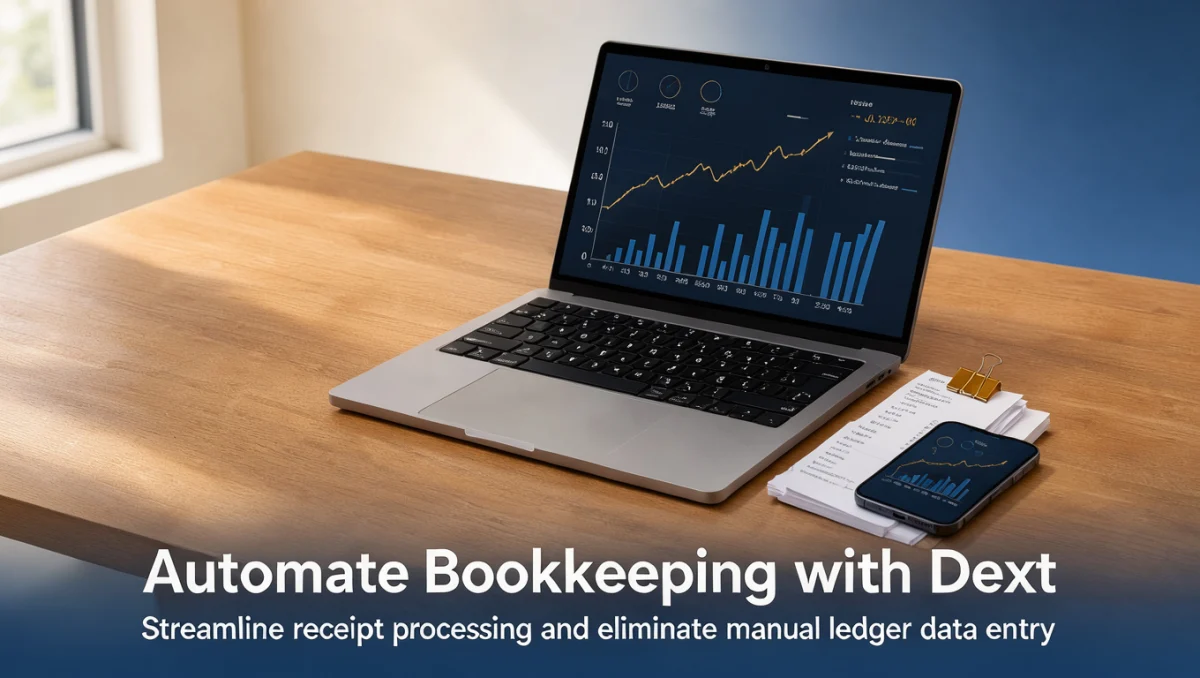
How to automate bookkeeping with Dext comes down to establishing structured collection habits, verifying extracted transaction details, and publishing clean financial data into your ledger. At Trust Reviews X, we focus on establishing clear digital routines that minimize manual entry errors while keeping financial records audit-ready for every tax period.
Bookkeeping automation reduces paperwork backlogs by transferring receipt details directly into your ledger systems. Mastering how to automate bookkeeping with Dext requires consistent document submission, precise tax code alignment, and weekly reconciliation discipline.
Quick answer: Automating bookkeeping involves centralizing document capture, configuring supplier defaults, reviewing extracted data, publishing records to your accounting platform, and reconciling entries against bank statements. Establishing this structured five-step routine eliminates manual document entry, safeguards expense records, and ensures clean books for reporting.
| Aspect | Details |
|---|---|
| Who this guide is for | Small business owners, sole traders, and internal finance teams seeking paperless workflows. |
| What you need before starting | Access to your Dext account, current vendor invoices, and linked ledger software. |
| What you will have at the end | A repeatable document workflow that captures expense data and maintains audit-ready digital archives. |
1. How Trustreviewsx Put This Guide Together
This guide combines what the software covered here is built to do with the Trustreviewsx buying framework, so you can make the decision that fits your business. Plans, prices and limits change often, so we point out what to confirm on the official website before you buy. This article was researched and drafted with the help of AI tools, then reviewed and edited by the Trustreviewsx Editorial Team.
2. Before you start

Preparing your operational environment before setting up automated extraction ensures that your financial records remain orderly from the first upload.
- Chart of accounts alignment: Ensure your categories in general Accounting software match your current tax reporting obligations.
- Access permissions: Determine which team members can submit receipts and which managers hold authority to approve or publish transactions.
- Documentation backlog: Gather physical receipts and digital expense documents accumulated over recent months to establish a clean starting baseline.
- Tax settings confirmation: Review standard regional sales tax treatments on the official Dext website or consult your qualified accountant before establishing automated rules.
3. Step-by-step workflow

To establish a smooth pre-accounting pipeline, follow this systematic workflow that moves financial documents from receipt to final ledger entry.
-
3.1. Standardize document submission
Establish consistent capture habits across your team by submitting physical receipts, digital documents, and electronic vendor statements into the central inbox promptly after purchase.
-
3.2. Define vendor categorization defaults
Set standard expense categories and default tax codes for regular suppliers so recurring purchases automatically inherit appropriate accounts, leaving only unusual transactions for manual inspection.
-
3.3. Review extracted financial fields
Examine automated document extractions to verify that invoice numbers, total amounts, dates, and supplier identities match the source document before approving any item for transfer.
-
3.4. Publish verified records to the ledger
Send reviewed entries into your linked accounting system, ensuring each transaction carries its digital image attachment for compliance and future verification.
-
3.5. Reconcile against live bank feeds
Match published expenses against incoming bank feed lines within your accounting software to complete the cycle and confirm that all cash outflows have supporting documentation.
4. Your first 30 days
Building automated bookkeeping routines takes structured practice over several weeks to replace manual filing habits with consistent digital checkpoints.
| Week | Routine to build | Why it matters |
|---|---|---|
| Week 1 | Establish daily receipt submission protocols for every cardholder. | Prevents missing slips and ensures prompt data capture before thermal paper fades. |
| Week 2 | Set vendor mapping rules for top recurring utility and software subscriptions. | Reduces manual classification touches on repetitive monthly overhead expenditures. |
| Week 3 | Conduct a midweek inbox clearance and data verification session. | Maintains manageable document queues and catches extraction discrepancies early. |
| Week 4 | Perform full end-of-month bank reconciliation using published records. | Confirms that all matched entries align with bank statements and leaves no untracked expenses. |
5. Common mistakes and how to avoid them
Document automation saves substantial administrative effort, but overlooking data hygiene can introduce discrepancies into your general ledger.
- Submitting duplicate receipts: Uploading both digital card receipts and physical counter slips creates double records; establish a rule where team members submit only one source document per transaction.
- Skipping line-item tax reviews: Assuming every invoice contains a single sales tax rate can cause errors on mixed-rate bills, so manually review complex supplier statements.
- Delaying inbox approvals: Allowing unreviewed receipts to pile up creates month-end stress; dedicate fifteen minutes twice weekly to clear pending documents.
- Ignoring currency discrepancies: Multi-currency purchases require careful verification against payment statements to avoid exchange rate miscalculations in final reporting.
6. When to ask for help
While software manages data extraction and document transfer, complex financial scenarios demand specialized professional guidance.
- Tax audit preparation: Consult a certified bookkeeper or chartered accountant when classifying capital assets, entertainment deductions, or cross-border VAT transactions.
- Entity restructuring: Seek advice from accounting specialists when altering your chart of accounts or merging multiple business divisions.
- System connectivity issues: Contact official technical support teams if document transfers stall or if transaction data fails to synchronize with your core ledger.
7. Frequently asked questions
How long does document processing take after submission?
Processing time varies based on document clarity, image quality, and system demand. Clear photographs of flat receipts process much faster than crumpled slips, making proper capture habits essential for quick turnaround.
What should teams do when extracted receipt details contain an error?
Users should edit the fields directly within the verification screen prior to publishing the transaction. Correcting supplier names, totals, or tax rates before publishing ensures your core accounting system maintains pristine records.
Why is professional accounting advice necessary when configuring automation rules?
Tax regulations dictate how businesses deduct specific expenses, account for depreciation, and claim input tax credits. A qualified accountant ensures your automated categorization rules comply with prevailing statutory requirements without creating compliance risks.
What is the most effective routine for maintaining a clean receipt inbox?
Allocating fifteen minutes twice each week to review extracted documents keeps backlogs minimal. This routine ensures errors are caught while purchases remain fresh in your team memory.
8. Next steps
To successfully automate your administrative financial workflows, begin by auditing your current receipt collection methods. Confirm subscription tiers and team access limits on the official Dext website, connect your core accounting platform, and schedule a training session with all purchasing staff to establish your weekly submission routine.
Have a question about choosing software? Send it to the Trustreviewsx team through our contact page or follow Trustreviewsx on LinkedIn for new reviews and comparisons.