Trustreviewsx may earn a commission when you buy through links on this page, at no extra cost to you. Our ratings are not affected.
Growth marketers and product teams increasingly group users by what they actually do inside a product, not by fixed demographic fields. Milestones reached, features adopted and periods of inactivity now shape the messages people receive. To judge whether a platform handles this well, you need to see how raw event data becomes automated communication.
At Trustreviewsx, we evaluate marketing automation tools so that software buyers can match a platform to their product architecture. Choosing an event-driven system means weighing how flexibly it ingests data, how precisely it filters audiences and how easily teams can manage ongoing campaigns. The sections below walk through how behavioral targeting works inside customer engagement workflows.
Quick verdict: Customer.io receives an overall Trustreviewsx score of 7.7/10 for structured event-driven messaging and adaptable segment logic. It suits product-led businesses that need messages tied to granular app activity. It is a weaker fit for teams that only want simple newsletter sends and have no appetite for technical data setup.
| Evaluation Factor | Details |
|---|---|
| Trustreviewsx score | 7.7/10 |
| Best for | Teams that want message delivery connected directly to in-app user activity |
| Not ideal for | Organizations wanting basic scheduled email blasts without tracking custom events |
| Key strengths | Event-driven workflow triggers, dynamic audience grouping, and multi-channel campaign coordination |
| What to check before buying | Review data ingestion volume and workspace parameters on the official Customer.io website |
1. How Trustreviewsx Reviewed Customer.io
This review examines what Customer.io is designed to do, the audiences it targets and how it stacks up against comparable tools. We applied seven Trustreviewsx criteria: features, ease of use, pricing and value, integrations, audience fit, support and competitive position. Plans, prices and usage limits change frequently, so we flag the details you should confirm on the official website before purchasing. The article was researched and drafted with AI assistance, then reviewed and edited by the Trustreviewsx Editorial Team.
2. What Customer.io Is and Who Uses It
Customer.io is an automated messaging and engagement platform that sends targeted communication through email, mobile push, SMS and in-app channels. The company behind it focuses on behavioral communication infrastructure. Rather than depending only on uploaded contact lists, the platform takes in events and user attributes and sends messages when customers complete or skip particular actions.
Its main users are product-led companies, software vendors, subscription apps and digital marketplaces with registered accounts. Evaluators on Trust Reviews X look for tools that combine deep logic with everyday usability, and Customer.io is aimed at teams where marketers and engineers jointly build behavioral triggers, onboarding series and retention loops.
3. Core Features of Behavioral Messaging
Behavioral automation depends on turning raw interaction data into targeted messages. The functional groups below show how audience data becomes automated communication.
3.1. Dynamic audience segmentation
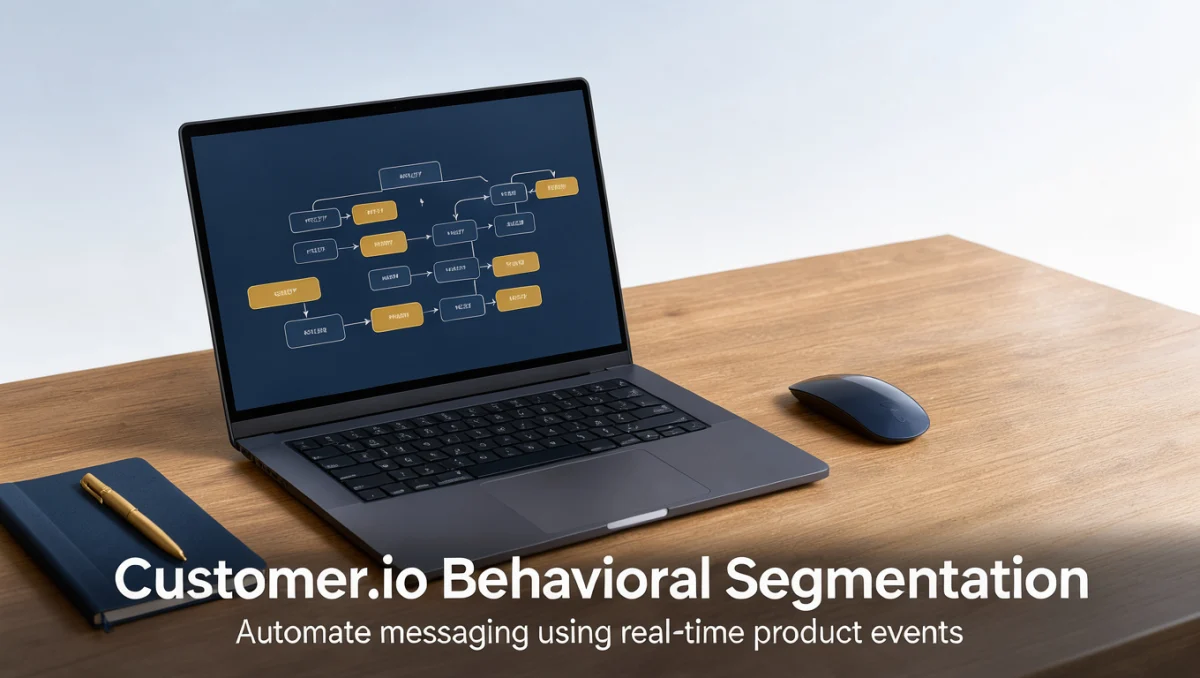
Event-driven segmentation recalculates continuously instead of relying on static list building. With customer io behavioral segmentation, teams define conditions around performed events, how often those events occur and profile attributes. When a user finishes an onboarding milestone, the system places them into the matching group and starts the relevant message flow.
The same rules can also catch silence. If an account stays inactive for a set period, the absence of events itself triggers a response, which lets teams act on churn risk automatically. Getting this right means agreeing on clear naming conventions for custom events before any workflow is configured.
3.2. Automated campaign workflows
Visual workflow builders let marketers map customer journeys with branching logic, delay timers and exit conditions. In a behavioral messaging platform, an event such as account registration or cart creation can start a sequence of educational messages. If the customer takes the target action partway through, branching rules can pull them out of reminder messages and route them to feature tutorials.
3.3. Multi-channel message orchestration
Modern customer messaging reaches well beyond standard email. Behavioral platforms act as a central hub for coordinating emails, push notifications, text messages and webhooks. Running these channels through a single journey logic avoids conflicting messages appearing in the inbox and on mobile devices at the same time.
4. Ease of Use and Learning Curve

Event-driven marketing platforms demand more technical understanding than traditional newsletter systems. Building effective behavioral triggers means coordinating user identification calls, tracking custom event payloads and defining property data types. Marketing staff without engineering support may find the initial setup of custom event schemas a barrier.
Once tracking is running, the everyday interface for drafting content and adjusting branching rules is manageable for campaign managers, and visual flow builders make complex logic paths easier to follow. Still, teams should budget enough onboarding time so that product managers and marketers agree on how event properties map to customer segments.
5. Pros and Cons of Customer.io
Assessing any customer messaging platform means weighing operational strengths against structural trade-offs. Prospective buyers should consider these general product characteristics.
5.1. Pros
- Audience membership updates automatically as new event data arrives from product systems.
- Multi-channel orchestration keeps email and mobile touchpoints in sync.
- Visual workflow builders support branching paths based on user actions or inactivity.
- Granular event property filtering allows contextual message personalization.
5.2. Cons
- Initial deployment needs developer involvement to implement event tracking correctly.
- Complex behavioral logic becomes hard to audit when internal naming conventions lack governance.
- It is not built for teams that only need basic contact list management without event data.
6. Customer.io vs Similar Tools
Knowing where Customer.io sits in the wider marketing technology landscape helps buyers choose the right software category for their stack.
6.1. Traditional email marketing services
Platforms such as Mailchimp and Campaign Monitor were originally designed around contact lists and scheduled broadcasts. Although they have added automated sequences, they still group contacts mainly into static audiences. Customer.io is organized around event streams, where user actions drive messaging flows in real time.
6.2. Enterprise marketing clouds
Enterprise suites such as Braze and Iterable offer multi-channel engagement built for large consumer brands handling heavy mobile app traffic. Customer.io targets growth-focused digital products and web applications that want event-driven architecture without the lengthy deployment work that large enterprise suites require.
7. Who Should Use Customer.io

Different organizational setups have different needs from a messaging platform. Here is how several user types fit this category.
7.1. Product-led software businesses
Digital products with self-serve onboarding gain directly from behavioral segmentation. When activation depends on users reaching specific product milestones, event-triggered messages can offer guidance tailored to what each person has already done.
7.2. Mobile application operators
Teams running subscription apps or mobile utilities must coordinate in-app notifications, push alerts and onboarding emails. Event-driven platforms let mobile marketers send reminders when session frequency drops below target levels.
7.3. Support and customer service teams
Strong retention depends on good coordination between automated lifecycle flows and support operations. Proactive onboarding communication, such as the guidance covered in Customer Service resources, can reduce inbound support volume by explaining features before users get stuck.
7.4. Groups that should look elsewhere
Organizations that publish editorial newsletters or run local retail promotions without authenticated user accounts seldom need event tracking infrastructure. For those cases, traditional newsletter tools offer quicker setup and lower maintenance.
8. How to Choose the Right Plan
Subscription messaging platforms usually base their tiers on profile counts, message volume and data management features. Use this checklist before picking a plan.
| What to check | Why it matters |
|---|---|
| Profile and contact calculation | Many platforms bill by total stored profiles or active monthly profiles, which affects ongoing operating costs. |
| Data retention windows | Historical event logs may be kept for different periods across plans, limiting how far back behavioral triggers can look. |
| Workspace and team permissions | Businesses with several products often need separate workspaces to isolate staging environments and brands. |
| Dedicated sending infrastructure | High-volume senders should confirm whether dedicated sending addresses are included or must be arranged separately. |
9. Frequently Asked Questions
9.1. What is the difference between an event and an attribute in behavioral segmentation?
An attribute is a static or semi-static user property, such as account creation date, subscription status or company name. An event is a timestamped action that happened at a specific moment, such as completing a task or viewing a billing page. Combining the two lets segmentation rules target users who hold a particular status and have recently completed a particular action.
9.2. How technical does a team need to be to implement behavioral targeting?
Engineering help is essential during initial integration, since developers must install tracking libraries, configure identity calls and verify event payloads. After customer events flow reliably into the system, non-technical staff can manage campaigns, build dynamic segments and write messages using visual workflow builders.
9.3. What happens to messages when customer data streams experience delays?
Behavioral platforms process triggers in order as incoming data arrives. If tracking events are delayed during ingestion, time-sensitive onboarding messages may fire later than planned. Teams should audit their tracking pipelines regularly to confirm that data moves reliably from production systems into the messaging platform.
9.4. How should a business prepare customer data before moving to a new messaging platform?
Organizations should document an event dictionary covering naming standards, required properties and user identifiers. Cleaning existing contact databases to remove duplicate profiles and invalid email addresses before migration helps considerably. Clear tracking documentation prevents broken triggers and makes segment creation easier for team members.
10. Final Verdict
| Criterion | Score /10 | Reason |
|---|---|---|
| Features | 8.8 | Flexible dynamic segment logic, event-driven triggers and multi-channel campaign builders provide full customer journey automation. |
| Ease of Use | 7.2 | Visual flow editing is straightforward, but initial event schema planning and data mapping require technical familiarity. |
| Pricing and Value | 7.0 | Value depends heavily on profile counts and ingestion levels, which buyers must verify on the official website. |
| Integrations | 7.5 | Connecting product data warehouses and tracking pipelines requires careful evaluation against existing infrastructure. |
| Audience Fit | 8.5 | Well suited to web applications, subscription software and digital products built around user activity metrics. |
| Support | 7.0 | Teams should check available support channels, documentation quality and onboarding guidance directly on official channels. |
| Competitive Position | 8.0 | Holds a distinct role as an agile, event-first messaging engine bridging basic newsletter tools and large enterprise clouds. |
| Overall score | 7.7 | Customer.io provides reliable event-driven messaging infrastructure for businesses ready to connect their product data to marketing workflows. |
Customer.io is a dependable option for product-led organizations that want communication driven by customer milestones. Confirm exact profile tiers and data specifications on the official Customer.io website before settling on a deployment plan.
Questions about choosing customer communication software? Contact us through our contact page or reach out to our editorial team on social channels.
See More Review Craft X