Trustreviewsx may earn a commission when you buy through links on this page, at no extra cost to you. This does not affect our ratings.
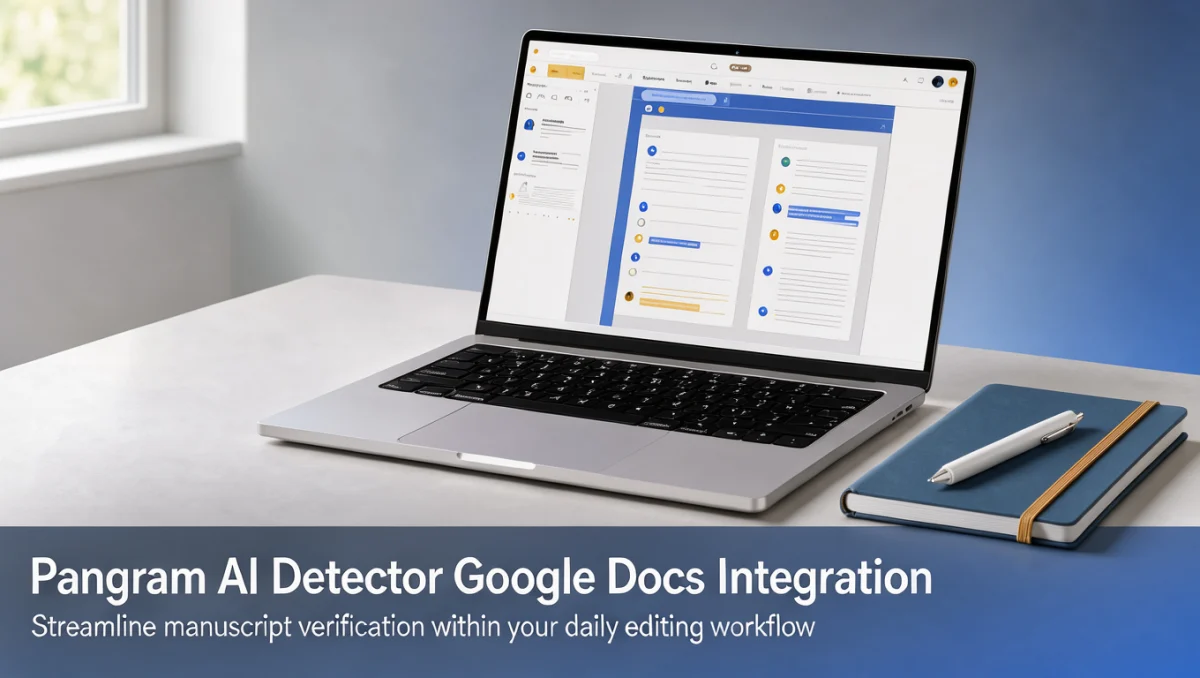
Browser-based verification is becoming a routine part of editorial work. Teams want to check whether a draft reads as machine-generated without leaving the document they are already editing. Our review examines how a pangram ai detector google docs integration supports proofreaders, educators, and publishers who need to protect authentic writing standards.
Embedded checks shift verification earlier in the drafting cycle. Instead of running a finished manuscript through a separate platform after delivery, reviewers can flag suspicious passages while revisions are still underway. Detection engines weigh predictability, sentence variety, and semantic flow to estimate whether a section resembles human composition or automated output.
Quick verdict: Trustreviewsx rates this setup at 7.4 out of 10. It suits editorial groups, agencies, and educators who work in collaborative word processors and want built-in authenticity analysis. It is less appropriate for solo writers who only need stylistic grammar help, or for teams that require fully offline evaluation of local files.
| Metric | Details |
|---|---|
| Trustreviewsx score | 7.4 / 10 |
| Best for | Editorial teams and educators running collaborative document checks |
| Not ideal for | Writers seeking basic spelling tools or anyone working outside browser editors |
| Key strengths | Direct manuscript scanning, automated content analysis, and quick document review |
| What to check before buying | Workspace deployment terms, seat policies, and volume limits on the official website |
1. How Trustreviewsx Evaluated Pangram
We assessed what the product is designed to do, who it serves, and how it measures against comparable tools. The review follows seven Trustreviewsx criteria: features, ease of use, pricing and value, integrations, audience fit, support, and competitive position. Plans, prices, and caps change frequently, so treat our notes as a checklist to confirm on the vendor's site before purchase. This article was drafted with AI assistance and then reviewed and edited by the Trustreviewsx Editorial Team.
2. What Pangram Does and Who Needs It
Pangram is detection software built to separate human-written prose from text produced by generative language models. As those models spread through schools and workplaces, content stakeholders need repeatable ways to check authenticity and protect original voice.
Tools in this category are typically used by classroom instructors, university reviewers, content marketing agencies, and publishing houses. These users handle large batches of submissions and need consistent checks to confirm originality across student essays, freelance articles, and corporate reports.
Bringing detection into cloud word processors simplifies the verification routine. Editors do not need to copy paragraphs into separate windows; they can review authenticity signals in the same place where writing and revision happen.
3. Core Features of Document-Level Detection

3.1. Embedded Text Scanning
Embedded scanning processes manuscript paragraphs inside the active document. Editorial staff can select individual sentences or run a check on the whole file to look for statistical markers linked to machine-generated construction.
For high-volume publishing teams, running checks inside the document reduces version confusion. Writers and editors work in one shared environment while keeping a clear record of where text came from.
3.2. Linguistic Pattern Analysis
The engine measures sentence complexity, vocabulary range, and structural predictability across a manuscript. Generated text often shows an even rhythm, while human prose tends to contain irregular sentence shapes and idiosyncratic word choices.
When these metrics are applied within Artificial Intelligence review workflows, editors can make better-informed publishing decisions. Sections with repetitive syntax get flagged so team leads can request source verification or rewrites.
3.3. Collaborative Editorial Reporting
Document-level tools let several reviewers see analysis results inside a shared project. When feedback is exchanged, visible verification signals alongside drafting comments create a structured quality record.
Academic departments and agencies gain from consistent evaluation standards. Applying the same checks across an organization means every piece meets identical authenticity requirements before publication or grading.
4. Ease of Use and Learning Curve
Editorial add-ons that live inside a document editor tend to be easy to adopt, since users stay in an interface they already know. Writers and evaluators do not need to learn a complex external dashboard to run basic checks.
The main adjustment is interpreting the results. Detection software gives probabilistic indicators rather than conclusive proof, so staff need to weigh scores alongside contextual human judgment.
Organizations introducing automated verification should publish internal guidelines explaining how scores affect editorial decisions. Clear rules help staff handle borderline results fairly and consistently.
5. Pros and Cons of Embedded Detection
5.1. Operational Advantages
- Direct document scanning removes the need to paste sensitive drafts into third-party web forms.
- Standard verification steps help editorial agencies apply uniform publishing guidelines.
- Quick feedback supports timely grading of student work and faster client draft reviews.
- Shared collaborative environments reduce friction between writers and lead editors during revisions.
5.2. Practical Limitations
- Probabilistic models can mistake highly formal or formulaic human writing for automated text.
- Document add-ons depend on a stable internet connection and browser compatibility to run scans.
- Detection results need human review and should not trigger automatic disciplinary or rejection actions.
6. Pangram Compared With Similar Detection Software
The verification market includes established plagiarism checkers and specialized linguistic engines built for academic and corporate governance. Turnitin focuses mainly on institutional academic integrity, while Originality.ai serves digital publishers who track the originality of web content.
Pangram positions itself around straightforward text analysis and direct integration into writing environments. Buyers should weigh specialized linguistic scanning against broader multi-database citation matching.
When comparing platforms, decide whether your main goal is catching uncredited source material or spotting synthetic phrasing. Many editorial teams run specialized detection alongside traditional citation checkers to cover both risks.
7. Who Should Adopt Document-Integrated Verification
7.1. Academic Instructors and Institutional Reviewers
Educators handling student submissions need efficient ways to check research integrity. Embedding checks in the document platform lets teachers review essays without exporting files to external tools.
7.2. Content Agencies and Publishing Houses
Marketing agencies often coordinate many freelance contributors on client work. Checking originality before delivery protects the agency's reputation and gives clients confidence that the writing is human-authored.
7.3. Organizations Not Suited for Dedicated Detection Tools
Solo creative writers drafting personal memoirs or casual correspondence rarely need automated linguistic checks. Technical writing teams producing repetitive manuals may also find probability-based detectors less useful, since standardized technical prose naturally scores as predictable.
8. How to Choose the Right Subscription Plan

Subscription tiers for text analysis tools usually differ by document volume, user seats, and workflow features. Evaluate your organization's size before committing to a specific plan.
| What to Check on the Official Site | Why It Matters |
|---|---|
| Seat allocations | Determines how many editors can run scans at the same time |
| Monthly scanning capacity | Confirms the volume allowance matches your team's submission rate |
| Add-on deployment requirements | Clarifies administrative permissions needed to install the workspace add-on |
| Data retention terms | Shows whether submitted manuscripts stay private or are used to train future models |
9. Frequently Asked Questions
9.1. How should editorial teams read verification scores?
Treat scores as probabilistic guidance rather than definitive proof of authorship. Reviewers should examine flagged sentences alongside research notes, source citations, and revision history before concluding that a tool generated the text.
9.2. What should buyers confirm about seat policies?
Check the official pricing page to see whether plans charge per user or offer shared team licenses. Organizations with several proofreaders should confirm that their plan supports multi-seat installations without extra administrative fees.
9.3. Why is human oversight still necessary?
Detectors rely on statistical predictability, so human oversight is essential. Formal business reports, technical summaries, and writing by non-native English speakers can produce high synthetic-probability scores even when a person wrote every word.
9.4. How can organizations plan the budget for ongoing checks?
Estimate your monthly word counts and confirm whether usage above the allowance triggers overage charges. Accounting for peak periods such as grading seasons or major publishing runs helps avoid unexpected costs.
10. Final Verdict on Pangram Integration
Whether an embedded verification tool makes sense depends on whether your organization needs quick authenticity checks inside everyday drafting platforms. This pangram ai detector google docs integration offers practical convenience for collaborative teams that prioritize document originality.
| Criterion | Score / 10 | Reason |
|---|---|---|
| Features | 7.5 | Provides dedicated linguistic scanning, document-level analysis, and real-time review signals. |
| Ease of Use | 8.5 | Working inside the document reduces navigation friction for everyday editorial staff. |
| Pricing and Value | 7.0 | Buyers should carefully check team usage tiers and processing allowances. |
| Integrations | 7.5 | Connects cleanly with cloud collaborative word processors. |
| Audience Fit | 7.5 | Well suited to academic graders and agency editors handling ongoing submission pipelines. |
| Support | 6.8 | Buyers should verify support response channels and implementation guides on the official site. |
| Competitive Position | 7.0 | Competes well with standalone checkers by focusing on document workflows. |
Overall score: 7.4 / 10
For academic teams and digital editorial departments that draft and revise content in collaborative cloud suites, this integration adds a practical layer of text authentication. Before rolling it out across your team, review current scanning limits and licensing terms on the vendor's official website.
Have questions about choosing editorial software for your team? Send them to our editorial desk through the Trustreviewsx contact page, or follow our industry updates on Trustreviewsx LinkedIn.
See More Review Craft X