Trustreviewsx may earn a commission when you buy through links on this page, at no extra cost to you. This does not affect our ratings.
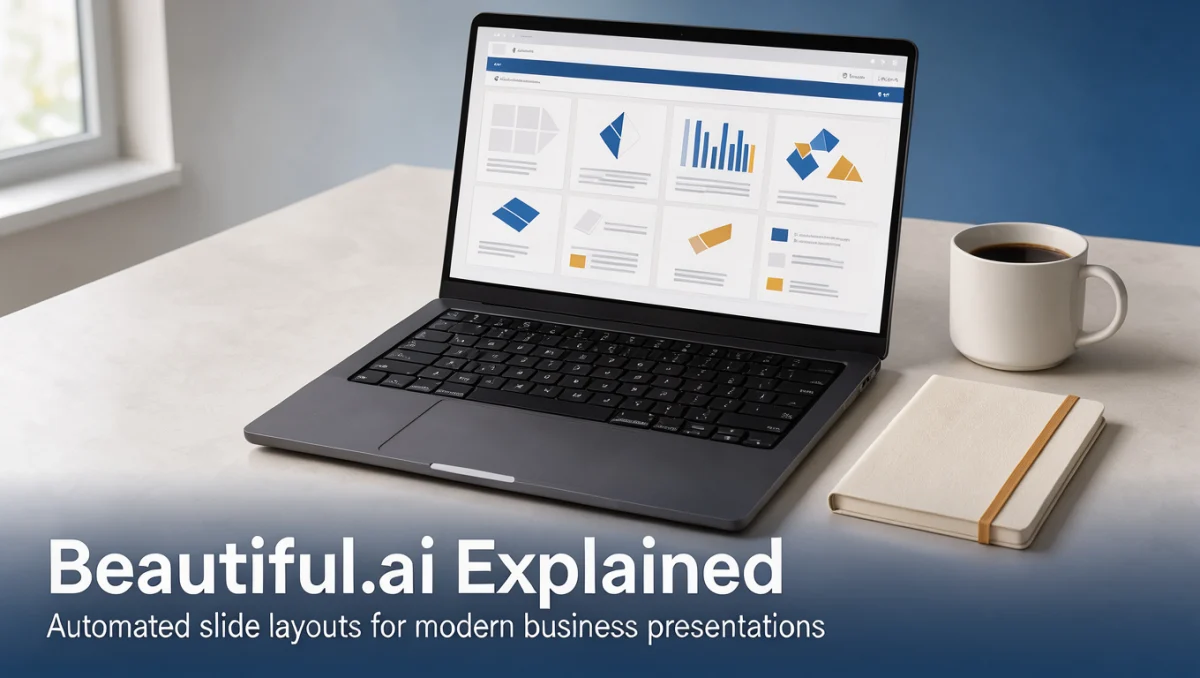
Beautiful AI explained in plain terms is a presentation platform that builds clean slides from structured layout rules instead of manual drag-and-drop work. Busy professionals often lose hours nudging text boxes and aligning diagram parts, time that could go into shaping the story. At Trustreviewsx, we judge presentation software by workflow speed, design constraints, and team collaboration needs, so you can tell whether an automated layout engine fits your decks.
Slide software has moved toward intelligent automation, where design principles handle typography, spacing, and proportion as you add content. The platform reduces common layout errors by keeping visual balance locked while letting you place charts, timelines, bullet lists, and brand assets inside dynamic templates. Knowing how this engine works helps buyers decide whether automated limits act as useful guardrails or frustrating restrictions in daily deck production.
Quick verdict: Beautiful AI earns an overall rating of 7.7 / 10. It suits professionals and teams who need polished, on-brand slides fast without manual formatting. It is less suitable for graphic artists who need pixel-level control, custom animation paths, or unrestricted canvas freedom.
| Metric | Details |
|---|---|
| Trustreviewsx score | 7.7 / 10 |
| Best for | Professionals seeking structured slide layouts and rapid document preparation |
| Not ideal for | Designers wanting unrestricted manual canvas placement and custom animation control |
| Key strengths | Automated layout adaptation, consistent typography enforcement, and pre-built business slide structures |
| What to check before buying | Review export file formats, team sharing rules, and seat allocation terms on the official site |
1. How Trustreviewsx Reviewed Beautiful AI
This review examines what Beautiful AI is built to do, who it serves, and how it compares with similar tools, using the seven Trustreviewsx criteria: features, ease of use, pricing and value, integrations, audience fit, support, and competitive position. Plans, prices, and limits change often, so we flag what to confirm on the official website before buying. This article was researched and drafted with the help of AI tools, then reviewed and edited by the Trustreviewsx Editorial Team.
2. What Beautiful AI is and who it is for
Beautiful AI is presentation software built around smart slide templates that automatically adjust visual layouts whenever text, charts, or images are added or removed. Traditional presentation software requires manual alignment, font resizing, and spacing recalculation whenever a bullet expands or a graphic changes size. This platform enforces graphic design principles programmatically, keeping slide elements balanced and proportional without manual nudging.
The software serves business operators, consultants, marketing teams, educators, and enterprise staff who produce recurring decks for client proposals, strategy updates, and internal briefings. Many creators exploring artificial intelligence software solutions prioritize speed and consistency over unrestricted canvas freedom. Beautiful AI suits organizations where non-designers regularly build presentations, providing guardrails that prevent misaligned margins, inconsistent typography, and cluttered visual hierarchies.
3. Core features and slide creation capabilities

The core capabilities of the software center on removing manual slide arrangement while keeping corporate materials coherent and readable across diverse presentation formats.
3.1. Smart slide templates and automated layout adaptation
Smart templates work as rule-governed layout containers rather than static graphic files. When you add a new team member card to an organizational chart, the system recalculates the width, font size, and spacing of surrounding cards to preserve balance. If you remove two bullet points from a comparison column, the remaining cards resize naturally to maintain visual equilibrium. This automation prevents the awkward empty spaces and crowded text corners that often plague standard slide editing.
3.2. Dynamic data visualization and business charting
Data visualization tools let users enter numeric data directly into predefined chart formats, including bar charts, line graphs, percentage wheels, and funnel diagrams. As values update, the graphic scales automatically while keeping axis labels, numeric callouts, and legends aligned with global typography settings. Teams can present performance metrics and sales figures without rebuilding data graphics in external drawing applications.
3.3. Brand asset management and visual controls
Brand management tools allow organizations to establish approved color palettes, corporate font families, and logo placements across company workspaces. Once configured, presentation authors build slides within approved parameters, avoiding accidental off-brand colors or mismatched typefaces. Organizations reading independent reviews from Trustreviewsx appreciate how administrative controls help dispersed teams deliver cohesive visual materials for customer-facing meetings.
4. Ease of use and learning curve

The learning curve depends largely on an author's past presentation habits and expectations around canvas manipulation.
For non-designers, onboarding is remarkably straightforward. Because the system manages visual spacing, users spend their time writing text, selecting icons, and organizing thematic sections. Slide creation feels closer to filling out a structured form than wrestling with a graphic design canvas. New users can produce acceptable business presentations in their first session without watching lengthy tutorials.
For experienced graphic designers accustomed to legacy presentation software, the experience can take an adjustment period. The software deliberately restricts freeform dragging and manual element placement to protect structural balance. Users who try to drag a headline across the canvas will meet layout constraints designed to keep the design balanced. Once creators accept these boundaries, building presentations moves much faster than manual slide layout.
5. Pros and cons of automated presentation design
Evaluating automated presentation software means weighing production speed against creative flexibility.
5.1. Key advantages
- Rapid slide generation driven by automated element alignment and spacing adjustments.
- Consistent visual standards enforced across corporate typography, colors, and asset libraries.
- Intuitive chart generation that keeps statistical visualizations clear and readable.
- Reduced design fatigue for staff who build recurring reports and business reviews.
5.2. Practical limitations and workarounds
- Restricted element positioning prevents unconventional or asymmetrical artistic arrangements.
- Exporting slides to legacy presentation formats may convert smart elements into static shapes, limiting further automated editing in external tools.
- Collaborative workflows require reviewing user seat provisions and sharing permissions on the official vendor portal.
6. Beautiful AI vs similar presentation tools
Presentation software generally splits into two categories: flexible legacy canvas editors and structured modern layout systems.
| Presentation Tool | Primary Focus | Core Strength | Consider If |
|---|---|---|---|
| Beautiful AI | Structured business presentations | Automated layout rules and rapid slide alignment | You want consistent decks without manual formatting |
| Microsoft PowerPoint | General corporate presentations | Granular canvas control and deep enterprise ecosystem integration | Your workflow demands complex animations and macro scripts |
| Google Slides | Collaborative browser slide creation | Simultaneous multi-user editing and cloud accessibility | Your organization relies entirely on real-time browser collaboration |
| Canva | Multi-format graphic design | Broad creative asset libraries and marketing templates | You build marketing collateral, banners, and visual assets alongside slides |
| Prezi | Non-linear conversational presentations | Zooming visual paths and dynamic narrative structures | You deliver interactive talks that diverge from linear slide decks |
7. Who should use Beautiful AI
Choosing presentation software involves analyzing operational roles, output volume, and aesthetic expectations across your organization.
7.1. Small business operators and startup founders
Entrepreneurs pitching investors, updating advisory boards, or introducing services to clients benefit from automated layout discipline. When preparing investor updates or sales decks, founders can focus on clarity of thought rather than slide margins. The system keeps slides organized and credible in appearance.
7.2. Marketing and sales professionals
Sales development representatives and marketing managers who produce pitch decks and campaign summaries need consistent turnaround times. Automated layout rules let team members adapt existing templates for prospects quickly while keeping brand colors intact. Organizations should verify team collaboration controls and asset repository rules on the official website before standardizing multi-seat deployment.
7.3. Consultants and agency strategists
Advisors delivering strategic roadmaps and quarterly deliverables find structured templates helpful for turning complex frameworks into digestible graphics. Timelines, matrix tables, and process flows can be populated quickly. Consultants whose clients demand specific external file formats should, however, evaluate how exported files translate into legacy software environments.
7.4. Users who should consider alternative tools
Creative directors, professional illustrators, and animators seeking absolute control over every pixel will find automated design guardrails restrictive. If your briefs involve layered vector shapes, bespoke timing curves, or non-linear spatial layouts, traditional desktop presentation software or dedicated vector editing software will serve you better.
8. How to choose the right plan for your presentation workflow
Software vendors structure presentation subscriptions around access levels, collaboration capabilities, and asset controls. Evaluating plan suitability means checking key operational factors before committing budget.
| What to check on the official pricing page | Why it matters |
|---|---|
| Individual versus team seat allocation | Single accounts serve solitary creators, while multi-seat arrangements enable shared asset libraries and team slide templates. |
| Brand asset administrative controls | Centralized color palettes and corporate font locks require confirming which subscription tier includes shared management. |
| Export options and slide format compatibility | Reviewing available download formats ensures presentations remain usable when clients request offline files. |
| Revision history and collaborative commenting | Teams working across time zones should verify how version histories and editorial notes are managed on each tier. |
| Billing intervals and cancellation provisions | Checking annual versus monthly billing commitments prevents unexpected budget allocations over recurring business cycles. |
9. Frequently asked questions
What makes automated presentation design different from traditional slide templates?
Traditional slide templates provide static graphic boxes that break whenever text exceeds expected dimensions. Automated design platforms use structural logic that redistributes spacing, adjusts font sizing, and realigns surrounding graphics as slide content expands or contracts.
How should buyers evaluate slide export compatibility?
Buyers should confirm on the official vendor documentation how slides behave when downloaded as external presentation or vector files. Smart layouts may flatten into fixed shapes in external programs, making ongoing automated adjustments impossible outside the primary platform.
Can non-technical professionals build on-brand presentations quickly?
Non-technical professionals can assemble consistent decks because layout rules handle type scales, spacing margins, and visual alignment automatically. Users enter text and graphics while the layout engine maintains balance across the whole presentation.
What factors should teams evaluate before subscribing?
Teams should check user seat provisions, shared asset permissions, brand lock controls, and billing cycles on the official pricing portal. Verifying these administrative items helps avoid buying a mismatched tier for a multi-user business environment.
10. Final verdict on Beautiful AI
Beautiful AI represents a modern approach to business communication by replacing manual graphic manipulation with structured, automated slide layouts. The software excels at saving time for non-designers who must create recurring, professional slide materials under tight deadlines. While advanced graphic artists may find the layout constraints limiting, organizations seeking consistent brand presentation standards across distributed teams will find significant operational value in its design mechanics.
| Criterion | Score / 10 | Reason |
|---|---|---|
| Features | 7.8 / 10 | Automated layout rules and dynamic charting provide strong slide construction capabilities. |
| Ease of Use | 8.8 / 10 | Intuitive form-based slide inputs eliminate manual canvas nudging for non-technical users. |
| Pricing and Value | 7.2 / 10 | Buyers should verify seat provisions on the official portal to ensure pricing aligns with team size. |
| Integrations | 7.0 / 10 | Examine available external software connections and export formats to confirm workflow compatibility. |
| Audience Fit | 8.4 / 10 | Well matched for business teams and consultants needing rapid, readable business decks. |
| Support | 7.1 / 10 | Check official vendor channels for available customer assistance hours and documentation resources. |
| Competitive Position | 7.6 / 10 | Occupies a distinctive niche balancing automated speed against traditional canvas freedom. |
Overall Trustreviewsx Score: 7.7 / 10
If you have questions about presentation platforms or need guidance choosing software for your organization, send your inquiries via our contact page at https://trustreviewsx.com/contact/ or connect with the Trustreviewsx team on LinkedIn at https://www.linkedin.com/company/trustreviewsx/.
See More Review Craft X