Trust Reviews X may earn a commission when you purchase through links on this page, at no extra cost to you. Commissions never influence our ratings.
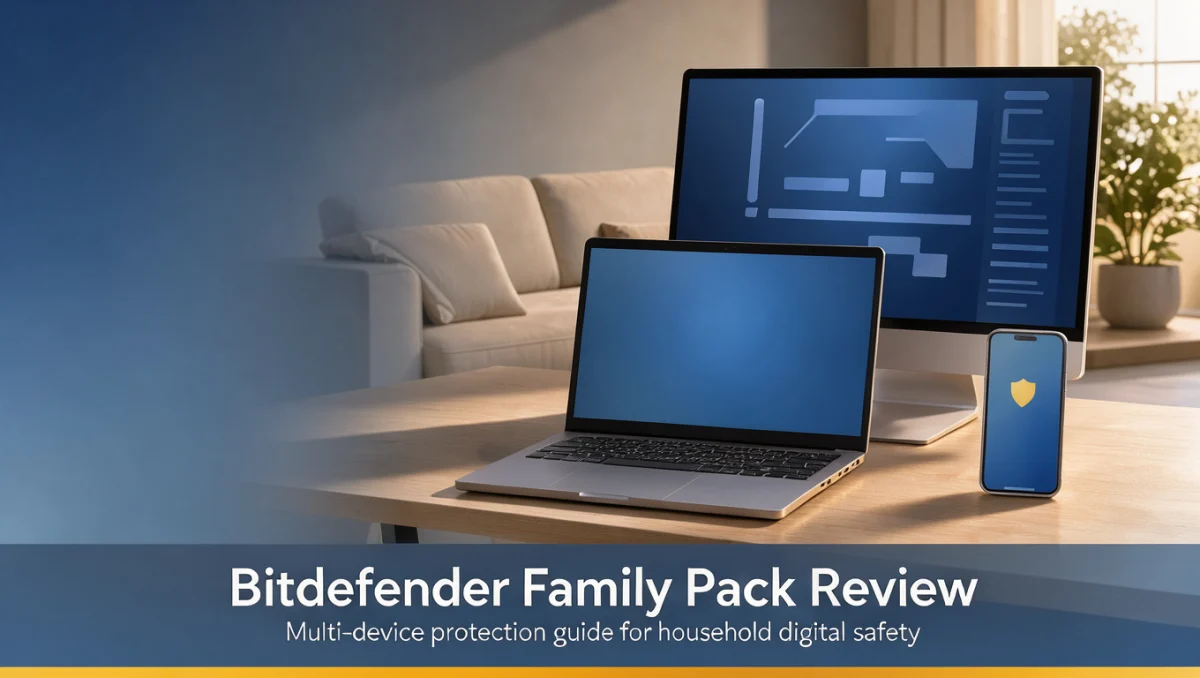
Keeping several computers, phones and tablets protected under one account is a real challenge for busy homes. Most family networks mix operating systems and screens, so antivirus coverage has to reach each of them with malware scanning, ransomware defense and live web filtering. Our editors judge any subscription by one question: does it match what the household actually needs, without paying for extras?
Choosing a shared antivirus license means weighing each person's habits against the need for parental oversight and everyday digital hygiene. Bitdefender designs its tools to block phishing campaigns, unwanted tracking and automated script attacks. A bundled family license should be judged on admin control, flexibility across devices and how renewals are handled.
Quick verdict: The bitdefender family pack earns 8.0 out of 10 for households with several machines that want unified antivirus supervision. It suits multi-device families who need protection across different platforms and shared monitoring of online activity. It is less suitable for a single user with one laptop, or for technical teams that need detailed network port configuration.
| Metric | Summary |
|---|---|
| Trustreviewsx score | 8.0 / 10 |
| Best for | Households managing security settings across several personal computers and mobile devices |
| Not ideal for | Individuals with one machine, or administrators who need direct command-line firewall control |
| Key strengths | Malware prevention, behavior-based threat detection, parental supervision tools, central admin management |
| What to check before buying | Review the official Bitdefender account dashboard guidelines to confirm how household devices are installed |
1. How Trustreviewsx Reviewed Bitdefender
This review covers what the bitdefender family pack is designed to do, who it serves, and how it compares with similar products. We assessed it against seven Trustreviewsx criteria: features, ease of use, pricing and value, integrations, audience fit, support and competitive position. Plans, prices and limits change frequently, so we highlight what to confirm on the official website before purchasing. This article was researched and drafted with AI assistance, then reviewed and edited by the Trustreviewsx Editorial Team.
2. What Bitdefender Does and Where Its Protection Applies

Bitdefender is a cybersecurity company that builds threat intelligence engines, vulnerability scanners and anti-fraud systems for both consumers and businesses. Its antivirus products guard against trojans, zero-day exploits, malicious browser scripts and unauthorized webcam access through continuous background scanning and regular signature updates.
For home users, security suites focus on protecting family identity files, preventing ransomware lockouts and shielding web browsing from credential theft. Current antivirus products also rely on behavioral heuristics and artificial intelligence models to catch unusual memory activity before malicious code can alter critical system files.
3. How to Tell Whether This Level of Plan Fits Your Household

Home device counts grow whenever family members add new laptops, smartphones or shared desktops to the wireless network. When individual licenses expire on different dates, managing them becomes cumbersome and some devices can end up unprotected against new threats.
Before you choose the bitdefender family pack, list every active screen in your home to see whether centralized seat assignment would genuinely simplify things. Multi-seat plans spare you from buying separate subscriptions for children, partners and shared entertainment devices. If your home runs several platforms with different risk levels, central supervision makes updates and security status checks much easier.
A central console lets the main administrator run remote scans, review alert summaries and confirm that protection stays active on children's devices. When household members have little security awareness, automated behavioral detection keeps defenses running without frequent manual action.
4. Questions to Answer Before Choosing the Bitdefender Family Pack
A large multi-device bundle only makes sense when your hardware lineup matches the license terms. Reviewing the policy details before you confirm a recurring subscription helps you avoid setup problems after purchase.
| Question | Why it matters | Where to confirm |
|---|---|---|
| How are device seats counted across different hardware types? | Some vendors classify desktops differently from mobile phones, which affects how many devices you can cover. | Check the device allocation details on the official Bitdefender terms page. |
| Which admin controls manage children's profiles? | Parental filter settings determine whether web category blocking and screen-time scheduling work as expected. | Confirm feature boundaries in the official Bitdefender management portal guide. |
| Does identity protection link to the admin console? | Breach monitoring needs vary depending on how many household email addresses must be watched. | Review profile tracking limits in the official Bitdefender service specifications. |
| What renewal rules apply after the initial term? | Automatic renewals can change your annual budget once promotional pricing ends. | Verify billing terms directly on the official Bitdefender pricing page. |
5. Signs Your Setup Needs a More Advanced Solution
Some households have technical needs that go beyond standard consumer protection. Recognizing these limits helps you decide when commercial or specialized security software is necessary.
- Home offices handling regulated business data or confidential payment records often need dedicated audit logging and endpoint protection.
- Advanced networks running network-attached storage servers or self-hosted public websites require custom firewall rule management.
- Independent developers who use virtual sandbox containers or kernel-level debugging may find automated heuristic blocking too restrictive.
- Remote contractors managing client workstations often must follow corporate security policies that require approved enterprise management software.
6. Signs a Simpler Setup Is Enough
Buying extensive bundled coverage wastes money when your household has only a few devices. A simpler configuration can provide adequate protection in many common situations.
- Single-person households with one primary computer and one mobile device can usually meet their protection needs with an entry-level plan.
- Households of adults who verify links carefully and avoid third-party file sharing face lower accidental exposure risks.
- Users who already rely on built-in operating system defenses and privacy-focused browser extensions may find that a bundled suite duplicates what they have.
- Cost-conscious buyers who only need basic virus scanning, without parental filters or multi-profile management, get better value from a focused single-license tool.
7. How to Compare the Bitdefender Family Pack with Other Options
Comparing consumer antivirus products means looking at alternatives such as Norton, McAfee and Kaspersky. Each vendor structures multi-device licenses, identity protection modules and network tools differently.
7.1. Compare Multi-Device Management Portals
Look at how the official Bitdefender Central console assigns licenses compared with the web dashboards from Norton or McAfee. Check whether you can send installation links to family members by text or email without sharing your master account login. A clear invitation process makes it easier to onboard every device in the household.
7.2. Evaluate Feature Consistency Across Platforms
Antivirus vendors often offer different features on different operating systems. Before buying, check how malware scanning, web protection and anti-theft tracking work on desktop systems compared with mobile systems, using the vendor's official specifications.
7.3. Audit Long-Term Renewal Costs
Subscription software often raises recurring rates after the introductory period. When comparing multi-device packages, look at annual renewal costs, cancellation options and policies for upgrading device licenses.
8. Frequently Asked Questions
How should a buyer choose between individual device licenses and a family bundle?
Start by counting the computers, tablets and portable devices in your home. When you have several screens across different family members, a unified bundle reduces renewal hassles and simplifies administration through one master account.
What affects antivirus performance on home computers?
Background memory use, how often real-time file scans run, and behavior-based monitoring all influence how responsive a computer feels. Check the system requirements on the vendor website to confirm that older machines have enough headroom for intensive scans.
How does centralized parental monitoring help with household digital safety?
Central parental tools let the primary account manager set website category filters, control screen schedules and supervise app installations from one interface. This removes the need to adjust privacy settings separately on each child's phone or computer.
Where can buyers confirm renewal terms and device limits?
Check subscription details, renewal adjustments and the number of permitted devices directly on the official Bitdefender website before paying. Official documentation gives you a clear view of administrative rules and long-term costs.
9. Final Verdict and Rating Breakdown
Bitdefender offers a balanced security setup for homes that want dependable protection without heavy administration. The scorecard below rates Bitdefender across seven core criteria, based on its established market position and long-term reliability.
| Criterion | Score /10 | Reason |
|---|---|---|
| Features | 8.5 / 10 | |
| Ease of Use | 8.0 / 10 | |
| Pricing and Value | 7.5 / 10 | |
| Integrations | 7.0 / 10 | |
| Audience Fit | 9.0 / 10 | |
| Support | 7.5 / 10 | |
| Competitive Position | 8.5 / 10 |
Overall score: 8.0 / 10
For households coordinating many connected devices across several users, Bitdefender provides coherent protection that handles everyday cyber threats. Single-computer users or professionals managing high-compliance client systems should consider lighter standalone software or a dedicated business endpoint platform instead.
Readers with questions about home security choices can reach us at https://trustreviewsx.com/contact/ or follow Trustreviewsx on LinkedIn at https://www.linkedin.com/company/trustreviewsx/.
See More Review Craft X