Trustreviewsx may earn a commission when you buy through links on this page, at no extra cost to you. This does not affect our ratings.
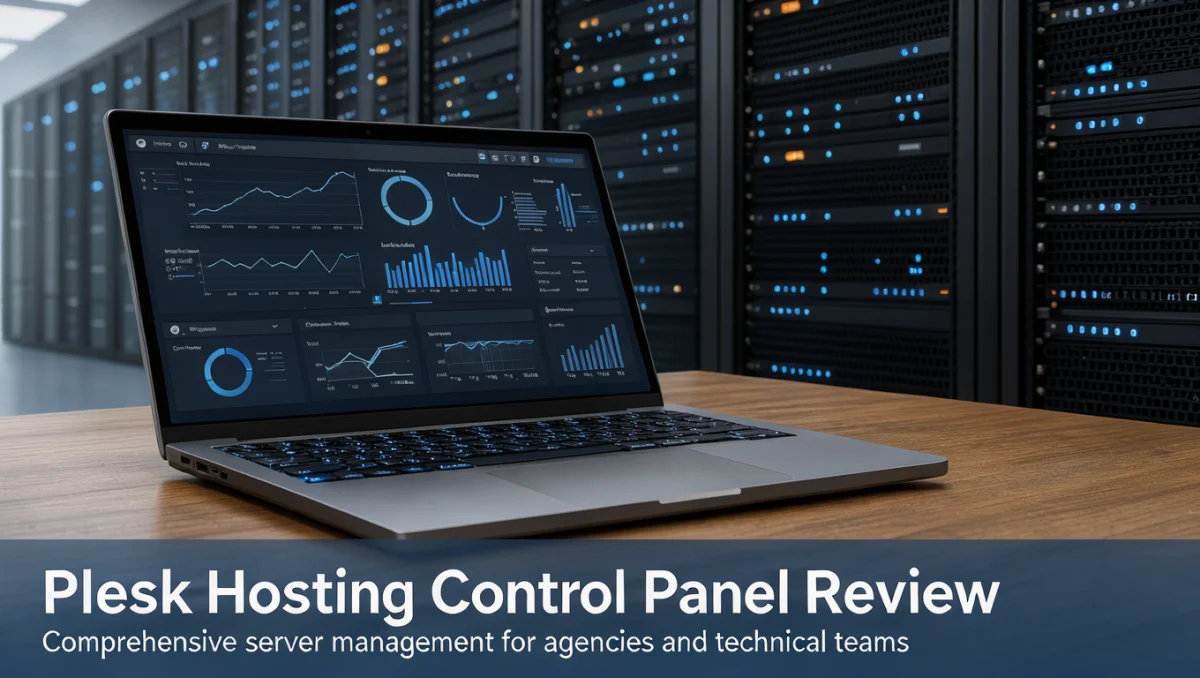
A plesk hosting control panel gives administrators a single browser-based hub for managing servers, domains, and deployed applications. In this review, Trustreviewsx examines how well this interface serves system administrators, digital agencies, and independent site owners who want graphical server management rather than constant terminal work.
Choosing an administrative interface means weighing technical depth against everyday usability. Server control environments arrange complex command-line tasks into organized visual menus, so operators can handle routine hosting duties without writing a script for every basic action.
Quick verdict: Plesk earns an overall Trustreviewsx score of 7.8 / 10. It suits technical teams and agencies that need visual, multi-domain hosting management across different operating environments. It is less suitable for non-technical users who want fully hands-off website builders with no server administration responsibilities.
| Metric | Summary |
|---|---|
| Trustreviewsx score | 7.8 / 10 |
| Best for | Agencies and system operators managing multiple web projects across flexible server configurations |
| Not ideal for | Casual website owners seeking all-inclusive managed site builders without server-level tasks |
| Key strengths | Domain administration, file and database oversight, and visual server stack configuration |
| What to check before buying | Confirm current license tiers, domain allocation caps, and extension requirements on the official vendor site |
1. How Trustreviewsx Reviewed Plesk
This review considers what Plesk is designed to do, who it serves, and how it compares with similar tools. We applied seven Trustreviewsx criteria: features, ease of use, pricing and value, integrations, audience fit, support, and competitive position. Plans, prices, and limits change frequently, so we highlight what to verify on the official website before buying. This article was researched and drafted with AI assistance, then reviewed and edited by the Trustreviewsx Editorial Team.
2. What Plesk Is and Who Uses It
Plesk is a graphical web hosting control panel built to manage physical servers, virtual private servers, and hosted web applications. Rather than editing configuration files entirely through command-line utilities, users set up web servers, name servers, and application runtimes through a browser interface.
The platform is aimed mainly at server administrators, web agencies, developers, and hosting providers. Web operations depend on reliable tools for customer provisioning, isolating tenants from one another, and performing routine application upkeep. Assessing modern management platforms also connects with the topics we cover in our Artificial Intelligence software analyses, where automated infrastructure oversight is changing how routine system monitoring is done.
3. Core Features of Plesk

Server management platforms are judged by how cleanly they handle operational tasks without constant terminal access. Plesk groups server duties into predictable visual workflows.
3.1. Domain and Virtual Host Management
Administrators can configure multiple websites within separate subscription spaces. Each domain can have its own document root, custom DNS zone, subdomains, and redirect rules. This tenant separation helps digital agencies keep client projects cleanly apart.
3.2. Database and Storage Management
Database creation, user assignment, and visual query interfaces are available directly from the management console. Administrators can review directory storage, inspect quota allocations, and configure local or remote data repositories for standard maintenance.
3.3. Application Staging and Runtime Configuration
The system provides visual controls for switching scripting language versions, adjusting memory limits, and organizing content management directories. Operators can deploy software stacks, run automated file synchronization, and manage staging instances before pushing code updates to live environments.
4. Ease of Use and Learning Curve
Adopting the plesk hosting control panel means working in a structured administrative environment that presents dense technical settings in an organized side-menu layout. Beginners with no hosting background may need time to adjust, since the terminology covers web server directives, DNS records, and service daemons.
For experienced technicians, the visual organization speeds up routine management. Common tasks such as updating nameservers, creating mailboxes, and toggling runtime modules take only a few clicks. The workflow also reduces human error during repetitive deployments across growing server inventories.
5. Plesk Pros and Cons

Every administrative tool involves trade-offs depending on an organization's technical capacity.
Pros
- Consolidated graphical interface for comprehensive server stack configuration
- Support for multi-tenant account structuring suited to agency client workflows
- Visual tools for database maintenance and file directory organization
- Structured controls for runtime environments and domain-level scripting adjustments
Cons
- Steep learning curve for users unfamiliar with standard hosting concepts
- Software licensing adds recurring cost compared with raw command-line administration
- Complex custom setups may still require command-line intervention
6. Plesk vs Similar Tools
The hosting management market includes long-established alternatives, most notably cPanel. Understanding how these solutions are positioned helps buyers choose a stack that fits their operational preferences.
cPanel has traditionally focused on Linux server configurations and uses a two-tier administrative layout that separates server root management from end-user account management. Plesk offers an integrated dashboard approach that supports both Linux and Windows servers under one layout scheme. Buyers running mixed-platform environments often evaluate Plesk for its visual consistency across operating systems.
7. Who Should Use Plesk
Evaluating server software means matching organizational workflows to platform capabilities. At Trustreviewsx, we group fit by functional user type.
- Digital marketing agencies: Agencies hosting client websites benefit from creating segregated customer subscriptions with isolated file structures and individual access credentials.
- Freelance web developers: Independent developers running several client projects can test applications in staging environments and manage runtime settings without editing configuration files by hand.
- Small business technical teams: In-house IT staff managing corporate web portals gain a dependable visual interface for tracking storage use, managing internal domains, and updating platform settings.
- Casual non-technical bloggers: Individuals who only need a single personal blog should consider managed shared hosting plans, where the provider handles all administrative operations.
8. How to Choose the Right Plan
Hosting panel vendors structure licenses around deployment scale, target user type, and domain allowance. Reviewing licensing variables on official vendor pages helps you avoid unexpected operational limits.
| What to check | Why it matters |
|---|---|
| Domain quantity allowance | License costs vary based on whether you host a handful of domains or hundreds of client accounts |
| Operating system compatibility | Ensure the specific license edition aligns with your preferred Linux or Windows server installation |
| Included management packs | Check whether specialized developer toolkits or security extensions require separate licensing fees |
| Reseller account capability | Agencies planning to provide branded sub-accounts to clients must verify reseller provisioning rights |
9. Frequently Asked Questions
What infrastructure requirements should teams verify before deployment?
Server administrators should confirm that host virtualization environments and operating systems match the current vendor installation specifications. Allocating sufficient processor capacity, memory, and storage ensures the control panel and hosted sites run without resource contention.
How should buyers budget for auxiliary hosting panel tools?
Organizations should budget for both the base license and potential third-party extensions. Security auditing modules, automated backup connectors, and developer extension suites often follow separate subscription schedules, so it is important to review the full software stack requirement.
When should an organization move from command-line management to a control panel?
A move makes sense when administrative overhead slows daily development or when non-root team members need to perform routine deployments. Visual control panels reduce ticket volume for basic account provisioning while preserving operational boundaries across hosted web assets.
How can administrators evaluate license tiers against business growth?
Buyers should audit their active domain count and projected expansion before choosing a license. The official tier comparison page shows whether stepping up to an unrestricted domain tier offers better long-term cost predictability than repeatedly upgrading entry-level packages.
10. Final Verdict on Plesk
| Criterion | Score /10 | Reason |
|---|---|---|
| Features | 8.5 | Comprehensive administrative capabilities covering domains, databases, runtimes, and file systems |
| Ease of Use | 8.0 | Clean navigation simplifies complex hosting tasks, though basic server knowledge is necessary |
| Pricing and Value | 7.0 | Check active domain caps and extension costs against your infrastructure budget |
| Integrations | 7.5 | Review the official application catalog to confirm compatibility with your required tools |
| Audience Fit | 8.5 | Well suited to agencies, web developers, and server administrators managing multiple projects |
| Support | 7.0 | Confirm available technical assistance channels and partner vendor terms before purchase |
| Competitive Position | 8.0 | Holds a dependable standing among cross-platform graphical hosting management systems |
| Overall score | 7.8 | Balanced rating across seven evaluation criteria |
Plesk remains an established control interface for organizations that need multi-tenant server management, visual configuration workflows, and reliable website administration. Prospective buyers should review current domain caps and module licensing terms directly on the official vendor portal before purchasing.
For questions or further guidance, contact our editorial team through our contact page or connect with our analysts on LinkedIn.
See More Review Craft X