Trustreviewsx may earn a commission when you buy through links on this page, at no extra cost to you. This does not affect our ratings.
Choosing an email platform means checking how design tools, subscriber segmentation and deliverability safeguards fit your team's daily work. Here we look at the campaign monitor features that matter most to commercial senders, judged on practical usefulness rather than sales language, so you can make a grounded software decision.
Many organizations turn to email software to keep subscribers engaged, share company news and send automated notifications. Whether a given tool suits your staff depends on design flexibility, reporting depth and how access is managed. A measured review shows whether the platform gives enough control without adding needless complexity.
Quick verdict: With an overall score of 7.8/10, Campaign Monitor fits design-minded marketing teams and boutique agencies that want simple, polished newsletter production. It is a weaker match for companies that need intricate cross-channel orchestration or tight enterprise resource planning links across many customer touchpoints.
| Evaluation Metric | Summary Details |
|---|---|
| Trustreviewsx score | 7.8/10 |
| Best for | Marketing teams that want refined visual email design and uncomplicated subscriber management |
| Not ideal for | Organizations that want SMS and push campaigns unified in one platform |
| Key strengths | Visual template editing, subscriber segmentation and straightforward campaign dispatch |
| What to check before buying | Current subscriber tier limits and automated sending volume rules on the official website |
1. How Trustreviewsx Reviewed Campaign Monitor
This review covers what Campaign Monitor is built to do, who it serves and how it stacks up against similar tools. We applied seven Trustreviewsx criteria: features, ease of use, pricing and value, integrations, audience fit, support and competitive position. Plans, prices and limits change frequently, so we flag what to confirm on the official website before purchase. This article was researched and drafted with AI assistance, then reviewed and edited by the Trustreviewsx Editorial Team.
2. What Campaign Monitor Is and Who Uses It
Campaign Monitor is an email marketing platform for building, sending and refining commercial email. It helps organizations keep permission-based subscriber lists, produce branded newsletters and analyze engagement once messages go out. The product centers on clean visual presentation and dependable delivery for business senders.
Its main users are marketing coordinators, agency specialists, publishers and small-to-medium enterprise teams, all of whom need consistent brand presentation across recurring emails. When comparing digital tools for marketing communications or customer service management, buyers should weigh how easy visual editing is against how deep the automation goes.
3. Core Features of Campaign Monitor

Looking closely at the platform reveals a structure built around core communication tasks: creating templates, organizing contact records, scheduling automated journeys and tracking reader behavior. Each area addresses routine needs of digital marketing departments.
Visual Email Builder and Template Management
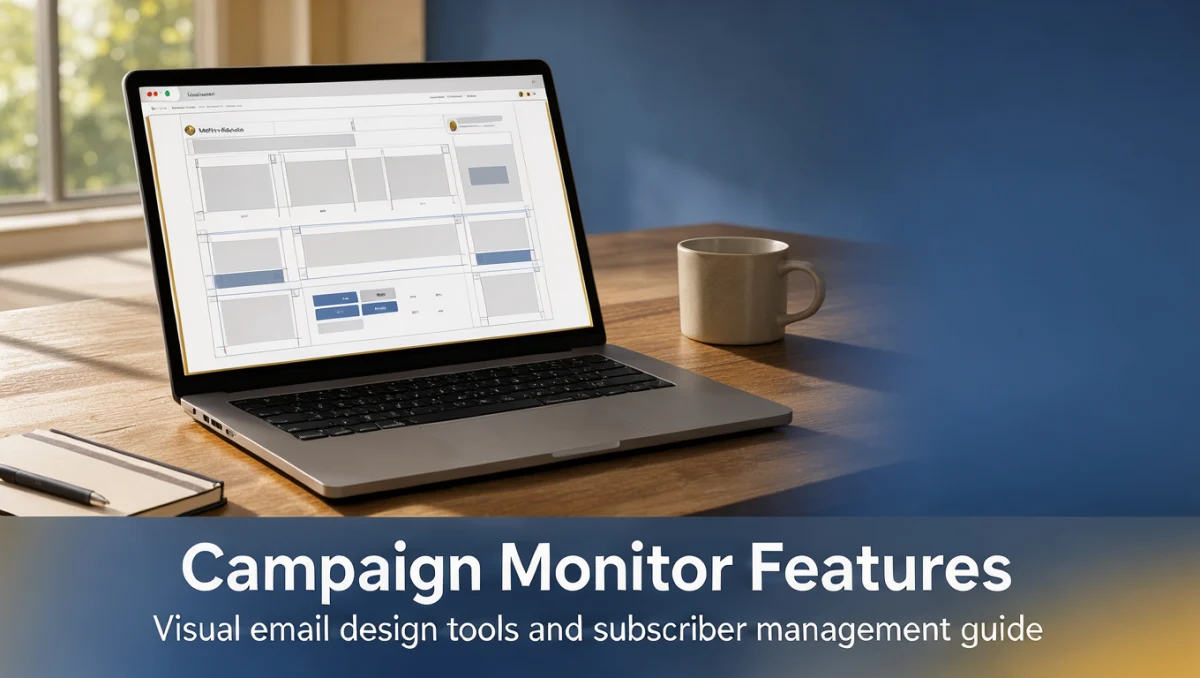
A drag-and-drop workspace lets users assemble layouts from text, images, buttons and dividers. Teams can adjust typography, colors and spacing to match established brand guidelines, and a responsive preview shows how a layout adapts to mobile and desktop screens before scheduling.
Template management lets teams lock structural elements while letting editors change body copy and images. This separation prevents accidental layout breakage during routine newsletter production and keeps recurring announcements visually consistent.
Audience Management and List Segmentation
Subscriber tools let marketing operators import contact lists, process unsubscribe requests and group members into segments. Custom data fields can capture demographic details, purchase dates or geographic preferences, and segment definitions update automatically as subscriber attributes or interactions change.
Compliance requires explicit opt-in confirmation and maintained suppression lists. Campaign Monitor offers subscription preference centers where recipients choose which types of messages they want, which helps protect list health and respect privacy choices.
Automated Customer Journeys
Journey tools send outbound emails triggered by subscriber actions or calendar dates. Typical uses include welcome sequences for new sign-ups, anniversary messages and follow-ups sent after a link click. A visual journey designer maps multi-message sequences so creators can see the full path.
Journeys support conditional branching based on interaction data, but complex cross-platform automation often needs dedicated integration setups. Teams should confirm on the official Campaign Monitor website which branching conditions and trigger events are available for their needs.
Campaign Analytics and Engagement Reporting
After dispatch, the platform records delivery rates, opens, link clicks and bounces. Summary screens show geographic distribution and device breakdowns, revealing whether readers use mobile or desktop, and comparative views let senders contrast engagement across consecutive campaigns.
Split testing lets senders trial variations of subject lines, sender names or content on a portion of a list before sending the winning version to everyone else. This methodical approach helps teams refine messaging over time.
4. Ease of Use and Learning Curve
Campaign Monitor offers an approachable interface meant to shorten onboarding for content creators and designers. Its menu hierarchy separates campaign creation, list management, automated journeys and reporting, so newcomers can start drafting newsletters without digging through dense settings.
The learning curve is gentle for core email creation, though configuring advanced segmentation and custom data fields rewards careful upfront planning. Teams moving from basic webmail pick up visual editing quickly, while technical administrators setting up advanced data synchronization will spend more time mapping fields. The official documentation helps clarify configuration steps.
5. Pros and Cons of Campaign Monitor
Choosing an email platform means balancing operational strengths against architectural limits. Reviewing these trade-offs helps ensure a software choice matches what your organization can actually do.
Key Advantages
- A structured visual email builder that protects brand integrity through locked layout zones
- An intuitive journey mapping interface that makes email sequence timing and logic easy to follow
- Dynamic list segmentation driven by recipient profile data and engagement history
- Clear delivery reporting that gives straightforward insight into subscriber activity
Operational Limitations and Mitigations
- The focus is email rather than native multi-channel mobile messaging; teams that need SMS coordination must set up external connector services
- Advanced data warehouse synchronization requires careful custom field planning, so map all data attributes before migrating subscriber lists
- Template flexibility is limited by responsive containers; designers who want arbitrary code insertion should review the raw custom HTML template options on the official website
6. Campaign Monitor vs Similar Tools

In the wider email marketing market, Campaign Monitor is positioned around design quality and agency-friendly campaign administration. Comparing that orientation with alternatives clarifies whether it fits a particular workflow.
Mailchimp is a common alternative that has grown into a broad all-in-one marketing suite, adding social advertising and basic customer relationship management. Campaign Monitor keeps a narrower focus on visual email production and organized client account management, which appeals to design-driven boutiques.
Klaviyo targets online retailers that want deep transactional data triggers and e-commerce revenue attribution. Constant Contact leans toward novice business owners, event organizers and community groups that need simple scheduling and event management. Campaign Monitor sits between these, serving marketing teams that value visual polish and reliable list governance over complex retail analytics.
7. Who Should Use Campaign Monitor
The right software depends on team structure, marketing goals and technical comfort. Trustreviewsx's editorial reviews match software capabilities to specific organizational roles.
Design-Focused Marketing Teams
Marketing departments responsible for protecting brand identity benefit from structured templates. Locking header styles, color profiles and font hierarchies keeps distributed contributors producing consistent newsletters without formatting slips.
Marketing and Creative Agencies
Agencies sending campaigns for several clients find the account structure convenient. Creative staff can build custom templates for each client while keeping subscriber lists and performance reports separate.
Non-Profit and Publishing Organizations
Publishers and non-profits that send recurring editorial content rely on dependable segmentation and clean mobile readability. The platform lets them share announcements, articles and community notices without managing server infrastructure.
Organizations That Should Seek Alternatives
Large e-commerce enterprises that need predictive inventory modeling or real-time behavioral triggers inside native smartphone apps may find specialized retail engines more suitable. Solo operators who want a cheap, combined website builder and email tool may prefer broader entry-level business suites.
8. How to Choose the Right Plan
Subscription pricing for email platforms usually scales with audience size, sending volume and access to advanced reporting. Checking your internal requirements against official vendor specifications helps prevent unexpected costs.
| What to Check on the Official Website | Why It Matters |
|---|---|
| Subscriber list size tiers | Pricing is typically based on total contact records, so confirm the boundary thresholds before importing contacts |
| Monthly sending volume allowances | Some plans cap total monthly dispatches, which matters for organizations sending several newsletters a week |
| Advanced journey automation availability | Complex multi-step branching may sit in specific subscription tiers, so verify before designing workflows |
| Multi-user seats and permissions | Large editorial teams should confirm how many accounts are included and which permission levels are available |
| Dedicated IP address provisions | High-volume senders should review official guidance on dedicated sending IPs to protect domain delivery reputation |
9. Frequently Asked Questions
How should a team estimate its monthly email sending volume?
Multiply the active subscriber count by the number of broadcasts planned each month, then add a buffer for automated welcome journeys and subscriber confirmations. This captures transactional traffic as well as scheduled marketing sends.
When does an organization need to segment its email list?
Segmentation becomes necessary when open rates fall or when audience sub-groups have distinct interests. Grouping by region, preferences or engagement history lets organizations send more relevant messages, which protects sender reputation and keeps readers engaged.
Why does template locking matter for distributed teams?
Locking prevents accidental changes to corporate colors, logos and legal disclaimers when several people draft content. Restricting editing to body text and designated images lets organizations spread content creation across teams while keeping branding uniform.
What should buyers check about subscriber data synchronization?
Examine how contact fields map between your internal customer database and the email platform. Confirm that custom demographic data, subscription timestamps and unsubscribe statuses transfer cleanly to avoid data corruption and keep privacy compliance intact.
10. Final Verdict on Campaign Monitor Features
The features of Campaign Monitor offer dependable value for marketing professionals who prioritize refined visual presentation, clean audience segmentation and clear campaign reporting. Its visual template builder and journey mapping simplify routine publishing without burdening teams with unnecessary administration.
| Criterion | Score /10 | Reason |
|---|---|---|
| Features | 8.2/10 | Offers polished visual template tools, dynamic audience segmentation and reliable journey automation. |
| Ease of Use | 8.6/10 | Clean navigation and an intuitive drag-and-drop workspace keep the learning curve gentle for creators. |
| Pricing and Value | 7.2/10 | Buyers should verify subscriber tier thresholds and sending caps on the official pricing page to judge long-term value. |
| Integrations | 7.4/10 | Check the official marketplace to confirm existing customer databases connect without custom developer work. |
| Audience Fit | 8.0/10 | Well suited to creative agencies, mid-sized marketing teams and brand-conscious editorial publishers. |
| Support | 7.2/10 | Prospective buyers should review available support channels and response policies on the official site before onboarding. |
| Competitive Position | 7.8/10 | Holds a distinct identity against broader marketing suites by emphasizing email aesthetics and clean design controls. |
Overall Trustreviewsx score: 7.8/10
Organizations considering Campaign Monitor should project their list growth and confirm specific plan limits on the official vendor site. For questions about evaluating marketing software, contact our editorial staff at https://trustreviewsx.com/contact/ or follow Trustreviewsx on LinkedIn at https://www.linkedin.com/company/trustreviewsx/ for updated software insights.
See More Review Craft X