Some links on this page are affiliate links, which means Trustreviewsx may earn a commission if you make a purchase, at no extra cost to you. Our ratings are not influenced by these arrangements.
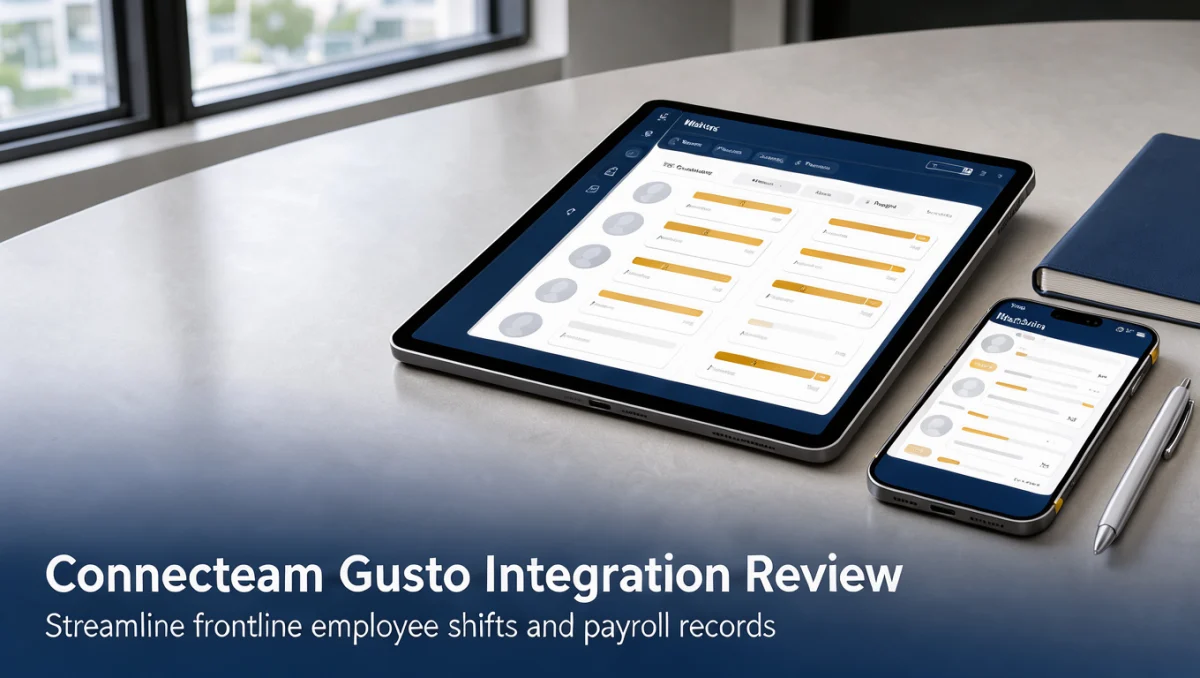
The connecteam gusto integration ties mobile scheduling and clock-in data to automated wage processing. Owners managing field technicians, store associates, or service crews need a dependable path from recorded hours to accurate paychecks. In this guide, we examine how well that connection cuts repetitive data entry while keeping managers in control of non-desk teams.
Aligning shift records with an established payroll engine lets supervisors catch timesheet mismatches before each pay period closes. If you are weighing operational software, it helps to see where field management tools sit within the broader Collaboration & Productivity category so your investment fits daily workflows rather than creating isolated data silos.
Quick verdict: With an overall score of 7.9 out of 10, the connecteam gusto integration offers real value to organizations with deskless or field-based staff who need reliable time tracking and organized wage distribution. It is a poor fit for solo freelancers or for teams looking for one vendor to handle every aspect of human capital management.
| Evaluation Metric | Trustreviewsx Summary |
|---|---|
| Trustreviewsx score | 7.9 / 10 |
| Best for | Organizations with hourly or mobile workers that need coordinated scheduling and payroll calculation |
| Not ideal for | Sole proprietors, or enterprises wanting a single proprietary database for talent management |
| Key strengths | Mobile shift coordination, accurate punch records, structured timesheet review, and time savings for admins |
| What to check before buying | Confirm plan compatibility on the official Connecteam and Gusto websites to verify integration access levels |
1. How Trustreviewsx Reviewed Connecteam
This review considers what Connecteam is designed to do, who it serves, and how it stacks up against comparable tools. We applied seven Trustreviewsx criteria: features, ease of use, pricing and value, integrations, audience fit, support, and competitive position. Plans, prices, and limits change frequently, so we flag items you should verify on the official website before purchasing. This article was researched and drafted with AI assistance, then reviewed and edited by the Trustreviewsx Editorial Team.
2. What Is Connecteam and Who Is It for?
Connecteam is an all-in-one workforce platform built for deskless teams, non-office employees, and mobile field staff. Conventional productivity suites are aimed mainly at people who work at a desk. Connecteam instead targets workers who carry out their jobs on location, such as construction crews, home care aides, hospitality staff, security personnel, and retail employees.
The product combines daily shift scheduling, geofenced time recording, digital compliance checklists, task assignment, and company-wide messaging in one centralized portal. With that visibility, administrators can build rosters, track attendance, and make sure staff receive clear instructions before each shift starts.
Gusto is a cloud-based payroll and HR platform that handles tax calculations, benefits, direct deposits, and compliance reporting for small and mid-sized employers. Connecting Connecteam to Gusto links the operational space where work happens with the financial system that pays people for completed hours.
3. How the Connecteam Gusto Integration Links Operations and Payroll

The bridge between Connecteam and Gusto addresses one of the most error-prone tasks in small business administration: turning recorded work hours into payable records. Without a structured connection, supervisors must calculate hours by hand, check break durations, factor in overtime, and re-key figures into payroll ledgers.
Once the sync is set up, approved timesheets captured in Connecteam move straight into the Gusto payroll run. The workflow has three main phases:
- Shift execution: Hourly staff clock in and out on site using mobile verification, generating real-time attendance logs.
- Administrative verification: Managers review punch entries, resolve time card flags, approve time off, and confirm overtime rates in the Connecteam dashboard.
- Payroll synchronization: Finalized hours export into Gusto, where tax withholdings and wage payments are processed without re-entering data.
Payroll carries legal and regulatory obligations, so buyers should consult an accountant or accredited payroll advisor to confirm that wage rates, break rules, and local tax requirements match current statutory codes.
4. Core Operations and Time Tracking Capabilities

Connecteam is organized around four core functional areas that support deskless worker coordination and daily compliance.
4.1. Shift Scheduling and Real-Time Dispatch
Building and publishing schedules is a major administrative task for shift-based businesses. Connecteam lets administrators create recurring schedules, assign open shifts according to role qualifications, and push assignments directly to workers' phones. Staff get alerts about upcoming shifts, see work locations, and confirm their hours to verify coverage.
When an employee cannot make an assigned shift, the platform supports shift swaps and replacements, subject to manager approval. This visibility reduces accidental scheduling conflicts and helps sites stay adequately staffed throughout the week.
4.2. Time Clock and Attendance Records
The time clock engine records punch timestamps as employees start, pause, and finish their workdays. To keep attendance accurate across remote sites, administrators can turn on location validation so workers must be within defined geographic boundaries to clock in.
The system sorts time into regular hours, meal periods, rest breaks, and overtime according to company rules. At the end of each shift, supervisors review digital time cards to catch missed punches or unexplained gaps before sending records to Gusto.
4.3. Digital Forms and Team Checklists
Paper logs and clipboards are easy to misplace and slow to update in the field. Connecteam swaps them for digital checklists that employees complete on mobile devices during their routines.
Field technicians can record equipment inspections, retail associates can submit store opening checklists, and safety officers can complete formal hazard reviews. Managers see submissions in real time and can act quickly when compliance issues come up.
4.4. Internal Communication and Operational Updates
Getting important updates to non-desk employees requires communication channels that do not depend on corporate email accounts. Connecteam provides direct messaging, role-based team chats, and centralized company announcements.
Administrators can share policy changes, distribute safety guidelines, and track acknowledgments to confirm that every worker has read important notices. This keeps frontline teams connected to headquarters no matter where they are physically working.
5. Ease of Use and Admin Learning Curve
Frontline staff typically use Connecteam on smartphones. The mobile interface uses straightforward button navigation, so workers with varied technical backgrounds can clock in, check assignments, and message supervisors without lengthy onboarding.
The administrative dashboard, accessed through a desktop browser, has a steeper learning curve. Because the system includes extensive settings for geofencing, overtime formulas, role permissions, and scheduling rules, new managers should set aside time to configure these parameters carefully before rollout.
Connecting Gusto requires mapping employee identifiers, pay categories, and earnings types between the two services. When administrators prepare by matching job codes accurately, the weekly payroll approval routine becomes faster and more dependable.
6. Pros and Cons of Combining Connecteam with Gusto
Evaluating any software combination means weighing clear operational benefits against the product's inherent boundaries.
6.1. Operational Strengths
- Removes duplicate data entry: Approved time card data flows into payroll without manual transcription, sharply cutting calculation errors.
- Strong frontline utility: Scheduling, internal messaging, and attendance tracking live in one mobile interface that deskless employees can navigate easily.
- Flexible tracking: Location-verified punching lets businesses oversee several work sites without buying physical time clock hardware.
- Structured supervisory approval: Built-in timesheet approval steps ensure managers audit hours before payroll funds are released.
6.2. Practical Limitations to Consider
- Two separate subscriptions: Companies must budget for accounts on both Connecteam and Gusto rather than using a single all-inclusive product.
- Initial setup requirements: Configuring geofenced boundaries, payroll mappings, and overtime profiles takes careful managerial planning.
- Tier-dependent compatibility: Integration options and specialized rules depend on plan levels, so buyers should review official tier pages closely before signing.
7. Connecteam vs Similar Scheduling and Payroll Combinations
Businesses evaluating workforce coordination platforms often compare Connecteam with other established options.
| Software Combination | Target Audience | Primary Operational Focus | Key Distinction |
|---|---|---|---|
| Connecteam + Gusto | Small to mid-sized businesses with mobile or deskless teams | Frontline scheduling, checklists, and automated payroll sync | Covers day-to-day management of non-desk employees broadly |
| Deputy + Gusto | Shift-based retail, dining, and hospitality businesses | Dynamic scheduling, labor compliance, and time punching | Specializes in shift planning and labor cost estimation |
| When I Work + Gusto | Small businesses managing hourly retail and service staff | Team scheduling, attendance monitoring, and internal messaging | Offers basic shift distribution with a lightweight setup |
| Homebase + Built-in Payroll | Local independent retail shops and restaurants | Single-location scheduling, time clocks, and integrated payroll | Bundles scheduling and native payroll under one brand |
Deputy concentrates on shift planning, compliance alerts, and scheduling analytics for hospitality teams. When I Work offers simple hourly scheduling for straightforward service settings. Homebase provides native payroll alongside basic shift tools for local retailers. Connecteam stands out by extending past shift scheduling into internal workflows, company knowledge distribution, and custom operational checklists.
8. Who Should Use the Connecteam Gusto Integration?
Whether this pairing suits your organization depends on team structure, physical workplace conditions, and administrative capacity.
- Service and field contractors: Trade companies with electricians, plumbers, landscapers, and cleaners benefit from location-aware time records and direct payroll export.
- Independent healthcare and home care agencies: Caregivers moving between client visits can log hours, access care instructions, and report notes in one mobile interface.
- Hospitality and retail businesses: Store managers can publish weekly rosters, handle shift swaps, and keep hourly pay accurate for floor staff.
- Growing multi-site enterprises: Businesses with several regional branches gain consistent oversight of local operations alongside centralized payroll.
- Who should look elsewhere: Single-person consultancies, purely desk-based remote teams, and large enterprises needing heavy global ERP suites may find simpler or more specialized alternatives better suited to their needs.
9. How to Choose the Right Plan Setup
Choosing software means weighing ongoing operational needs against financial commitments. Because plan packaging and included features change over time, buyers should assess their requirements methodically using official vendor resources.
| What to Check on Official Websites | Why It Matters for Your Business |
|---|---|
| Integration access rules | Confirm whether third-party payroll synchronization requires specific subscription tiers on Connecteam and Gusto. |
| User seat calculations | Verify how seasonal, part-time, and full-time profiles affect recurring monthly billing across both platforms. |
| Overtime and pay rate rules | Check whether custom wage calculations, double-time rules, or multiple pay rates transfer automatically. |
| Administrative permission tiers | Ensure field supervisors can review and approve timesheets without access to confidential payroll data. |
Readers seeking independent reviews of business platforms and operational tools can use the insights published by Trust Reviews X to inform their software purchasing decisions.
10. Frequently Asked Questions
How does timesheet approval work before pay is processed?
Field supervisors review digital time cards in the management portal to resolve missing punches, adjust break allocations, and approve overtime. After timesheets are approved, the data flows into Gusto, where the payroll administrator completes standard compensation and tax withholding steps.
What should employers consider before connecting mobile time clocks to payroll?
Employers should review wage definitions, break compliance policies, and job tracking codes with an accountant or payroll professional before linking systems. Clear alignment between company labor policies and software calculation settings helps prevent payroll errors and supports regulatory compliance.
How should businesses handle seasonal changes in headcount?
Organizations with seasonal staff should check pricing and user deactivation guidelines on both platform websites. Understanding how each provider treats deactivated or temporary accounts helps avoid unnecessary monthly charges during slow periods.
Why do businesses pair dedicated workforce tools with separate payroll software?
Frontline workforce software offers specialized capabilities such as geofenced punching, daily checklists, and shift dispatching that standard payroll platforms rarely provide natively. Pairing those field tools with a dedicated payroll platform gives businesses operational depth along with dependable tax management.
11. Final Verdict on the Connecteam Gusto Integration
The Connecteam and Gusto pairing is a practical choice for businesses that manage hourly, mobile, and deskless workers. By bringing shift scheduling, attendance recording, and payroll export together, companies reduce administrative overhead while giving frontline staff transparent mobile access to their schedules and hours.
| Evaluation Criterion | Score / 10 | Reason |
|---|---|---|
| Features | 8.5 / 10 | Combines shift dispatching, geofenced punching, and digital checklists effectively for frontline teams. |
| Ease of Use | 8.0 / 10 | Mobile screens are straightforward for staff, though manager-side setup requires careful initial planning. |
| Pricing and Value | 7.5 / 10 | Delivers solid combined utility, though running two separate subscriptions raises total overhead. |
| Integrations | 8.0 / 10 | Direct synchronization connects daily field operations to payroll reliably when properly mapped. |
| Audience Fit | 8.5 / 10 | Strong alignment for deskless, trade, healthcare, and retail organizations managing hourly workers. |
| Support | 7.0 / 10 | Assistance depends on the channels and documentation provided by two separate vendors. |
| Competitive Position | 7.5 / 10 | Holds firm ground against rival combinations by offering broader operational tools beyond basic scheduling. |
Overall Trustreviewsx Score: 7.9 / 10
For small and mid-sized employers looking to streamline field operations and payroll, this integrated approach delivers organized scheduling and accurate wage calculation. We recommend that prospective buyers consult their payroll advisors and confirm current plan options on the official Connecteam and Gusto websites before committing.
Questions about choosing operational or workforce management software? Contact our team at Review Craft X or follow Trustreviewsx on LinkedIn for ongoing updates and software evaluations.