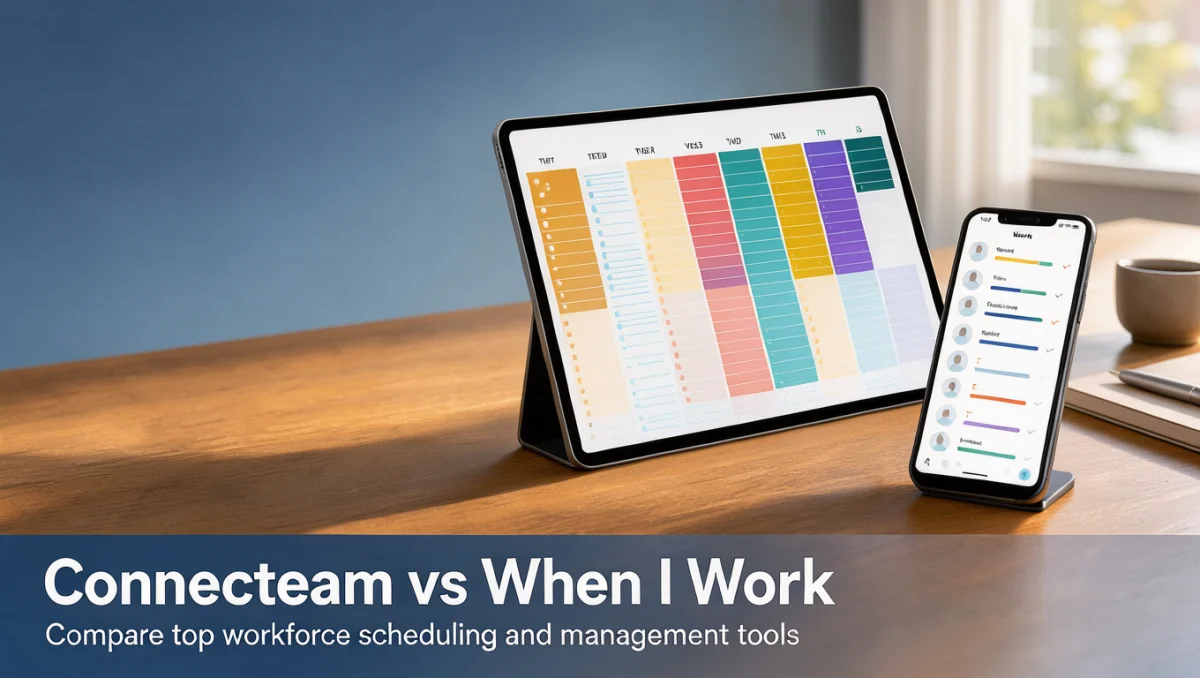
Operations leaders comparing connecteam vs when i work are usually weighing one question: do they need a broad operations platform for deskless staff, or a fast, focused tool for building and filling shifts? Both products organize hourly work, but they are built around different daily routines.
This independent review from Trustreviewsx walks through structural differences, scheduling workflows, and buying criteria so you can make the call with confidence. For more software assessments, visit our Collaboration & Productivity coverage.
Quick Verdict
Connecteam earns a Trustreviewsx score of 7.9 out of 10 alongside When I Work. Connecteam fits organizations that want scheduling bundled with training, digital checklists, and internal announcements. When I Work suits managers who mainly need to publish rosters, let staff claim open shifts, and log attendance without extra complexity. Neither is designed for heavy industrial manufacturing control.
| Metric | Summary Details |
|---|---|
| Trustreviewsx score | 7.9 / 10 |
| Best for | Managers coordinating shifts, team messages, and mobile-first oversight for hourly crews |
| Not ideal for | Teams needing machine-level production planning or custom on-premise hardware |
| Key strengths | Shift management, digital communication, task delegation, and time tracking |
| Verify before buying | Published tier limits, admin seat definitions, and attendance policies on official vendor pages |
How We Reviewed the Two Tools
We assessed both platforms against seven criteria: features, ease of use, pricing and value, integrations, audience fit, support, and competitive position. Plans and prices change often, so treat our observations as a starting point and confirm current details on each vendor's website before purchasing. This article was researched and drafted with AI assistance, then reviewed and edited by the Trustreviewsx Editorial Team.
Feature Comparison

Shift Scheduling and Rosters
Scheduling is the backbone of both tools, but their logic differs. Connecteam ties schedules to job locations and lets workers see attached shift instructions and task lists before clocking in. When I Work is built around shift planning: supervisors publish open shifts and eligible workers claim them directly, cutting down on back-and-forth messages.
Recurring shift patterns and automated templates vary by subscription level. Before rolling out to your team, test the official schedule-creation workflows on both platforms to confirm they match your rotation rules.
Time Tracking and Attendance
Accurate hour logging feeds payroll directly. Connecteam includes location-aware time logging, which helps off-site businesses verify arrivals at project sites. When I Work pairs its time clock with schedule records, making it easy for supervisors to spot missed shifts or unplanned overtime.
Break rules and overtime calculations differ by jurisdiction, so confirm whether automated break tracking and supervisor sign-offs need special setup. Check that timesheet export formats work with your payroll software.
Communication, Forms, and Tasks
Connecteam leans into structured internal communication: updates, feedback channels, operational checklists, and document libraries. When I Work keeps messaging close to scheduling, handling shift notifications, supervisor contact, and replacement requests.
If your teams follow daily safety protocols or standard operating procedures, embedded checklists can be valuable. Confirm on the official Connecteam page which operational modules are included in standard plans.
Ease of Use and Rollout
Adoption speed depends on how quickly hourly staff can navigate the app. Connecteam offers multiple hubs for communication, scheduling, and staff records, which takes some setup during onboarding. When I Work has a streamlined, calendar-focused interface that suits employees who mainly check schedules or request swaps.
Test mobile navigation with a few team members before a company-wide launch, using the official walkthroughs on each vendor site.
Pricing and Value
Both vendors price by plan tier and user count. Subscription structures change over time, so compare current numbers directly.
| Cost Consideration | Connecteam | When I Work | Buyer Check |
|---|---|---|---|
| Base platform cost | Tiers based on feature modules and hub access | Tiers based on scheduling and attendance modules | Review official pricing pages for current thresholds |
| Per-seat growth | User-volume tiers that change recurring cost | Per-user monthly billing that scales with headcount | Include seasonal and part-time staff in your estimate |
| Add-ons | Specialized hubs or advanced reporting | Time tracking alongside basic scheduling | Confirm whether time clock tools are bundled or separate |
If you employ seasonal staff, per-user costs can climb quickly. Check cancellation terms and billing flexibility before committing.
Integrations
Connecting scheduling to other business systems cuts duplicate data entry. Both tools focus integrations on payroll, point-of-sale, and operational platforms. Syncing time logs directly to payroll removes manual hour calculations and transcription errors.
Integration support changes frequently, so check the official integration directories for both products to confirm your payroll processor and accounting software are supported.
Audience Fit
Connecteam suits dispersed field workforces such as construction crews, retail branches, cleaning teams, and security agencies, particularly where staff don't use desk computers. When I Work suits restaurants, hospitality, retail shops, clinics, and service businesses whose main challenge is filling hourly shifts on a central roster.
Multi-location businesses should confirm that permission levels support store managers, shift leads, and general managers appropriately. Review the permission settings documented on each vendor's site.
Support and Deployment
Moving a workforce off paper schedules or spreadsheets takes support. Both vendors offer self-serve help centers and direct customer service. Depth of onboarding help and response speed often depend on the plan you choose, so check the support sections on both sites to see whether live onboarding or account management requires an enterprise agreement.
Competitive Position
Connecteam competes with enterprise workforce suites such as Deputy and with basic intranet tools by bundling operations, training, and scheduling. When I Work competes with shift-scheduling specialists such as Sling and Homebase by focusing tightly on shift coordination for hourly teams.
Neither is a universal fix. The right choice depends on matching the software's structure to your operational priorities.
How to Decide

- Identify your main bottleneck: Is it filling empty shifts, or coordinating field tasks and updates?
- Audit required tools: Do you need checklists, training modules, and document storage, or only scheduling and time logging?
- Check mobile needs: Can non-desk staff use the app with minimal training?
- Calculate total cost: Use each vendor's current plan pages to estimate monthly spend for your headcount.
- Test payroll paths: Confirm timesheet exports work with your payroll provider without manual reformatting.
Who Should Choose Which Tool
Choose Connecteam When
You manage mobile, field, or deskless staff and want one place for scheduling, daily checklists, and training. Construction contractors, cleaning services, maintenance providers, and multi-site retailers often benefit most.
Choose When I Work When
Shift planning, coverage, and roster publishing are your central headaches. Restaurants, cafés, boutique retailers, and clinics with rotating rosters benefit from letting staff trade shifts and claim open hours on their own.
Neither Tool Fits When
You run industrial plants needing machine-capacity planning, enterprise resource planning integrations, or deep project portfolio management. Corporate offices with salaried staff outside shift patterns will also find hourly workforce tools a poor match.
Frequently Asked Questions
What is the main difference between Connecteam and When I Work?
Connecteam covers a wider operational scope, including digital forms, training modules, and company announcements alongside scheduling. When I Work focuses on shift creation, open-shift distribution, shift trading, and attendance tracking for hourly staff.
How should managers compare pricing?
Use the official pricing pages to see how each tier defines user limits, admin access, and included features. Factor in total headcount, seasonal fluctuations, and whether time tracking requires an upgrade.
Which platform works better for multiple locations?
Both support multi-site businesses differently. Connecteam lets you assign location-based checklists and geo-tagged job sites, while When I Work organizes rosters around separate locations, roles, and shift requirements.
What should I check for payroll compatibility?
Review each platform's integration directory to confirm support for your payroll software, and confirm that time entries export cleanly without spreadsheet rework at month-end.
Final Verdict
The choice between Connecteam and When I Work comes down to whether you need broad field-operations management or focused shift planning. Connecteam is a strong operations hub for mobile teams that need forms, training, and task tracking. When I Work excels at quick shift building, shift swaps, and attendance logging for hourly environments.
| Criterion | Score / 10 | Reason |
|---|---|---|
| Features | 8.5 / 10 | Both offer capable scheduling and operational tools for frontline teams. |
| Ease of Use | 8.0 / 10 | Navigation is accessible, though Connecteam's multiple hubs take setup time. |
| Pricing and Value | 7.5 / 10 | Tiers scale reasonably; verify seat thresholds and feature bundles on official pages. |
| Integrations | 7.0 / 10 | Major payroll systems are covered; confirm native support for your regional provider. |
| Audience Fit | 8.5 / 10 | Clear split between field-operations management and hourly shift scheduling. |
| Support | 7.5 / 10 | Self-guided resources are available; advanced onboarding depends on your agreement. |
| Competitive Position | 8.0 / 10 | Both are established benchmarks in frontline workforce scheduling. |
Overall Trustreviewsx Score: 7.9 / 10
For dispersed frontline teams that need forms, procedures, and scheduling in one place, Connecteam is the better fit. For restaurants, retail, and hospitality teams that want fast shift planning and easy shift trades, When I Work is the more sensible choice.
Questions about choosing workforce software? Contact our editorial team at https://trustreviewsx.com/contact/, or follow Trustreviewsx on LinkedIn at https://www.linkedin.com/company/trustreviewsx/ for ongoing updates on business productivity tools. Visit our Review Craft X homepage for more independent software reviews.