Trustreviewsx may earn a commission when you buy through links on this page, at no extra cost to you. This does not affect our ratings.
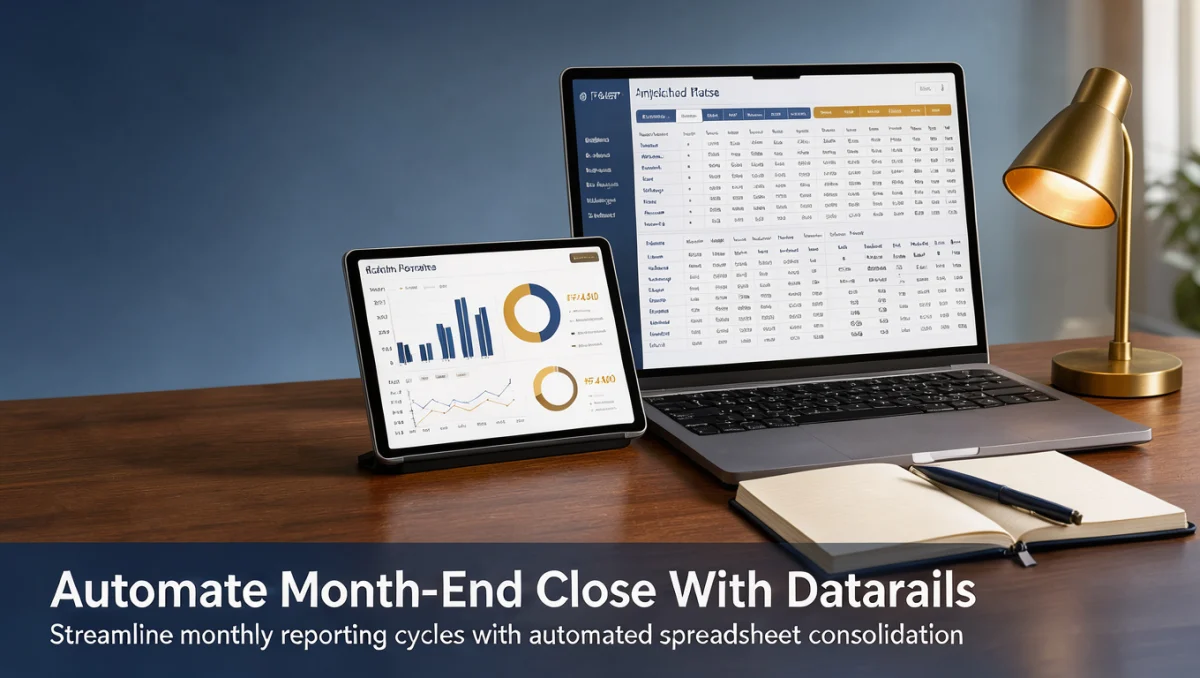
How to automate month-end close with Datarails begins by connecting your general ledger data, mapping accounts to standardized models, and replacing manual data consolidation with scheduled reconciliations. Finance teams often lose days copying numbers across disconnected workbooks, and learning how to automate month-end close with datarails helps your organization establish an orderly financial close without abandoning existing spreadsheet logic.
At Trustreviewsx, we analyze financial planning software to help controllers and finance managers simplify routine reporting. Implementing structured automation shortens the close cycle, limits version confusion, and keeps financial statements dependable for leadership reviews in 2026.
Quick answer: Automating your financial close with Datarails involves centralizing trial balances from your core accounting records, validating account mappings, establishing automated variance schedules, and generating final management reporting packs. This workflow cuts manual consolidation hours while maintaining spreadsheet familiarity for your finance team.
| Evaluation factor | Details |
|---|---|
| Who this guide is for | Controllers, FP&A analysts, and finance managers seeking to reduce manual data collection during the financial close. |
| What you need before starting | Clean chart of accounts, access to core ledger exports, historical variance thresholds, and standardized reporting templates. |
| What you will have at the end | A repeatable monthly closing rhythm with automated data aggregation, verified balances, and reliable management statements. |
1. How Trustreviewsx Put This Guide Together
This guide combines what the software covered here is built to do with the Trustreviewsx buying framework, so you can make the decision that fits your business. Plans, prices and limits change often, so we point out what to confirm on the official website before you buy. This article was researched and drafted with the help of AI tools, then reviewed and edited by the Trustreviewsx Editorial Team.
2. Before you start

Preparing your financial data ahead of time prevents delays once automation rules take over. Before initiating any automated pipeline in Datarails, your team must verify data hygiene across your primary Accounting systems and establish clear closing milestones.
- Chart of accounts standardization: Confirm that account codes, department classifications, and legal entity identifiers remain consistent across all operating units.
- Ledger data availability: Gather current exports or direct credentials for your enterprise resource planning system and operational transaction logs.
- Baseline balance sheets: Document ending balances from previous periods to validate that opening balances align properly in automated models.
- Documented approval hierarchies: Define which team members review preliminary adjustments, approve journal entries, and sign off on final statements.
- Technical access requirements: Check administrative permissions on the official Datarails website to ensure appropriate team roles can access data pipelines.
3. Step-by-step workflow
Automating your monthly accounting cadence requires an orderly sequence that respects standard bookkeeping controls. Following these steps helps maintain auditability while shifting labor-intensive consolidation tasks to automated routines.
- Aggregate raw trial balance records: Consolidate data from source ledgers into a central repository so all team members reference identical financial numbers.
- Define account mapping logic: Match disparate local subsidiary accounts into a unified global reporting structure to eliminate repetitive manual lookups.
- Build automated reconciliation models: Establish automated cross-checks between bank statements, sub-ledgers, and control accounts to identify discrepancies early.
- Calculate recurring adjustments and accruals: Program formula-driven schedules for prepaid expenses, depreciation, and tax provisions to eliminate manual recalculation errors.
- Generate variance analysis comparisons: Compare current operational figures against prior period actuals and budgets to flag unexpected line item shifts for review.
- Produce management reporting packages: Assemble balance sheets, income statements, and cash flow reports into final distribution formats for executive sign-off.
4. Your first 30 days

Adopting automated closing routines requires structured habit-building over several accounting cycles. The financial analysts at Trust Reviews X recommend structuring your initial month around progressive validation phases rather than attempting an instant overhaul.
| Week | Routine to build | Why it matters |
|---|---|---|
| Week 1 | Data mapping and baseline reconciliation setup | Ensures source accounting numbers align with reporting classifications before closing begins. |
| Week 2 | Parallel processing of mid-period transactions | Identifies formula discrepancies by comparing automated outputs directly with traditional manual files. |
| Week 3 | Exception handling and variance rule configuration | Teaches staff how to investigate automated error flags instead of searching row by row. |
| Week 4 | Final review sign-off and reporting distribution | Establishes an orderly sequence for distributing audited statements to executive stakeholders. |
5. Common mistakes and how to avoid them
Finance departments moving to automated solutions sometimes encounter friction caused by legacy habits. Being aware of common stumbling blocks ensures your closing process remains smooth and verifiable.
- Overlooking dirty source data: Automating calculations on unverified ledger entries simply accelerates errors, so clean source transactions before running automation.
- Hardcoding manual adjustments: Overriding automated formulas with untracked manual numbers destroys audit trails and creates future reconciliation breaks.
- Ignoring version access governance: Failing to lock completed workbooks can lead to accidental edits after executive distribution.
- Skipping parallel run testing: Running automated models without comparing them against legacy manual closes for at least one period increases reporting risk.
6. When to ask for help
While software streamlines repetitive calculation steps, complex financial events require professional expertise. Recognizing when internal tools need external validation protects your organization from reporting compliance risks.
- Significant tax restructuring or statutory jurisdiction shifts: Consult a certified public accountant when local tax regulations or filing requirements change.
- Complex business acquisitions: Seek guidance from external auditors to ensure consolidation rules handle intercompany eliminations and purchase price allocations correctly.
- Technical connection interruptions: Contact vendor specialists through the official Datarails website if core ledger data imports fail to refresh on schedule.
- Material unexplainable variances: Involve senior finance leaders whenever automated reconciliation checks surface unresolved balance sheet differences.
7. Frequently asked questions
What technical preparation is necessary before automating reconciliations?
Teams need clean trial balances, consistent account numbering across entities, and documented review thresholds. Reviewing administrative documentation on the official vendor portal helps clarify necessary internal technical permissions.
How does automation alter the daily responsibilities of closing staff?
Finance professionals spend less time manually copying workbook entries and more time analyzing balance sheet variances. Staff members focus on investigating discrepancies flagged by automated rules rather than compiling static spreadsheets.
What should teams do when automated calculations produce unexpected numbers?
Accountants should inspect source data entries and verify account mapping tables. Comparing automated figures against raw ledger exports typically highlights whether the variance stems from mapping omissions or source journal entry errors.
Is professional accounting advice needed alongside closing software?
Financial leadership should maintain relationships with qualified accountants and auditors. Software executes programmed logic, but licensed professionals remain necessary for complex tax positions, revenue recognition standards, and compliance interpretations.
8. Next steps
Moving toward a reliable, automated monthly close is a gradual operational improvement. Begin by completing these foundational tasks to establish your new financial reporting framework.
- Audit your current chart of accounts to ensure naming consistency across all business units.
- Document your existing manual closing steps to identify which repetitive tasks to automate first.
- Confirm subscription details and user seat allocations on the official Datarails pricing page before expanding team access.
- Consult your external accounting advisors to confirm that planned automated reconciliation controls meet regulatory audit requirements.
Have a question about choosing software? Send it to the Trustreviewsx team through our contact page or follow Trustreviewsx on LinkedIn for new reviews and comparisons.