Trustreviewsx may earn a commission when you buy through links on this page, at no extra cost to you. This does not affect our ratings.
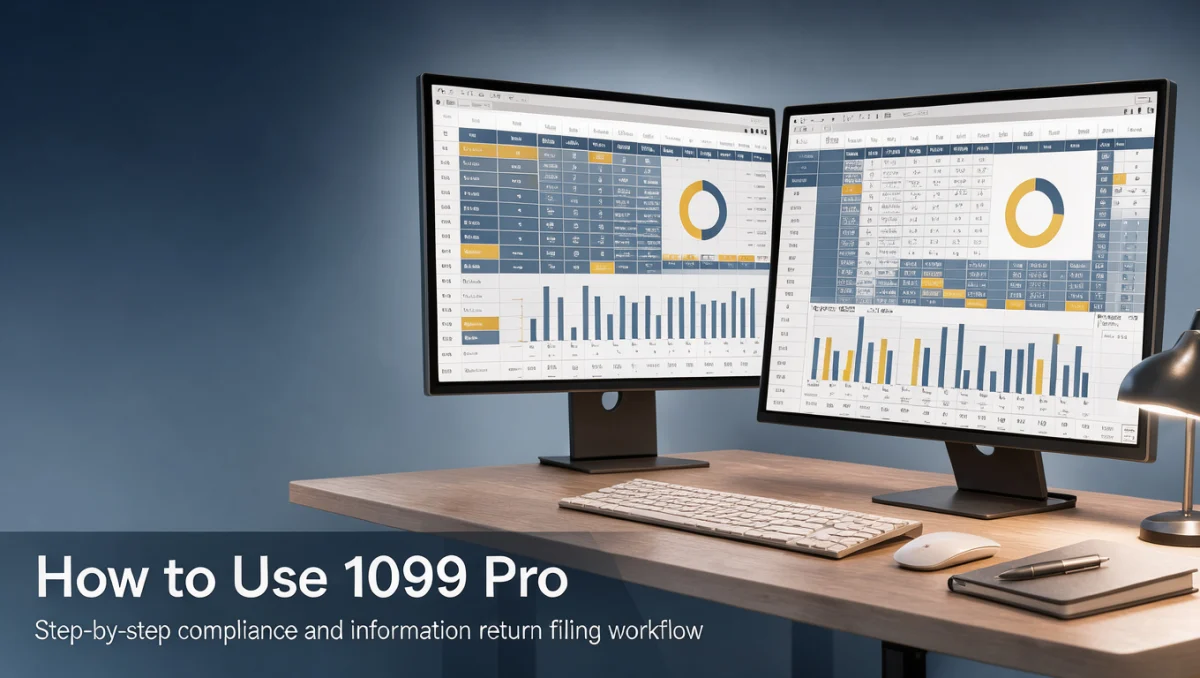
How to use 1099 Pro begins with organizing payee tax information, verifying taxpayer identification numbers, and establishing a structured data import process for regulatory reporting. Understanding the end-to-end filing workflow ensures accurate information return preparation while reducing late filing penalties and recipient disputes during tax season. At Trustreviewsx, our evaluation focuses on whether this compliance software fits your team operational capacity and data volume.
1099 Pro is designed for corporate tax departments, accounting practices, and financial institutions handling information returns such as interest, dividends, and nonemployee compensation. Master modern Accounting workflows and filing standards before configuring reporting entities, and always consult a certified public accountant regarding specific payroll or withholding rules.
Quick verdict: With an overall score of 7.7/10, 1099 Pro is built for tax reporting teams and volume filers requiring specialized information return processing. It is less suitable for casual micro-businesses seeking combined everyday invoicing and automated ledger management in one unified dashboard.
| Metric | Details |
|---|---|
| Trustreviewsx score | 7.7/10 |
| Best for | Firms needing dedicated tax form processing and bulk regulatory filing |
| Not ideal for | Freelancers seeking single-entry ledger tools with integrated billing |
| Key strengths | Dedicated information return generation, corrections management, and bulk reporting capacity |
| What to check before buying | Confirm user access tiers and annual regulatory update schedules on the official website |
1. How Trustreviewsx Reviewed 1099 Pro
This review looks at what 1099 Pro is built to do, who it serves, and how it compares with similar tools, using the seven Trustreviewsx criteria: features, ease of use, pricing and value, integrations, audience fit, support and competitive position. Plans, prices and limits change often, so we point out what to confirm on the official website before you buy. This article was researched and drafted with the help of AI tools, then reviewed and edited by the Trustreviewsx Editorial Team.
2. Before You Start with 1099 Pro

Preparation determines whether regulatory reporting finishes smoothly before strict filing deadlines arrive. Before learning how to use 1099 Pro, gather complete payee records, correct legal entity names, addresses, and federal employer identification numbers.
Entity Verification Checklist
Establish reporting boundaries early by auditing source data across accounts payable or vendor ledgers. Ensure your internal records differentiate corporate entities from sole proprietorships subject to contractor compensation reporting.
- Collect completed W-9 or W-8 documentation for every contractor or vendor prior to year-end closing.
- Match taxpayer identification details against legal registry records to avoid mismatch notices.
- Aggregate transaction values across multiple internal ledgers for unified threshold reporting.
- Verify correct filing year requirements and state-specific direct reporting guidelines.
Source Data Structuring
Information return systems require structured tabular imports. Clean your spreadsheet files by separating payee first and last names, standardizing address formats, and ensuring positive compensation values across designated payment categories.
3. Getting Started Workflow

Executing an orderly operational sequence prevents duplicate filings and minimizes the need for corrected forms later in the tax calendar. Understanding the primary steps helps bookkeeping teams move smoothly from raw vendor lists to finalized submission records.
Step 1: Establishing Payer Profiles
Begin by configuring the primary reporting entity within the platform. Enter the official legal company name, federal identification number, contact office details, and registered business address exactly as recorded on corporate filings.
Step 2: Importing Payee and Payment Data
Map vendor payment records from your core operational accounts into the appropriate tax box allocations. Validate mapped fields carefully so nonemployee earnings, attorney fees, or direct sales figures populate their correct corresponding lines.
Step 3: Data Audit and Error Validation
Run internal validation checks before generating output files. The system cross-references missing postal codes, invalid tax identification character counts, and incomplete recipient designations so operators can resolve discrepancies early.
Step 4: Recipient Statement Distribution
Generate recipient copies for physical mailing or secure electronic delivery prior to statutory deadlines. Maintaining proof of distribution safeguards your business against recipient dispute claims.
Step 5: Electronic Regulatory Submission and Archiving
Package validated returns for electronic transmission according to formal regulatory reporting specifications. Once filed, archive signed transmission confirmations and recipient logs securely for future regulatory reference.
4. Best Practices for Information Return Filing
Regulatory compliance requires discipline that extends beyond basic software navigation. Adopting disciplined protocols protects organizations from systemic reporting oversights.
Establish Mid-Year Audits
Do not wait until closing weeks to audit vendor records. Many tax compliance teams conduct quarterly payee audits to secure missing documentation while contractors remain actively engaged.
Maintain Detailed Audit Trails
Document every manual adjustment made to vendor totals. Keeping a contemporaneous log explains why payment values changed between initial ledger exports and final filed amounts.
Verify Multi-Jurisdiction Rules
Combined federal and state reporting programs vary across different jurisdictions. Organizations must confirm whether separate direct state filing is required for specific compensation types.
5. Common Mistakes to Avoid
Filing errors consume significant staff hours during peak reporting periods. Recognizing recurring operational pitfalls protects your accounting team from unnecessary pressure.
- Filing without resolving tax identification number mismatches, leading to penalty notices.
- Confusing employee wage categories with independent contractor compensation.
- Neglecting state filing requirements while assuming national submission satisfies all local tax boards.
- Failing to test data imports well in advance of statutory reporting deadlines.
- Overwriting initial submission archives when preparing subsequent corrected forms.
6. Who Should Use 1099 Pro
Evaluating organizational structure ensures your business selects the appropriate compliance workflow for ongoing reporting tasks.
Mid-Sized and Enterprise Organizations
Companies managing hundreds or thousands of external service providers benefit from batch processing and consolidated reporting controls across multiple internal entities.
Accounting and Tax Advisory Practices
Professional firms processing annual information returns on behalf of varied corporate clients gain operational speed from multi-payer management capabilities.
Who Should Consider Other Solutions
Sole proprietorships with only one or two annual contractor statements may find a specialized return tool more complex than required. Independent operators often prefer basic online e-filing portals designed for single-form entries.
7. Frequently Asked Questions
What should an accounting team prepare before beginning a tax filing run?
Teams should assemble clean vendor payment ledgers, verified taxpayer identification numbers, and current mailing addresses. Verifying that all contractor documentation is signed and up to date prevents repeated return corrections and reduces reporting errors.
How do organizations determine whether to handle filing in-house or consult outside professionals?
Decisions depend on organizational transaction complexity, internal staff capacity, and multi-state presence. Companies with complex withholding obligations or cross-border payments often consult external accounting professionals to verify technical regulatory positions before transmitting records.
Why is pre-filing data validation critical for compliance management?
Pre-filing validation detects missing addresses, invalid identification formats, and calculation inconsistencies before forms reach government agencies. Correcting records prior to transmission eliminates formal rejection notices and administrative correction penalties.
What records should a business retain after submitting information returns?
Businesses should archive electronic submission receipts, validation logs, recipient delivery receipts, and copies of transmitted records. Retaining comprehensive documentation provides necessary evidence during future corporate audits or recipient inquiries.
8. Final Verdict
1099 Pro offers structured, high-volume information return preparation for organizations that manage regular compliance reporting across diverse recipient groups. Independent software assessments by Trust Reviews X highlight its operational focus on dedicated tax filing workflows rather than general daily bookkeeping.
| Criterion | Score /10 | Reason |
|---|---|---|
| Features | 8.5 | Dedicated tax form generation, bulk import support, and correction capabilities |
| Ease of Use | 7.0 | Structured compliance workflows require methodical user onboarding and clear ledger preparation |
| Pricing and Value | 7.5 | Buyers should verify recurring annual update costs and form limits on the official pricing page |
| Integrations | 7.0 | Confirm supported spreadsheet layouts and import mappings on the official website before implementation |
| Audience Fit | 8.5 | Well matched for high-volume corporate filers, payroll service bureaus, and accounting firms |
| Support | 7.5 | Users should check available seasonal assistance hours and direct inquiry channels on the official portal |
| Competitive Position | 8.0 | Maintains a distinct profile as a dedicated regulatory return filing solution against broad general ledgers |
Overall score: 7.7/10
Organizations handling high-volume contractor payouts and diverse reporting forms will find the platform capable and methodical. Smaller operations should evaluate simpler direct-filing utilities if their annual form count remains minimal.
For further software evaluations and enterprise tool breakdowns, reach out to our team at https://trustreviewsx.com/contact/ or follow Trustreviewsx on LinkedIn at https://www.linkedin.com/company/trustreviewsx/.