Many professionals who search for foxit reader file hippo are simply after a fast, lightweight PDF viewer that won't slow down a busy workstation. The real question is whether a third-party download site or the vendor's own distribution channel is the safer route, and how well the software performs once installed.
Why Document Viewers Matter Day to Day
Contracts, invoices, technical manuals and compliance forms are overwhelmingly delivered as PDFs. A dependable reader keeps layouts, fonts and vector diagrams intact, so what you review is exactly what the author produced. Bloated applications, by contrast, drain memory and make routine review sessions frustrating.
Researchers, administrators and small business owners all rely on this kind of tool, which is why the installation source deserves as much attention as the feature list.
Core Capabilities Worth Knowing
Fast Navigation and Accurate Rendering
Foxit Reader renders multi-page files quickly and preserves graphics and nested bookmarks. Thumbnail panels, continuous scrolling and split views make it easy to compare sections side by side, while integrated search helps you locate specific clauses or figures in large documents.
Annotation for Team Feedback
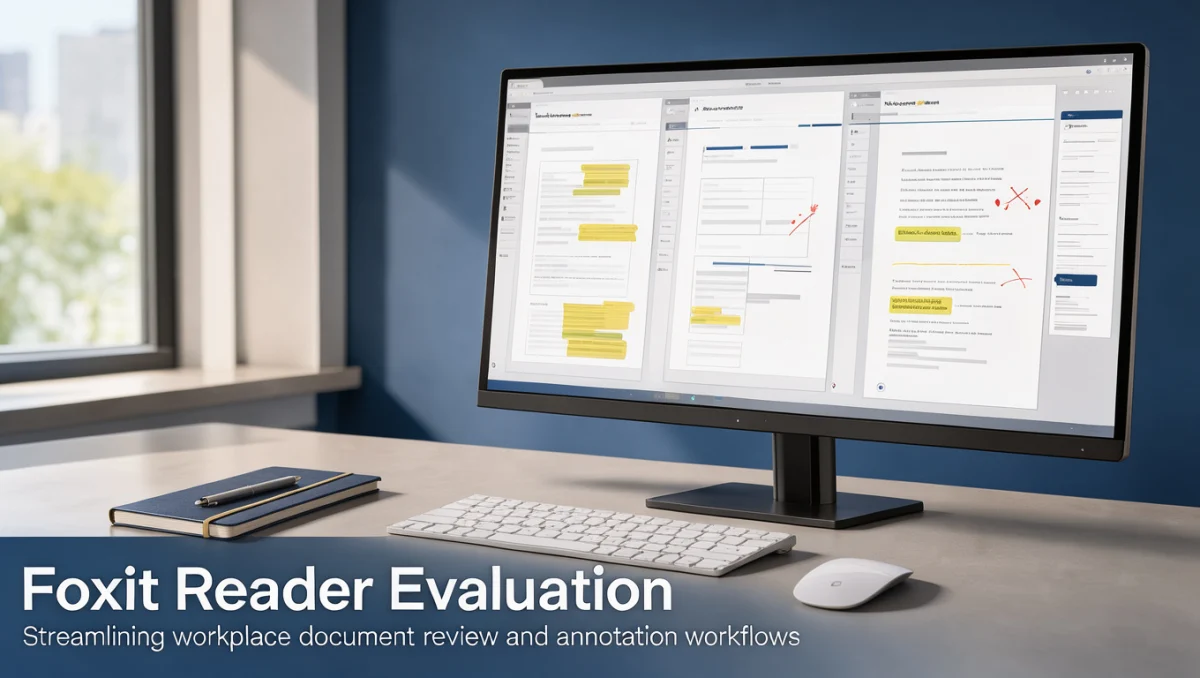
Highlighting, underlining, strikethrough and sticky notes let reviewers comment directly on the relevant text without changing the source file. Comments can be summarized for project tracking, which makes the tool useful within a collaboration and productivity workflow.
Completing Interactive Forms
Text fields, checkboxes, dropdowns and basic calculated fields can be filled in on screen. This removes the print-sign-scan cycle for onboarding paperwork, procurement forms and routine administrative records.
Signatures and Inspection
You can place visual signatures and approval stamps, and inspect metadata and font details before a file moves into archival storage.
Ease of Use
The ribbon-style interface groups commands under familiar tabs such as Home, Comment, View and Form. Staff who already use standard office suites will find the layout intuitive, and keyboard shortcuts for zoom, search and page navigation speed up repetitive reviews.
Strengths and Limitations

Strengths:
- Quick startup and smooth rendering of complex, multi-page documents.
- Useful annotation tools that support structured team review.
- A familiar ribbon interface that needs little onboarding.
- Reliable handling of forms, calculated fields and bookmarks.
Limitations:
- Download mirrors on file hosting sites may serve outdated builds or bundled extras. Always obtain the installer from the vendor's official site.
- Creating documents from scratch, Bates numbering and permanent redaction generally require a full editor rather than a reader.
- Organization-wide rollouts need careful review of multi-seat licensing and central configuration options.
How It Compares With Other Readers
- Adobe Acrobat Reader: the widely used baseline, with strong standards compliance and broad enterprise acceptance. Foxit focuses more on lightweight performance and responsive navigation.
- Sumatra PDF: a minimalist open-source viewer for pure reading speed. It lacks the annotation and form features that Foxit provides.
- Nitro PDF: aimed at business document workflows and signature environments, with a broader office-transformation focus than Foxit's everyday desktop viewing.
Who Should Use It
- Freelancers and consultants who handle proposals, contracts and receipts from many clients.
- Small business admin teams processing invoices, compliance forms and operational guides.
- Students and researchers working through dense academic material who benefit from fast search, bookmarks and colour-coded notes.
If your daily work centers on building editable forms, embedding multimedia or performing automated redaction, a pure reader will not be enough and a commercial PDF editor is the better fit.
Installing Safely

| Check | Why It Matters | What to Do |
|---|---|---|
| Source authenticity | Third-party mirrors can host outdated or bundled installers. | Download only from the official developer website. |
| Viewing vs editing | Reader features differ from full editor capabilities. | Compare feature lists on the official site. |
| Enterprise deployment | Multi-machine rollouts need the right administrative tools. | Review licensing rules for network deployment. |
| Updates and support | Stability depends on patches and vendor support. | Check release notes and support options on the vendor portal. |
Frequently Asked Questions
How can I confirm a PDF reader installer is genuine?
Get the installer directly from the developer's website rather than a general file directory. Verifying the publisher's digital certificate or the published checksum helps confirm the file has not been altered.
What is the real difference between a PDF reader and a PDF editor?
A reader displays documents, accepts form input and supports annotations without changing the underlying content. An editor can alter existing text, replace graphics, delete pages permanently and manage metadata.
Can teams share annotated files across different software?
Yes, as long as the applications follow the standard PDF specification. Annotations created in compliant tools generally remain visible in other compliant viewers.
When does an organization need a more advanced tier?
When workflows involve legal redaction, batch conversion, high-volume OCR or advanced permission controls. Reading tools handle review cycles but not deep structural file changes.
Final Verdict
Foxit Reader is a capable, efficient viewer for professionals who need fast rendering and dependable annotation and form tools. Installed from the official vendor channel rather than a third-party mirror, it provides a stable base for everyday document work.
| Criterion | Score /10 | Reason |
|---|---|---|
| Features | 8.5 | Solid viewing, form completion and annotation tools. |
| Ease of use | 8.5 | Familiar ribbon layout with little training needed. |
| Pricing and value | 8.0 | Strong core reading features; advanced tools need higher tiers. |
| Integrations | 7.0 | Handles standard system hooks; check enterprise ecosystem fit. |
| Audience fit | 9.0 | Well suited to academic, admin and small business review work. |
| Support | 7.0 | Depends on deployment tier; confirm coverage with the vendor. |
| Competitive position | 8.0 | Balanced footprint against heavier publishing suites. |
Overall score: 8.0/10
For freelancers, administrative staff and researchers, Foxit Reader delivers reliable everyday performance. If your team needs batch production or structural editing, compare commercial editor specifications on official vendor pages first.
Questions about document tools or deployment? Reach out via our contact page or connect with our editorial team on LinkedIn.
See More Review Craft X