Trustreviewsx may earn a commission when you buy through links on this page, at no extra cost to you. This does not affect our ratings.
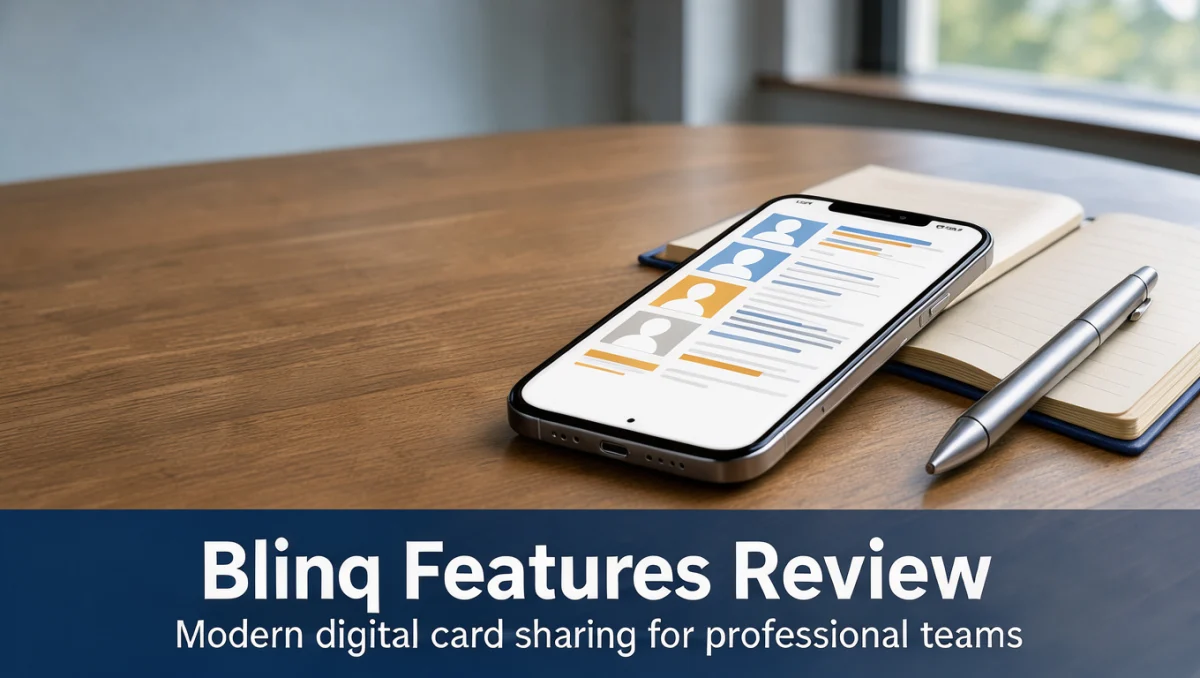
When teams weigh the blinq features, they are really asking whether electronic profiles can replace paper cards at meetings, conferences, and remote calls. At Trust Reviews X, we check how these tools handle everyday professional introductions.
Modern organizations split their time between in-person and virtual interactions, so a structured digital identity asset can add real value across sales, recruiting, and consulting work.
Quick verdict: Blinq earns a Trustreviewsx score of 7.7/10. It fits solo practitioners, client-facing teams, and field staff who want fast, clean contact sharing. It is less suited to companies that need full enterprise relationship automation or teams that still rely entirely on paper.
| Metric | Summary |
|---|---|
| Trustreviewsx score | 7.7/10 |
| Best for | Professionals and distributed teams that need clean electronic identity sharing |
| Not ideal for | Organizations that want deep built-in sales pipeline automation without external databases |
| Key strengths | Interactive contact cards, flexible distribution, structured contact capture |
| What to check before buying | Directory management tiers and admin permissions on the official Blinq website |
1. How Trustreviewsx Reviewed Blinq
We assessed what the platform is designed to do, who it is built for, and how it stacks up against similar products. Our review uses seven Trustreviewsx criteria: features, ease of use, pricing and value, integrations, audience fit, support, and competitive position. Plans and limits shift frequently, so confirm current details on the official site before purchasing. This article was researched and drafted with AI assistance, then reviewed and edited by the Trustreviewsx Editorial Team.
2. What Blinq Is and Who Uses It
Blinq is a digital business card platform for creating and sharing professional contact details electronically. It addresses a common problem with printed cards: they go out of date as soon as an email address, phone number, or office location changes.
Its users include independent entrepreneurs, sales reps, corporate account managers, event attendees, and enterprise teams that want consistent branding across staff contact details. Tools in this category sit alongside modern Collaboration & Productivity suites and streamline how people introduce themselves and log new prospect information.
3. Core Blinq Features

Digital card software typically organizes its functions around profile creation, distribution channels, and inbound contact capture. Looking at each area helps determine whether the platform matches a team's routine.
3.1. Digital Card Creation and Profile Customization
Users can build personal cards that combine company logos, headshots, phone numbers, email addresses, and portfolio links. Blinq lets administrators and cardholders arrange these elements into clean, readable layouts.
Companies with dozens or hundreds of representatives need brand consistency. Profile builders supply layout structures so employees keep corporate styling while maintaining accurate personal details.
3.2. Flexible Contact Sharing Methods
Electronic cards depend on several ways to connect in different networking situations. Blinq supports sharing through scannable QR codes, direct web links, smartphone wallet integration, and interactive widgets.
Recipients do not need special software on their devices to view a shared card. This keeps friction low during client meetings or trade show conversations and lets people save the contact to their phone address book right away.
3.3. Two-Way Contact Exchange and Capture
Networking works best when information flows both ways. The platform includes form prompts that let recipients submit their own details, creating a reciprocal contact record instantly.
When a prospect receives a digital card, they can send back their full name, work email, and phone number through a mobile browser. This avoids lost paper cards and speeds up follow-up communication after meetings.
3.4. Team Directory and Central Admin Controls
Growing companies need oversight when managing many employee profiles. Admins can issue standardized cards, lock brand colors, and update employee information from one place.
When someone changes roles or leaves, managers can quickly update or deactivate that card. Check the official Blinq admin settings page to see how card assignments and role permissions work.
4. Ease of Use and Learning Curve
Digital contact tools need fast onboarding because staff must share cards in busy professional settings without hesitation. Card creation follows simple template workflows: users fill in personal fields and preview the result right away.
For recipients, opening a card is easy. Cards load in standard mobile browsers, so saving contact details to a phone takes seconds. Admin setup requires more planning around brand guidelines and user provisioning.
5. Pros and Cons of Blinq
Weighing operational strengths against practical limits helps buyers match the software to their networking habits.
5.1. Advantages
- Direct electronic sharing through scannable codes and browser-based profile pages.
- Reciprocal contact capture fields that record inbound prospect details instantly.
- Central brand alignment for teams sharing cards at external meetings.
- Removal of recurring paper card printing costs and physical waste.
5.2. Limitations
- Advanced admin governance and directory controls depend on higher subscription tiers.
- Field adoption requires team members to switch from paper habits to smartphone-based introductions.
- CRM data transfer workflows should be verified on the official site to match specific database requirements.
6. Blinq vs Similar Tools
The digital business card category includes several established options built for different use cases.
| Platform | Core Target Market | Primary Focus | Consideration Factor |
|---|---|---|---|
| Blinq | Individual professionals and corporate teams | Structured digital identity and profile distribution | Check admin tier options on the official site |
| HiHello | Solo operators and corporate workforces | Digital contact cards with virtual background support | Evaluate team card management needs |
| Popl | Sales teams and field event representatives | Hardware-assisted and digital contact sharing profiles | Assess whether the team prefers hardware or digital-only |
Popl leans on hardware accessories alongside its software cards, while Blinq focuses mainly on flexible on-screen and code-based sharing. HiHello also serves corporate teams, so buyers should compare admin delegation features in the official documentation.
7. Who Should Use Blinq
Different roles gain different benefits from digital cards depending on how often they meet people outside the company.
7.1. Freelancers and Consultants
Independent professionals need flexible profiles that showcase portfolios, contact channels, and scheduling links. Digital cards let consultants update services without reprinting marketing materials.
7.2. Small Business Owners and Sales Teams
Sales staff attend events, pitch prospects, and network at conferences. Instant two-way capture helps them collect prospect data reliably during crowded trade shows.
7.3. Enterprise Department Managers
Managers overseeing regional account executives need consistent branding at every customer touchpoint. Digital card administration keeps imagery, disclaimers, and office locations standardized.
7.4. Teams That May Not Benefit
Organizations in conservative industries where printed card exchange is still expected may find digital-only cards premature. Teams that need extensive marketing automation inside the card app should consider dedicated customer relationship software instead.
8. How to Choose the Right Plan

Providers structure digital card plans around admin privileges, user volume, and data synchronization. Buyers should review the key variables on the official Blinq plan comparison page before committing.
| What to Check | Why It Matters |
|---|---|
| User seat allocations | Determines team member access and total recurring software cost |
| Admin management features | Controls whether managers can enforce branding and lock card fields |
| Inbound contact export options | Ensures captured prospect details move smoothly into company contact databases |
| Custom domain and branding options | Determines whether public profile links use unique corporate web domains |
9. Frequently Asked Questions
How does a recipient save contact information from a digital card?
Recipients open the card link or scan the code on their phone, which displays the interactive profile in their browser. One tap then saves the full contact file to the phone's address book, with no separate app download required.
What should teams prepare before rolling out digital business cards?
Organizations should gather standardized profile photos, approved brand color codes, verified company addresses, and clear guidelines for custom links. Preparing these assets in advance keeps every employee profile consistent from the first day of rollout.
Why should an organization confirm contact export options before buying?
Check the official Blinq documentation to see how captured contact records export to internal software, since automated sales workflows depend on clean data sync. Teams need to know whether data moves by manual file export or automatically through connected systems.
How do paper business cards compare with digital card subscriptions over time?
Paper cards carry ongoing printing costs, shipping fees, and waste whenever phone numbers or job titles change. Digital platforms allow instant online edits, avoiding printing delays and reorder expenses as teams grow.
10. Final Verdict on Blinq
| Criterion | Score /10 | Reason |
|---|---|---|
| Features | 8.0/10 | Offers comprehensive digital card creation, flexible sharing options, and clean contact capture. |
| Ease of Use | 8.5/10 | Intuitive profile setup and smooth browser access for external recipients. |
| Pricing and Value | 7.5/10 | Confirm plan limits on the official pricing page to judge long-term seat costs. |
| Integrations | 7.0/10 | Database connectivity should be reviewed against company sales systems on the official website. |
| Audience Fit | 8.0/10 | Works well for modern professionals, sales teams, and corporate networking staff. |
| Support | 7.0/10 | Check assistance channels and response options directly on the official help pages. |
| Competitive Position | 8.0/10 | Holds a competitive digital identity profile position against established alternatives. |
| Overall score | 7.7/10 | A solid digital business card platform for streamlined professional introductions. |
Blinq offers a dependable, professional way to replace physical cards with flexible electronic profiles. Solo consultants and growing corporate teams can gain real efficiency from instant contact sharing and clean digital introductions.
Have questions about choosing software for your organization? Send them to our team at https://trustreviewsx.com/contact/ or connect with Trustreviewsx on LinkedIn at https://www.linkedin.com/company/trustreviewsx/.
See More Review Craft X