Trustreviewsx may earn a commission when you buy through links on this page, at no extra cost to you. This does not affect our ratings.
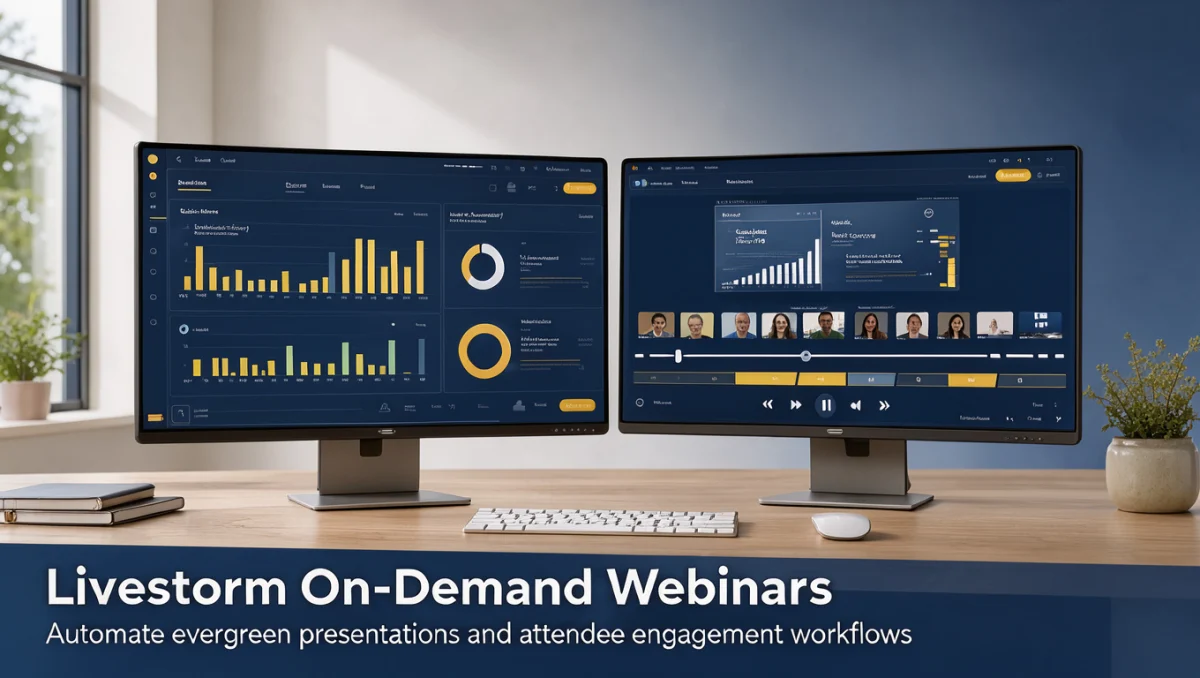
Setting up on-demand webinars in Livestorm starts with seeing how automated publishing supports an asynchronous communication plan. The platform suits teams that want browser-based video events, product walkthroughs, and evergreen training without hosting each viewing in real time. In this guide from Trust Reviews X, we walk through the steps for turning recordings into ongoing audience touchpoints.
Building on-demand sessions means planning registration paths, content delivery, and follow-up workflows. Whether an event tool fits within your Collaboration & Productivity stack depends on how well automated content supports your sales cycle and team capacity.
Quick verdict: Livestorm earns an overall score of 7.8/10. It fits organizations that want streamlined registration pages and recurring access to recorded presentations. It is less suited to teams that need custom-rendered virtual stages or advanced offline broadcasting.
| Metric | Summary |
|---|---|
| Trustreviewsx score | 7.8/10 |
| Best for | Teams hosting evergreen product tours, recurring employee training, and continuous lead-capture sessions. |
| Not ideal for | Organizations wanting complex offline production control or bespoke multi-track virtual auditoriums. |
| Key strengths | Browser-based registration pipelines, unified video distribution, and structured post-event lead recording. |
| What to check before buying | Review published participant capacity tiers and storage allocation specifications on the official Livestorm website. |
1. How Trustreviewsx Reviewed Livestorm
This review looks at what Livestorm is built to do, who it serves, and how it compares with similar tools, using the seven Trustreviewsx criteria: features, ease of use, pricing and value, integrations, audience fit, support and competitive position. Plans, prices and limits change often, so we point out what to confirm on the official website before you buy. This article was researched and drafted with the help of AI tools, then reviewed and edited by the Trustreviewsx Editorial Team.
2. Before You Start Your On-Demand Event
Organizing an evergreen broadcast requires preparing media assets and attendee touchpoints before configuring event settings. Video hosting platforms treat on-demand material differently from live sessions, prioritizing pre-recorded clarity and automated communication paths over real-time presenter management.
2.1. Define the Purpose and Content Format
Identify whether the session serves customer onboarding, lead generation, or internal workforce certification. On-demand presentations work best when their topics stay valid for months without needing updates to pricing slides or seasonal announcements.
2.2. Verify Video Quality and Supporting Collateral
Confirm that source recordings have clear audio, consistent screen sizing, and concise pacing. Supporting files, such as downloadable worksheets or reference links, must stay accessible for the full life of the presentation.
2.3. Map the Attendee Intake Flow
Decide whether viewers must register through custom forms or access sessions instantly through embeddable portals. Confirm on the official Livestorm website which data collection fields align with your organization's data policies and administrative guidelines.
3. Getting Started Workflow for On-Demand Sessions

Understanding how to run on-demand webinars with Livestorm involves a sequential setup that turns static media into an interactive portal. This structured approach helps ensure predictable delivery from initial asset selection through post-view analysis.
3.1. Creating the Event Shell and Scheduling Parameters
Establish a dedicated event in your administrative workspace, selecting the on-demand or automated event mode rather than a scheduled live date. Determine whether access stays open indefinitely or is limited to specific windows.
3.2. Supplying Media Assets
Upload a finalized presentation video or select a previously recorded live session from your workspace archives. Confirm media processing completes cleanly before adjusting audience interaction modules.
3.3. Customizing Registration and Landing Pages
Draft concise session titles, clear speaker descriptions, and focused takeaways. Tailor registration form fields to capture essential business details while avoiding unnecessary friction for casual prospects.
3.4. Structuring Automated Engagement Elements
Prepare contextual call-to-action prompts, survey questions, or downloadable handouts that appear during video playback. These elements simulate structured learning interactions and guide viewers toward next steps such as consultation requests.
3.5. Testing the Viewer Journey
Complete a full test registration from a clean browser session to review page layout, confirmation notices, video streaming quality, and engagement prompt timing before promoting the link.
4. Best Practices for Evergreen Content Management

Keeping pre-recorded presentations engaging requires regular maintenance and optimization. Treating evergreen sessions as ongoing digital assets protects brand reputation and keeps messages relevant.
4.1. Audit Content Timeliness Periodically
Set a calendar reminder for team members to check presentations for outdated software screens or obsolete company references. Updating source files promptly prevents audience confusion about current business policies.
4.2. Optimize Registration Friction
Balance the number of form fields against your registration volume goals. Organizations pursuing broad top-of-funnel reach should minimize mandatory entries, whereas qualification-heavy sales teams may require professional role confirmation.
4.3. Establish Systematic Follow-Up Sequences
Connect attendee viewing data to internal communication workflows. Differentiate outreach messages for registrants who watched the entire presentation from those who left early.
5. Common Mistakes to Avoid
Deploying pre-recorded events introduces pitfalls that do not occur during interactive live events. Avoiding these common oversights helps viewers stay engaged to the end.
- Neglecting media rendering quality: Uploading low-resolution files harms brand perception and reduces legibility for software demonstrations.
- Overcrowding the display with pop-up calls: Showing too many interaction boxes distracts viewers from the core presentation.
- Ignoring registration confirmation reliability: Failing to test automated confirmation messages can lead to high abandonment before viewing begins.
- Failing to monitor seat allocations: Many software vendors cap concurrent viewers or monthly registrants, so verify allocation limits on the official Livestorm plan comparison page.
6. Buyer Checklist for Webinar Software
Selecting an event management tool means comparing technical specifications against your team's requirements. Review these key considerations when evaluating platforms.
| Evaluation Area | What to Review on Official Pages | Strategic Importance |
|---|---|---|
| Concurrent Capacity | Review attendee and registrant limits per event cycle. | Prevents unexpected overage charges or viewing interruptions during high-traffic campaigns. |
| Storage and Hosting | Confirm hosted video duration policies and archival limits. | Ensures historical sessions remain available without requiring external storage migrations. |
| Administrative Seats | Check editor and host seat assignments across plan tiers. | Allows distributed marketing and customer success teams to manage content independently. |
| CRM and Workflow Sync | Verify compatibility with customer tracking platforms. | Automates lead scoring and attendee logging across primary marketing databases. |
7. Frequently Asked Questions
How should teams decide between hosting live webinars and running on-demand events?
Teams should weigh the need for spontaneous audience dialogue against the scalability of evergreen delivery. Live broadcasts suit interactive product launches and real-time community forums where immediate speaker feedback adds value. On-demand sessions suit product demonstrations, standardized employee training, and global lead generation, where audiences need access regardless of presenter availability or time zone.
What video preparation standards help ensure smooth evergreen playback?
High production clarity and steady pacing keep evergreen presentations engaging across repeated viewings. Creators should record with clean input sources, edit out filler, and keep slides and software displays clearly visible. Testing the finished file on both desktop screens and mobile devices confirms legibility before you link the media to an event.
Why should organizations review plan limits before launching on-demand campaigns?
Software providers often set subscription tiers around monthly active registrants, total storage duration, or team administrative seats. Launching a broad promotional campaign without confirming these limits can lead to account caps or unexpected tier upgrades. Checking operational limits on the official vendor website keeps promotional momentum within your subscription boundaries.
How can presenters keep on-demand attendees engaged without live moderation?
Timed interactive elements keep asynchronous viewers active during playback. Adding focused questions, related reference documents, and direct consultation prompts at relevant moments encourages participation. Clear post-event contact information gives prospects a direct way to ask technical questions that would otherwise come up in live discussion.
8. Final Verdict
Livestorm provides a reliable foundation for companies seeking browser-based automated event distribution and lead management. Its unified workflow lets marketing and operations teams publish polished, pre-recorded content without navigating complex hardware encoding environments.
| Criterion | Score /10 | Reason |
|---|---|---|
| Features | 8.0 | Structured event shells, customizable registration flows, and timed interaction options provide solid webinar management. |
| Ease of Use | 8.5 | Browser-first architecture provides clean administrative navigation for event hosts and straightforward attendee access. |
| Pricing and Value | 7.1 | Subscription models scale with team size, so buyers should check contact and registration allowances against projected volume. |
| Integrations | 7.6 | Standard marketing automation and data management connections should be verified in official documentation to ensure system compatibility. |
| Audience Fit | 8.3 | Well positioned for corporate teams, product marketers, and customer onboarding managers running recurring media touchpoints. |
| Support | 7.4 | Administrative guidance depends on subscription tier and official service terms. |
| Competitive Position | 7.7 | Stands apart from traditional meeting tools by emphasizing structured web event workflows over desktop client installations. |
Overall score: 7.8/10
For organizations prioritizing clean, browser-accessible customer education and lead generation, Livestorm is a functional, structured choice. Enterprises managing extensive multi-track conventions should compare technical stage requirements in official platform documentation before committing resources.
Readers with questions about platform selection or workflow design can reach out through the Review Craft X contact page or follow operational updates on the Trustreviewsx LinkedIn organization profile.