Trust Reviews X may earn a commission when you buy through links on this page, at no extra cost to you. This does not affect our ratings.
Choosing between the activecampaign pros and cons means first understanding how the platform manages customer journeys, automated follow-ups, and contact records. Teams comparing marketing automation software must weigh feature depth against staffing capacity, setup time, and continuing administration. At Trust Reviews X, we test core capabilities against real operational needs so teams can invest with confidence.
ActiveCampaign provides sophisticated email sequences, pipeline-based relationship tools, and behavioral tagging built for steady audience nurturing. Understanding both its advantages and drawbacks helps your team avoid implementation surprises while getting full value from its contact management.
Quick verdict: ActiveCampaign earns a Trustreviewsx score of 8.0 out of 10. It suits teams that want intricate multi-step branching workflows and unified contact records across pipeline stages. It is less suitable for solo operators who only need basic single-blast newsletters with minimal setup.
| Metric | Summary Details |
|---|---|
| Trustreviewsx score | 8.0 out of 10 |
| Best for | Teams that require multi-stage automated contact nurturing and structured deal tracking |
| Not ideal for | Solo senders who only distribute simple monthly broadcasts without automated segmentation |
| Key strengths | Automated visual workflow logic, contact lifecycle segmentation, and unified contact interaction histories |
| What to check before buying | Confirm user seat provisions, contact tier thresholds, and required feature access on the official vendor website |
1. How Trust Reviews X Reviewed ActiveCampaign
This review examines what ActiveCampaign is designed to do, who it serves, and how it compares with similar tools. We assessed it against seven Trust Reviews X criteria: features, ease of use, pricing and value, integrations, audience fit, support, and competitive position. Plans, prices, and limits change frequently, so we highlight what to verify on the official website before purchasing. This article was researched and drafted with the help of AI tools, then reviewed and edited by the Trust Reviews X Editorial Team.
2. Quick Summary of ActiveCampaign Pros and Cons
Evaluating ActiveCampaign means weighing deep behavioral automation against the effort required for initial configuration. The platform brings email marketing, automated conditional paths, and deal tracking together inside one system.
On the positive side, the software lets organizations build granular automation sequences triggered by site visits, message engagement, and pipeline movement. On the other hand, mastering conditional logic takes dedicated onboarding time, and teams must plan database upkeep carefully.
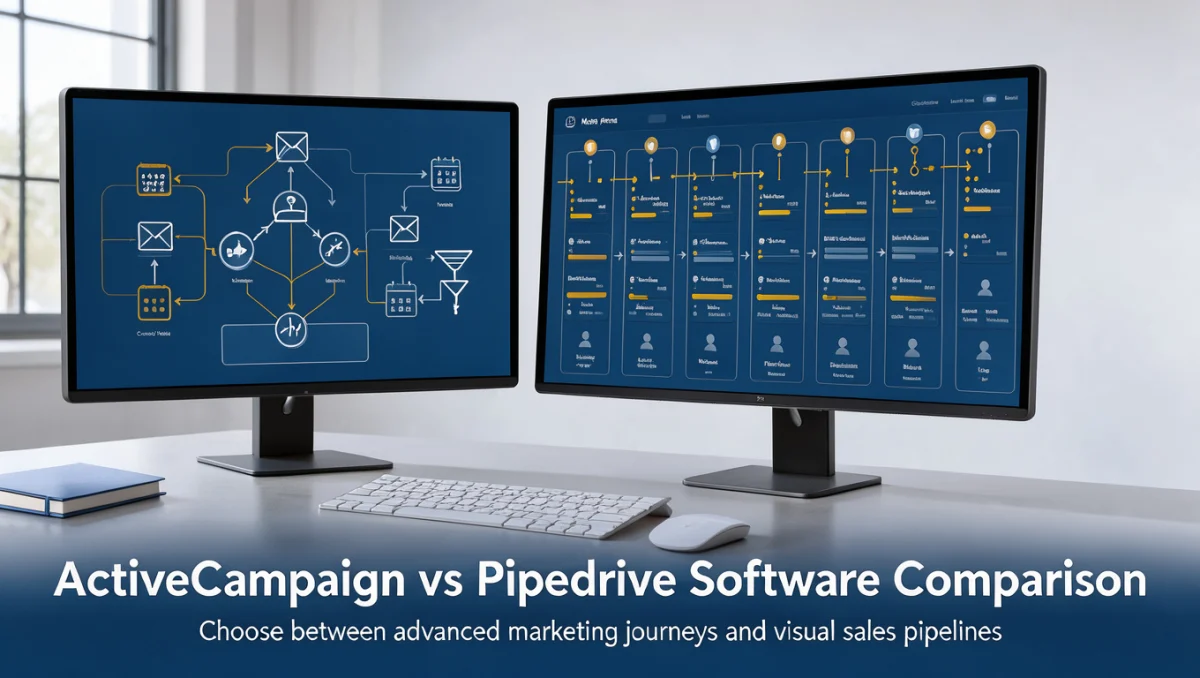
When assessing tools in the broader marketing technology space, organizations often compare ActiveCampaign with platforms such as Mailchimp, HubSpot, and Brevo. Each system targets different operational priorities, ranging from simple template design to full enterprise lifecycle management.
3. ActiveCampaign Pros

The operational advantages of ActiveCampaign come from its flexible sequence architecture and unified data records. Below are the key functional areas where the platform delivers substantial value.
3.1. Sophisticated Workflow Logic and Automation Builder
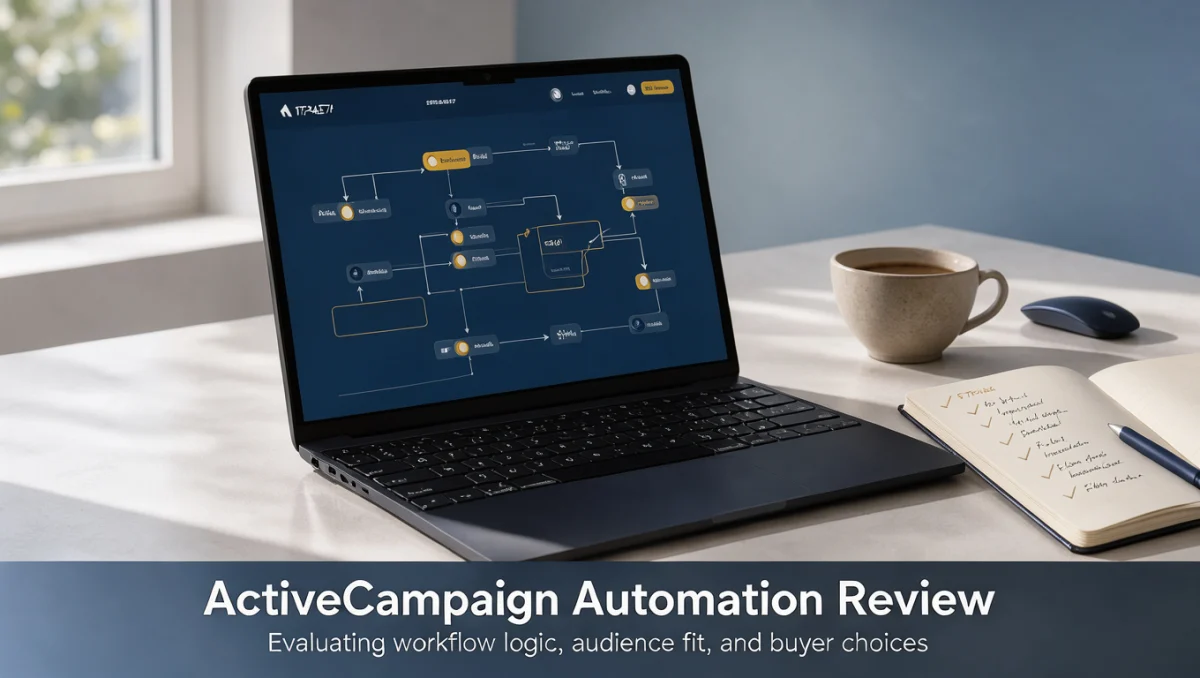
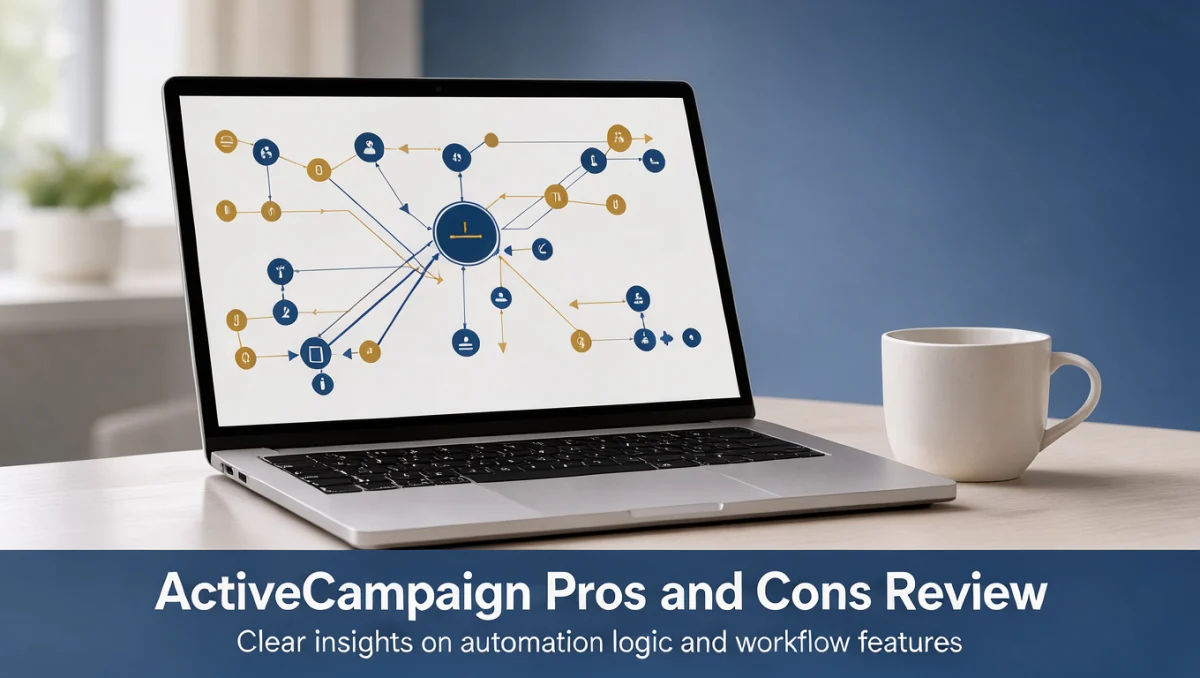
Workflow automation is the core strength of ActiveCampaign. Users can design branching journeys using multiple conditions, wait periods, goal checks, and custom webhook steps to guide contacts along personalized paths.
Because the visual builder maps entire customer journeys across conditional splits, teams can create nuanced onboarding sequences without writing custom scripts. Behavioral triggers respond directly to contact interactions, updating profiles and launching follow-up messages automatically.
3.2. Granular Audience Segmentation and Dynamic Tagging
Audience data organization relies on a flexible tagging and field-tracking framework. Marketers can assign tags automatically based on link clicks, page browsing activity, and custom event markers.
This granular approach enables focused messaging that reflects specific subscriber interests. Dynamic content blocks can change within outbound messages depending on segment criteria, reducing the need to maintain duplicate campaigns for different customer groups.
3.3. Integrated Sales Pipeline Management
ActiveCampaign connects marketing activity directly to contact deal stages. Sales teams can track outreach status, view communication timelines, and assign tasks across customized visual pipeline stages.
Automated processes can advance deals or create follow-up notifications when contacts show strong buying signals. This coordination between messaging sequences and sales tracking reduces friction for prospects moving between outreach and qualification.
3.4. Unified Contact Event History
Every contact profile stores an interaction timeline covering email opens, form submissions, page views, and notes. This unified record gives team members full context before reaching out directly.
Having complete history centralized in one dashboard removes communication silos between staff members. It also lets automated conditions check past behavior before deciding which message or task to trigger next.
4. ActiveCampaign Cons

While the feature set offers extensive flexibility, certain organizational hurdles come with implementation. Understanding these drawbacks helps teams plan workarounds early.
4.1. Steep Initial Learning Curve
The wide range of triggers, actions, and conditional rules makes initial setup demanding for inexperienced team members. Configuring nested automations without proper planning can lead to conflicting tags and broken delivery logic.
To reduce this challenge, organizations should document their tagging structure and customer journey maps on paper before building workflows in the system. Starting with simple linear automations before adding multi-branch conditions helps prevent structural setup errors.
4.2. Complex Interface Navigation for Casual Users
The density of options across settings, campaigns, contacts, and automation menus can feel overwhelming for occasional users who only need to send periodic updates. Finding specific reporting metrics or segment configurations may require digging through nested submenus.
Teams can address this by creating standardized procedures for recurring tasks. Restricting administrative rights and assigning dedicated managers to oversee campaign workflows keeps the interface manageable for general contributors.
4.3. Administrative Overhead for Database Maintenance
Because tags and custom fields can multiply quickly, keeping a clean contact database requires ongoing administrative attention. If left unchecked, duplicate tags and redundant segments accumulate and cause confusion during audience selection.
Regular database hygiene routines help resolve this. Teams should audit active tags quarterly, archive obsolete workflows, and enforce strict naming conventions for all future marketing assets.
5. ActiveCampaign Pros and Cons Summary Table
The following overview outlines the practical advantages and operational tradeoffs of adopting ActiveCampaign.
| Operational Category | Primary Platform Advantage | Practical Platform Limitation | Recommended Management Approach |
|---|---|---|---|
| Automation Architecture | Flexible multi-branch customer journey sequences | Complex rule sets can conflict without careful oversight | Map conditional logic on paper before building workflows |
| Data Management | Dynamic tagging and behavioral custom fields | Taxonomy clutter occurs when tags are created haphazardly | Enforce strict naming conventions and conduct quarterly audits |
| Pipeline Alignment | Connected deal stages and automated task routing | Setup requires cross-department coordination | Align marketing and sales definitions before defining triggers |
| Platform Usability | Deep functional control over every contact touchpoint | Steep onboarding curve for non-technical team members | Create standardized workflow templates for recurring campaigns |
| Reporting Visibility | Detailed interaction histories on contact records | Aggregated reporting navigation requires platform familiarity | Bookmark core metrics dashboards and export regular summaries |
6. Who Should Use ActiveCampaign
Software fit depends on organizational makeup, technical readiness, and communication volume. Below is an evaluation of who benefits most from ActiveCampaign and who should consider alternative setups.
6.1. Freelancers and Solo Operators
Independent professionals who handle service inquiries and product sales at the same time can use the software to automate appointment reminders, inquiry qualification, and client onboarding sequences.
However, freelancers who only send occasional quarterly announcements may find the setup effort out of proportion to their messaging needs. Simple newsletter services often deliver faster results for basic broadcast needs.
6.2. Small Business Owners
Small business owners with dedicated client acquisition funnels benefit significantly from automated prospect nurturing and synchronized deal pipelines. The system keeps leads organized without requiring separate tools for outreach and basic customer records.
Owners must ensure at least one staff member has the time to oversee workflow rules and maintain database consistency. Without designated ownership, automated sequences risk becoming outdated.
6.3. Marketing Specialists
Marketers managing complex conversion funnels get exceptional value from ActiveCampaign. The ability to split-test automations, segment by precise behavioral signals, and personalize message elements provides the control needed for ongoing growth.
Campaign managers can build lead-scoring models that flag qualified accounts for immediate team follow-up, maximizing the impact of multi-channel outreach.
6.4. Office Workers and Administrative Teams
Administrative teams handling customer communications, event registrations, and internal notifications can streamline manual follow-up tasks using automated triggers.
Even so, internal communications that do not involve customer nurturing or relationship tracking do not justify an advanced automation system. Standard collaboration tools and office suites handle internal messaging with less setup friction.
6.5. Students and Educational Users
Students studying digital communications can learn foundational concepts of marketing automation logic, lifecycle segmentation, and customer relationship management through the platform.
Running an active commercial database is rarely necessary for academic study alone. Educational users should check whether coursework or practice sandboxes meet their learning goals before committing to ongoing software costs.
6.6. Teams That Should Avoid ActiveCampaign
Organizations that only need occasional single-recipient notifications or simple blast announcements without behavioral tracking should avoid an intricate automation platform. In those cases, simpler newsletter tools deliver faster execution with far less complexity.
Similarly, enterprises requiring heavily customized database environments with specialized compliance frameworks should verify whether dedicated enterprise platforms better fit their scale.
7. Frequently Asked Questions
What should buyers evaluate when comparing automation features?
Buyers should determine whether their customer communication process relies on static broadcasts or dynamic, behavior-driven paths. Platforms with visual sequence builders and tagging structures excel when prospects need multi-touch follow-up, while simple broadcast tools suffice for basic announcements.
How should an organization plan for contact database growth?
Organizations should compare projected list growth with the vendor tier structure on the official ActiveCampaign pricing page. Because contact tiers determine ongoing subscription costs, regularly removing disengaged addresses helps maintain database hygiene and budget predictability.
When is a dedicated onboarding period necessary for automation tools?
A dedicated onboarding period is necessary whenever a team plans to implement multi-branch workflows, pipeline stage transitions, and behavioral tagging rules. Allocating time to define naming conventions and test triggers prevents delivery errors and conflicting automation paths.
What additional expenses should teams budget for alongside software subscriptions?
Teams should budget for asset creation, copy development, list verification services, and internal training time. Confirming add-on requirements, integration connectors, and specialized reporting needs on the official website helps prevent unexpected spending during rollout.
8. Final Verdict on ActiveCampaign
Our assessment of ActiveCampaign reflects its position as a comprehensive automation and contact management engine suited to growth-focused organizations. As detailed throughout Trust Reviews X, choosing the right tool means weighing functional power against implementation demands.
| Criterion | Score /10 | Reason |
|---|---|---|
| Features | 9.0 | Offers deep workflow logic, conditional branching, dynamic tagging, and integrated deal pipelines. |
| Ease of Use | 7.0 | Presents a noticeable learning curve and complex navigation for casual campaign creators. |
| Pricing and Value | 7.5 | Delivers solid returns for active funnels, though buyers must review tier thresholds carefully. |
| Integrations | 8.0 | Connects smoothly with common external commerce, content, and form systems across standard stacks. |
| Audience Fit | 8.5 | Matches the requirements of small-to-medium teams focused on systematic lifecycle nurturing. |
| Support | 7.5 | Provides documentation and direct assistance channels that buyers should confirm on the official website. |
| Competitive Position | 8.5 | Holds a strong functional position against rivals like Mailchimp and HubSpot for automation-centric setups. |
Overall score: 8.0 out of 10
ActiveCampaign is a proven, reliable choice for teams ready to invest time in structured marketing funnels, automated segmentation, and integrated deal handling. If your team only sends basic monthly updates, look to simpler newsletter software. If your strategy depends on automated, behavior-driven customer journeys, ActiveCampaign provides the architectural control needed to run sophisticated campaigns. Visit our Trust Reviews X homepage for more software comparisons. Browse more Marketing reviews for related tools.
If you have specific software selection questions or want guidance on configuring your marketing stack, explore our in-depth ActiveCampaign pros and cons analysis and reach out to our team for personalized advice.