Trustreviewsx may earn a commission when you buy through links on this page, at no extra cost to you. This does not affect our ratings.
Modern teams increasingly rely on activecampaign marketing automation to connect messaging with the customer lifecycle. Choosing an automation platform means weighing workflow depth against the effort required to keep contact data organized. Here we walk through how the software performs across the areas that matter most to operators.
The right marketing platform depends on team size, how fast your contact list grows, and how comfortable your staff are with technical setup. Simple email tools excel at scheduled newsletters, while full automation suites handle multi-step sequences that react to what recipients do. Understanding where this platform sits between basic broadcast services and enterprise customer management software is the first step in deciding.
Quick verdict: ActiveCampaign earns an overall score of 7.9 / 10 for teams that need conditional workflow branching and an integrated contact pipeline. It fits growing teams running multi-stage messaging, but it is less suitable for solo senders who only send occasional announcements without audience segmentation rules.
| Evaluation Metric | Summary Details |
|---|---|
| Trustreviewsx score | 7.9 / 10 |
| Best for | Growing teams that need multi-step conditional communication flows and contact pipeline tracking. |
| Not ideal for | Occasional newsletter senders who want basic template distribution with no sequence logic. |
| Key strengths | Visual workflow builder, granular audience segmentation, and built-in contact relationship tracking. |
| What to check before buying | Review the official tier comparison page for contact list thresholds and seat allowances. |
1. How Trustreviewsx Reviewed ActiveCampaign
This review examines what ActiveCampaign is designed to do, who it serves, and how it compares with similar tools. We applied the seven Trustreviewsx criteria: features, ease of use, pricing and value, integrations, audience fit, support, and competitive position. Plans, prices, and limits change frequently, so we flag what to confirm on the official website before purchasing. This article was researched and drafted with the help of AI tools, then reviewed and edited by the Trustreviewsx Editorial Team.
2. What Is ActiveCampaign and Who Is It For
ActiveCampaign is a customer experience automation platform that brings together email delivery, marketing automation sequences, and relationship database tracking in one workspace. Built by ActiveCampaign, the software helps businesses organize customer data and send timely messages based on individual contact behavior.
The platform is aimed mainly at small and mid-sized businesses, digital agencies, and marketing specialists who have outgrown standard broadcast tools. When messages need to depend on how contacts interacted with earlier campaigns, an automation engine becomes essential. Instead of manually grouping recipients, operators configure logic paths that run continuously in the background.
At Trust Reviews X, we judge marketing software by whether its day-to-day administration matches your staff resources. Teams adopting it usually want to replace fragmented setups, where contact records live in one tool and outbound messages live in another. Bringing these workflows together aligns promotional campaigns with direct customer follow-ups.
3. Core Features of ActiveCampaign

The platform is organized around several functional modules that streamline marketing operations and lead tracking.
3.1. Visual Automation Builder
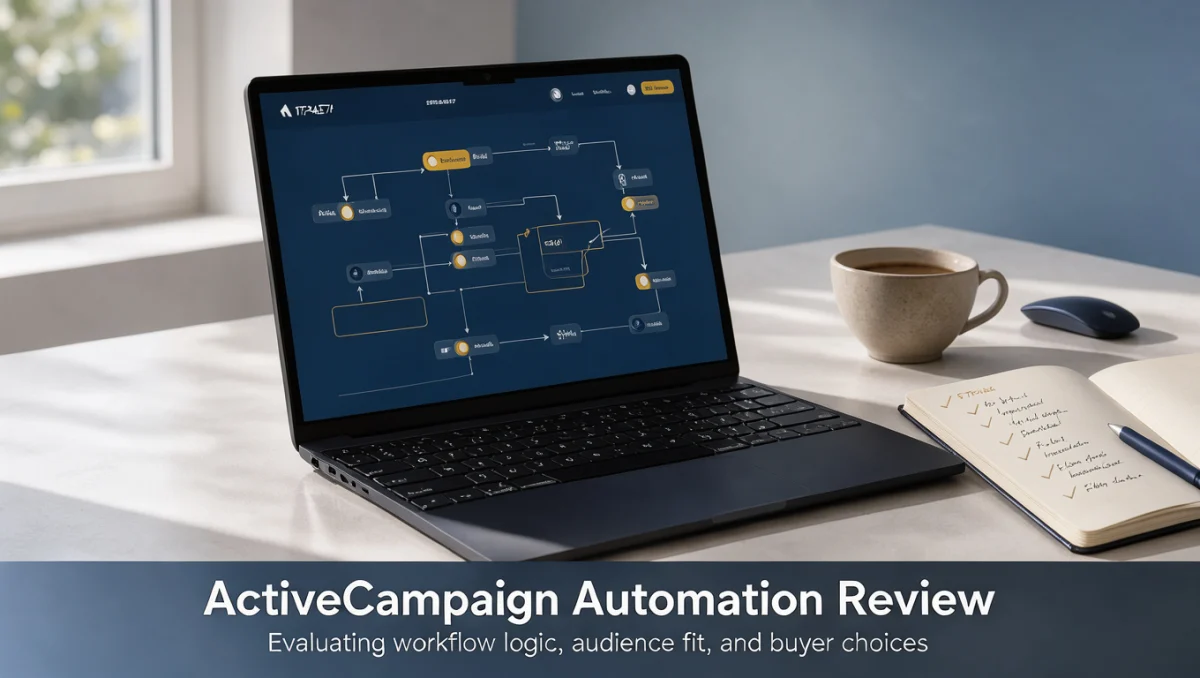
The visual builder lets operators construct multi-step communication journeys on a drag-and-drop canvas. You choose a starting trigger, such as a form submission, a campaign click, or a field change, then attach follow-up actions along timeline branches.
Within each sequence you can add conditional splits, wait periods, internal alerts, and goal checkpoints. This structure makes it possible to nurture new prospects, deliver onboarding guidance, or re-engage dormant contacts without manual intervention at every stage.
3.2. Contact Record and Pipeline Management
Contact management tracks each recipient's history alongside their engagement milestones. Every profile gathers campaign interactions, assigned tags, custom field values, and movement through operational pipelines.
Teams can visualize progress through customizable stages, which makes it practical to monitor prospective deals alongside outbound marketing. This shared visibility helps prevent overlap between promotional messages and direct outreach.
3.3. Audience Segmentation and Personalization
Segmentation tools let users filter lists using criteria that combine demographic details with real-time behavioral data. You can build dynamic segments that update automatically as contacts open messages, click links, or trigger specific events.
Personalization tags insert individual details into outgoing content, tailoring text to each recipient's attributes. This precision means contacts receive messages directly relevant to their stated interests and past activity.
3.4. Campaign Creation and Template Management
The campaign editor offers drag-and-drop layout tools for standard broadcasts, recurring newsletters, and automated autoresponders. Users can organize brand elements, text blocks, and media within a shared template library.
Beyond visual design, the editor supports dynamic content containers that show specific sections only to designated segments. This reduces the number of separate drafts needed for diverse customer groups.
4. Ease of Use and Learning Curve
ActiveCampaign has a moderate learning curve because of the depth of its configuration options and sequence builder. Creating a single broadcast is straightforward, but building connected multi-stage workflows calls for careful planning before anything goes live.
New administrators need to become comfortable with tags, custom fields, and trigger logic to avoid conflicting actions. Organizations that rush through setup without standardized data rules can end up with overlapping automations that confuse contacts. Mapping processes on paper before configuring the software remains sound practice.
For teams used to simple newsletter interfaces, moving between contact records, automation maps, and list settings can feel detailed at first. Once your team agrees on naming conventions for tags and campaign assets, however, ongoing maintenance becomes predictable and structured.
5. ActiveCampaign Pros and Cons
Evaluating any business software means weighing its practical advantages against its operational trade-offs.
5.1. Pros
- A clear visual canvas for planning multi-step customer journeys with conditional branches and delays.
- Integrated contact relationship tracking that connects promotional messaging with individual account histories.
- Flexible tagging and segmentation that support detailed audience categorization.
- Centralized template management with dynamic content blocks tailored to recipient attributes.
5.2. Cons
- Steeper initial configuration than entry-level broadcast newsletter tools.
- Requires strict internal data governance to prevent tag clutter and unintended trigger loops.
- Subscription costs scale with audience size, so inactive contact records need regular pruning.
- Complex automation maps can take significant troubleshooting time when multiple conditional branches intersect.
6. ActiveCampaign vs Similar Tools
Knowing where ActiveCampaign sits among alternative platforms helps buyers choose the right tool category for their workflow.
| Platform | Core Audience | Primary Structural Focus |
|---|---|---|
| ActiveCampaign | Growing teams and businesses | Multi-step behavioral automations paired with contact pipeline tracking |
| Mailchimp | Beginners and small shops | Straightforward email newsletters and introductory marketing assets |
| HubSpot | Inbound organizations | Broad business operations covering marketing, sales, and service databases |
| ConvertKit | Independent creators and bloggers | Content-focused broadcasts and subscriber sequence management |
Mailchimp suits those who want accessible campaign creation and simple audience broadcasting. Teams that send only occasional announcements often prefer simpler tools that avoid intricate conditional logic.
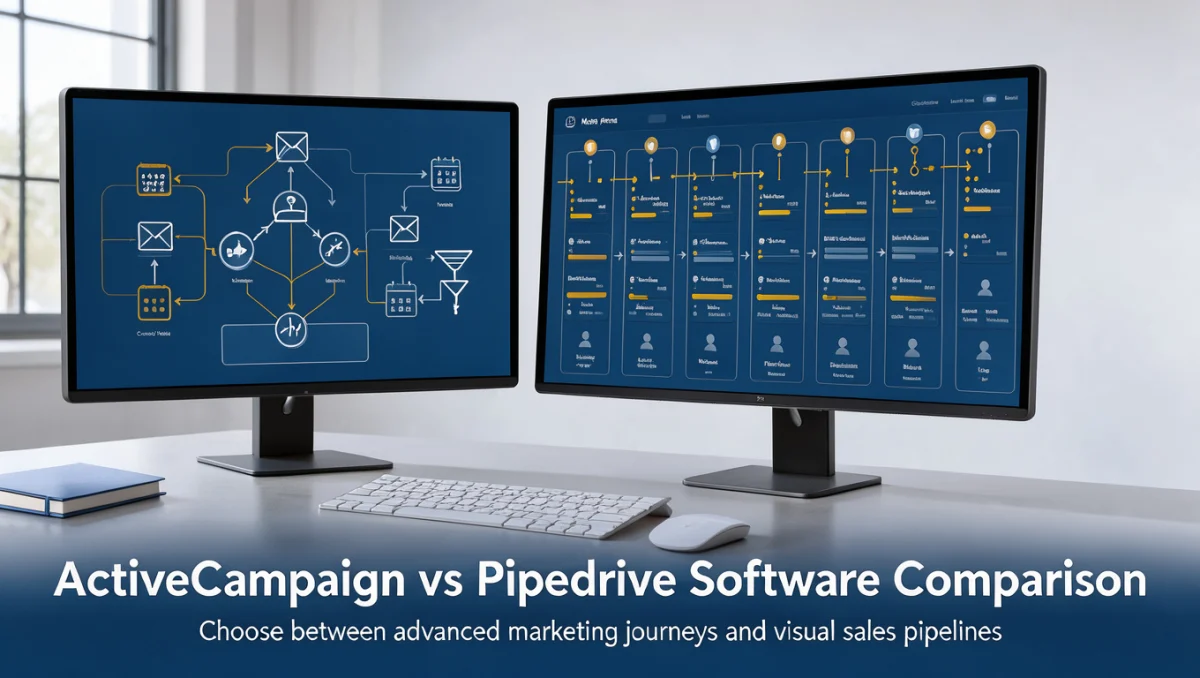
HubSpot takes an all-in-one approach, combining inbound marketing assets with broad enterprise customer databases. Organizations choosing between these categories must decide whether they want a focused messaging automation engine or a wide-ranging corporate management suite.
ConvertKit targets creators, authors, and media producers who prioritize plain-text sequences and uncomplicated tagging. ActiveCampaign is oriented toward businesses with commercial pipelines, structured lead tracking, and multi-channel communication goals.
7. Who Should Use ActiveCampaign
Checking whether your organization matches the typical user profile helps ensure a productive implementation.
7.1. Small and Medium Business Owners
Growing commercial teams benefit from combining email follow-ups with pipeline status tracking. When staff must coordinate onboarding sequences and renewal reminders, automated triggers save substantial administrative time.
7.2. Marketing Specialists and Digital Agencies
Marketing practitioners managing client accounts need granular segment logic and conditional branching to meet specific campaign goals. The ability to run distinct communication tracks based on recipient interactions gives the flexibility demanding campaigns require.
7.3. Freelancers and Solo Operators
Solo operators should assess their real time availability before committing to advanced automation software. If your workflow consists only of a monthly portfolio update, maintaining tags and custom fields may exceed your practical needs.
7.4. Organizations That Should Look Elsewhere
Organizations with static contact lists, or those that only send occasional manual announcements, will find extensive automation suites unnecessarily complex. In those cases, a straightforward broadcast tool offers faster setup and lower maintenance overhead.
8. How to Choose the Right Plan

Subscription models for marketing platforms usually split functionality across tiers, influenced by feature access and contact database size.
| What to Check on the Official Pricing Page | Why It Matters for Your Budget |
|---|---|
| Contact list counting rules | Marketing tools calculate costs based on stored or active contacts, so ongoing expenses change as your database grows. |
| User seat provisions | Confirm how many team members can log in at once before additional seat charges apply. |
| Advanced automation triggers | Certain detailed conditional actions or split testing features may sit on higher subscription levels. |
| Data retention and reporting depth | Historical log duration and custom reporting depth often vary across subscription packages. |
| Database overage terms | Understanding how pricing adjusts when contact counts exceed plan limits prevents surprise billing. |
When selecting a tier, audit your active subscriber base and remove invalid or unengaged addresses before migrating data. Because vendors price according to database size, keeping a lean contact directory directly protects your operating budget.
9. Frequently Asked Questions
9.1. How should a business decide when to upgrade from a basic newsletter tool?
Consider upgrading when standard email broadcasts can no longer support the customer interactions you need. If your team must send distinct message sequences based on contact actions, website visits, or pipeline stages, moving to a dedicated automation platform becomes practical. Confirm your internal capacity to manage automated workflows before starting the transition.
9.2. What hidden costs should teams expect when adopting automation platforms?
Beyond the base subscription, budget for contact list overages, extra team seats, and any third-party help with data migration. Growing contact databases can move accounts into higher pricing brackets without warning. Reviewing subscriber engagement regularly and removing inactive profiles keeps operating costs within projections.
9.3. How does contact list hygiene affect automation software performance?
Clean contact records stop automated campaigns from sending to abandoned or invalid addresses. High bounce rates damage sender reputation across email networks, which can push legitimate messages into spam folders. Setting automated rules to archive unresponsive contacts protects deliverability over long campaign cycles.
9.4. What should be done before importing customer records into an automation platform?
Audit existing customer databases to remove duplicates, standardize field names, and define consistent tagging structures. Loading disorganized data into an automation engine can trigger unintended sequences for the wrong audience segments. Documenting an internal data dictionary ensures everyone applies tags and custom fields the same way.
9.5. How can organizations prevent overlapping automated sequences from confusing contacts?
Prevent sequence overlap by setting mutual exclusion rules, goal-based exits, and priority tags in your workflow maps. When building journeys, make sure entering one sequence pauses or removes the contact from competing promotional sequences. Planning journeys visually before implementation helps teams spot potential trigger conflicts early.
10. Final Verdict
ActiveCampaign delivers structured marketing automation for organizations willing to invest time in workflow design and contact database organization.
| Evaluation Criterion | Score / 10 | Evaluation Reason |
|---|---|---|
| Features | 9.0 / 10 | Provides advanced visual workflow branching, conditional triggers, and embedded pipeline tracking. |
| Ease of Use | 7.5 / 10 | Requires dedicated time to understand tag architecture, trigger logic, and canvas settings. |
| Pricing and Value | 7.0 / 10 | Buyers must verify contact database tiers and seat limits on the official site to assess total costs. |
| Integrations | 8.0 / 10 | Connects with diverse third-party business services, which buyers should verify on the official directory. |
| Audience Fit | 8.5 / 10 | Strongly aligns with growing businesses and marketing teams that need behavior-based communication paths. |
| Support | 7.0 / 10 | Assistance channels vary by tier, so confirm details directly on the vendor portal. |
| Competitive Position | 8.5 / 10 | Occupies a solid position between introductory newsletter tools and enterprise business suites. |
Overall score: 7.9 / 10
For growing commercial teams and agency specialists, ActiveCampaign offers the structural depth needed to build responsive communication sequences. If your organization only sends occasional text announcements, simpler email alternatives will serve you with far less setup.
Readers with questions about marketing software selection can reach our editorial staff through the official Trustreviewsx contact page or follow updates on the Trustreviewsx LinkedIn profile.