Trustreviewsx may earn a commission when you buy through links on this page, at no extra cost to you. This does not affect our ratings.
Agencies that run constant paid campaigns often need dozens of banner variations per client each month. adcreative ai for marketing agencies is an automated platform that generates advertising graphics, banners and promotional copy, letting teams produce standard-size assets without laying out every layout by hand. Before adopting any creative software, it helps to understand how automated banner output fits your client obligations.
Choosing a tool means balancing visual control against production volume. This review from Trust Reviews X covers the software's capabilities, typical agency workflows and the key points to confirm on official channels before buying subscriptions for client work. For more background on our editorial approach, visit our Review Craft X homepage.
Quick verdict: AdCreative AI earns a Trustreviewsx score of 7.6/10. It suits digital teams that need fast generation of standard advertising banners across several client brands. It is less suitable for teams that require bespoke hand-drawn illustration or fine-grained typography control.
| Evaluation Factor | Trustreviewsx Summary |
|---|---|
| Trustreviewsx score | 7.6/10 |
| Best for | Agencies and marketing teams producing repetitive digital ad variations across standard formats |
| Not ideal for | Design boutiques focused on fully custom branding or hand-drawn artwork |
| Key strengths | Rapid visual ad variations, multi-brand asset organization and marketing copy drafting |
| What to check before buying | Workspace allocation rules, user seat allowances and download export limits on the official website |
1. How Trustreviewsx Reviewed AdCreative.ai
This review examines what AdCreative.ai is built to do, who it serves and how it compares with similar tools. We used seven Trustreviewsx criteria: features, ease of use, pricing and value, integrations, audience fit, support and competitive position. Plans, prices and limits change often, so we flag what to confirm on the official website before purchase. This article was researched and drafted with AI assistance, then reviewed and edited by the Trustreviewsx Editorial Team.
2. What Is AdCreative.ai and Who Is It For?
AdCreative.ai is an automated creative generation platform that produces advertising visuals, social media graphics and commercial copy for digital campaigns. It targets performance marketers, e-commerce brands, growth teams and advertising agencies that handle repetitive creative needs across channels. By structuring visual elements around machine learning suggestions, the tool helps teams that produce high volumes of paid-media banners.
Agencies often manage several client profiles, each with its own color palette, logo and visual guidelines. Using the platform, account managers and designers can generate standardized assets by entering brand parameters and campaign objectives. It sits within the wider field of artificial intelligence software that automates routine marketing creative tasks.
3. Core Features of AdCreative.ai

The core capabilities focus on producing advertising banners, generating ad copy and organizing multi-brand assets. Reviewing these feature groups helps agencies judge whether the software meets their production standards.
3.1. Visual Ad Banner Generation
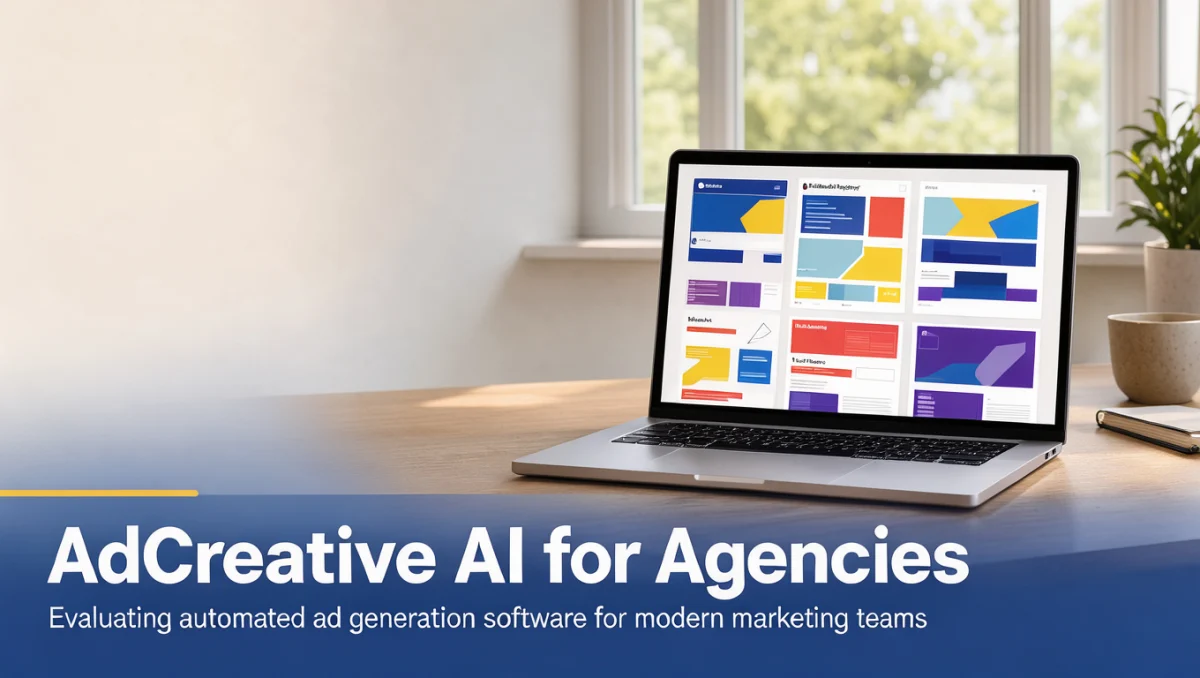
Banner creation lets users upload product imagery, set background parameters and have the software assemble multiple layout variations. The platform outputs standard digital advertising sizes, including square, story, landscape and vertical formats for major ad networks. Marketers can review variations, select preferred color arrangements and export graphics ready for deployment.
3.2. Commercial Copywriting Assistance
Copywriting tools draft headlines, body text and calls to action aimed at specific audiences. Marketers enter basic campaign concepts or target demographics, and the system proposes text suited to ad placements. Agency teams should edit these suggestions so the client tone matches brand guidelines before publishing.
3.3. Multi-Brand Asset Management
Multi-brand features let users store separate brand identities within one environment. Account teams can upload individual client logos, save corporate font choices and record brand color hex codes in dedicated profiles. This separation reduces visual cross-contamination between client deliverables and keeps assets organized during busy production cycles.
4. Ease of Use and Learning Curve
AdCreative.ai provides a guided setup that walks new users through brand profile creation and asset generation. Setting up an initial brand identity involves uploading graphic assets and choosing predefined color palettes, which takes little onboarding time. Marketers without deep design expertise can produce acceptable campaign banners by following the on-screen sequence.
The learning curve steepens when agencies manage dozens of client accounts or request complex layer adjustments. While basic banner creation is straightforward, refining elements within automated templates requires understanding the template boundaries. Design teams should test template flexibility during evaluation to confirm that automated designs satisfy demanding creative directors.
5. Pros and Cons of AdCreative.ai for Agencies
Weighing operational advantages against limitations gives agency decision-makers an objective view of the workflow.
5.1. Key Advantages
- Produces many banner format variations quickly from a single brand setup.
- Keeps distinct client asset profiles so colors, logos and fonts stay organized.
- Helps non-designers generate usable promotional copy and visual layouts.
- Provides standardized sizes suitable for direct export into major digital ad platforms.
5.2. Practical Limitations
- Automated templates can look visually repetitive across client campaigns unless teams add their own asset variation.
- Typography and detailed graphic editing controls do not match dedicated design software suites.
- Subscriptions usually tie output volume to plan levels, so teams should confirm monthly export quotas on the official pricing page.
6. AdCreative.ai vs Similar Tools
Marketing teams often compare AdCreative.ai with other visual production and marketing software in the creative automation space.
| Software | Primary Focus | Best Suited For | Agency Evaluation Point |
|---|---|---|---|
| AdCreative.ai | Automated advertising banners and ad copy | Agencies needing rapid, multi-size ad variations | Confirm account seat and brand workspace terms |
| Canva | Broad graphic design and collaborative content | Teams creating diverse social and print materials | Confirm template customization depth |
| Figma | Collaborative interface and bespoke visual design | Professional designers building custom design systems | Confirm manual production capacity |
| Jasper | AI-assisted marketing content and brand copy | Agencies prioritizing long-form copy and campaigns | Confirm visual design asset requirements |
Canva offers extensive general graphic templates and Figma delivers full manual vector control, while AdCreative.ai concentrates on advertising visuals built for conversion campaigns. Jasper centers mainly on written marketing copy rather than automated image generation. Agencies should identify whether their main bottleneck is manual graphic drafting, layout variation or content writing.
7. Who Should Use AdCreative.ai?
Different business types get different value from automated ad generation.
7.1. Performance Marketing Agencies
Performance agencies running continuous ad rotation benefit from rapid variation production. Account managers can refresh visuals quickly to combat ad fatigue without drawing heavily on senior designers.
7.2. Freelance Media Buyers
Freelancers managing media spend for several small clients can offer ad creation alongside campaign management. The software lets solo operators deliver visual assets without hiring subcontractors.
7.3. In-House E-Commerce Teams
Internal teams that run seasonal promotions, product catalog ads and flash sales can assemble banner variations quickly from existing product photography.
7.4. Teams That Should Seek Alternatives
Creative boutiques specializing in original illustration, hand-crafted branding or artistic editorial work will find template-based generation too restrictive. These teams should rely on advanced vector editing tools.
8. How to Choose the Right Plan for Your Agency

Selecting a subscription means evaluating client counts, monthly export demand and collaborative team size.
| What to Check on the Official Site | Why It Matters for Agencies |
|---|---|
| Brand profile allowances | Agencies need dedicated profiles for each client to prevent asset mixing. |
| Team user seats | Account managers and designers may need simultaneous access to review drafts. |
| Monthly generation and download limits | High-volume ad testing can consume monthly allowances quickly. |
| Workspace collaboration rights | Client presentation features determine how teams share drafts for sign-off. |
Subscription terms change periodically. Always check the official AdCreative.ai pricing page to confirm current plan inclusions, seat policies and monthly credit allocations before committing client budgets.
9. Frequently Asked Questions
9.1. How does an automated ad generator fit into an agency design workflow?
Automated ad generation platforms typically serve as volume production tools rather than replacements for creative strategy. Design teams set core brand concepts, while the software produces the repetitive aspect-ratio variations needed for multiple display networks.
9.2. What should an agency verify about client brand separation?
Review how the software organizes client workspaces. Confirm on the official platform documentation whether client assets, logos and color palettes stay isolated in separate folders or require separate sub-accounts.
9.3. How do agencies keep automated ad creatives from looking repetitive?
Agencies maintain originality by rotating background photography, refreshing product lifestyle images and writing custom headlines. Relying entirely on automated defaults without fresh visual inputs tends to produce repetitive designs across campaigns.
9.4. Which team roles should take part in software evaluation?
Both media buyers and graphic designers should review the platform. Media buyers assess ad size alignment and production speed, while designers verify that output quality meets client brand standards.
10. Final Verdict on AdCreative.ai
AdCreative.ai delivers practical value for digital marketing agencies that need fast, systematic banner creation across standard ad dimensions. It reduces the manual work of resizing, reformatting and adjusting graphics for paid campaigns.
| Evaluation Criterion | Score /10 | Reason |
|---|---|---|
| Features | 8.0/10 | Provides focused ad banner generation, copy drafting and brand profile management. |
| Ease of Use | 8.5/10 | A simple guided interface allows rapid setup for non-technical team members. |
| Pricing and Value | 7.0/10 | Buyers must check export limits against monthly agency campaign volumes. |
| Integrations | 7.0/10 | Buyers should verify official connections with current agency publishing workflows. |
| Audience Fit | 8.5/10 | Aligns directly with performance marketing agencies and paid media teams. |
| Support | 7.0/10 | Teams should verify available assistance channels on the official provider website. |
| Competitive Position | 7.5/10 | Holds a clear niche focused on paid ad conversion graphics. |
Overall score: 7.6/10
For performance agencies managing constant creative testing, AdCreative.ai offers meaningful time savings on routine production. Teams prioritizing bespoke manual artistry should keep dedicated design software in place. For questions about software selection or editorial criteria, contact the team at https://trustreviewsx.com/contact/ or follow Trustreviewsx on LinkedIn at https://www.linkedin.com/company/trustreviewsx/.