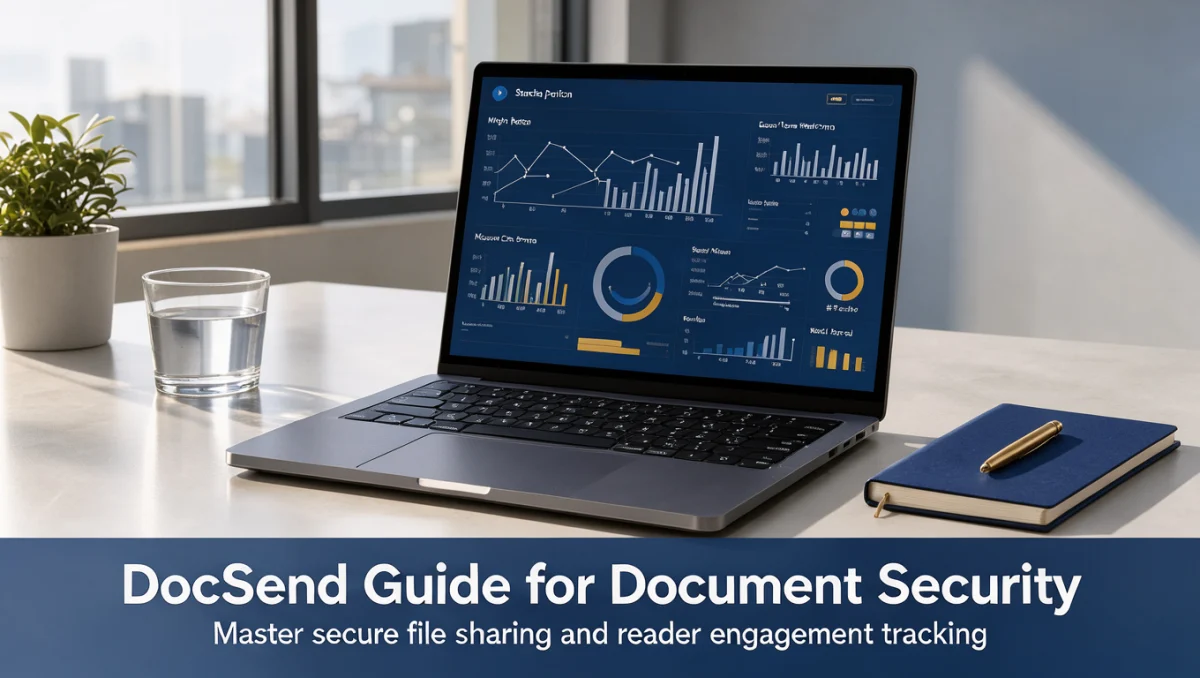
Share sensitive decks and proposals without losing control. This docsend guide explains how trackable, permission-controlled links can replace standard email attachments for founders, sales teams and consultants.
Why Email Attachments Fall Short

Once a file leaves your inbox as an attachment, you have no visibility into who opened it, which pages they read or whether it was forwarded to people you never intended to reach. Link-based sharing reverses that situation by keeping the document in a controlled viewer where access rules can be adjusted at any time.
Modern tools built for this purpose focus on three areas: generating controlled links, measuring reader engagement and managing permissions after the file has been sent. Together they give senders the oversight that attachments never offered.
Preparing Your Documents and Policies
Before you create any links, export final versions of your collateral as clean PDF files so layouts stay consistent across screens. Organize your repository by project, fundraising round or client account, and keep internal master versions separate from external-facing assets so outdated files are never sent by mistake.
Review your organization's external sharing rules as well. Legal and security teams often specify which documents need passcodes or a signed non-disclosure agreement before viewing, and agreeing on these standards early keeps settings consistent across the team.
Step-by-Step Sharing Workflow

Step 1: Upload and Name Your Files
Upload the finalized PDF to your central dashboard and give it a clear name that identifies the project and version. Consistent naming makes it easier to find the right file quickly and reduces the risk of distributing the wrong one.
Step 2: Configure Link Security
Create a separate link for each recipient rather than one generic public link, so analytics stay tied to a specific person or organization. For each link, choose the protections that match the document's sensitivity:
- Email verification: Require a valid work email before access is granted.
- Passcode protection: Add a second verification step for financial models or proprietary research.
- Download permissions: Turn downloads off when you need to keep control of the presentation.
- Link expiration: Set an automatic cutoff tied to a proposal deadline or meeting window.
Step 3: Send and Monitor
Place the link in your outbound email, investor update or client message. Recipients can view the material on a desktop or phone without installing any software. Visit notifications let you follow up while the prospect is still engaged.
Step 4: Analyze Engagement and Refine
Review time spent on each page to see where readers slow down or lose interest. If prospects consistently skip technical appendices or pricing breakdowns, streamline future versions to focus on the points that generate attention.
Best Practices for Analytics and Viewer Management
Strong security should not create friction that drives busy executives away. Reserve the strictest settings for financial statements, intellectual property disclosures and acquisition audits, and use lighter controls for general overview decks that still benefit from basic engagement data.
When a fundraising round or transaction grows beyond a single presentation, group related files into a virtual data room organized by category, such as governance, financial records, customer contracts and intellectual property. Check each folder's permissions carefully before inviting outside auditors or investors.
Team Governance Standards
- Assign an administrator to audit active links on a regular schedule.
- Archive superseded templates so staff only send approved materials.
- Use naming conventions that show the recipient and creation date.
- Revoke links as soon as formal negotiations end.
Common Mistakes to Avoid
Reusing One Link for Many Recipients
When several firms open the same link, their engagement data merges into one stream, and you cannot tell which organization viewed which slides. Generate unique links for each recipient so you keep accurate records and can revoke one prospect's access without affecting another.
Leaving Downloads Enabled by Default
A downloaded PDF can be shared offline, which ends your ability to track views, update content or revoke access. Decide on download permissions before sending, keeping them off during early pitch stages and enabling them only when a signed contract requires an offline copy.
Forgetting to Revoke Access
Links that stay active after a deal stalls or a client selects another vendor leave strategy decks and pricing exposed. Set a regular calendar reminder to deactivate stale links. Most platforms let you disable access with one toggle while keeping the historical analytics.
Frequently Asked Questions
When should I use tracking links instead of attachments?
Use tracking links for proprietary presentations, sensitive proposals and confidential financial plans where access control matters. Attachments remain fine for routine transactional files or public announcements with no strategic risk.
What affects the cost of a document sharing subscription?
Pricing generally depends on the number of user seats, advanced security features such as dynamic watermarking, and whether you need virtual data rooms. Check current tiers and limits on the official pricing page before budgeting.
How does document tracking help sales and fundraising?
Knowing when a prospect opens a file and which slides hold their attention lets founders and sales representatives time follow-ups well and focus conversations on the topics that drew interest.
What should administrators audit regularly?
Review active link permissions, email domain restrictions, download defaults and links tied to closed deals. Regular audits keep confidential material from being forwarded or remaining exposed long after it is needed.
Final Verdict on DocSend
DocSend is a focused option for professionals who need document control, reader analytics and secure external distribution. Replacing static attachments with managed links gives businesses clear insight into how outside parties review high-value materials.
It suits founders and dealmakers well. Larger organizations should compare its broader stack and confirm user limits and feature availability on the official website before rolling it out.
| Criterion | Score /10 | Reason |
|---|---|---|
| Features | 8.2 / 10 | Focused document control, viewer analytics, link-level permissions and verification workflows. |
| Ease of Use | 8.6 / 10 | Clean upload interface and straightforward link creation simplify daily tasks. |
| Pricing and Value | 7.2 / 10 | Costs scale with seats and advanced controls, so budget carefully. |
| Integrations | 7.4 / 10 | Connections with cloud drives and workflow tools should be verified on the official website. |
| Audience Fit | 8.5 / 10 | Well suited to founders, sales specialists and advisors sharing sensitive assets. |
| Support | 7.0 / 10 | Support resources depend on subscription level and should be confirmed. |
| Competitive Position | 8.0 / 10 | Differentiated by link analytics rather than broad cloud storage. |
| Overall score | 7.8 / 10 | Balanced for teams that need granular tracking and secure external sharing. |
Recommendations by User Segment
- Startup founders: Engagement visibility helps gauge investor interest during active fundraising.
- Sales teams: Tracking identifies engaged prospects and supports timely follow-up.
- Consultants and advisors: Link permissions, watermarks and quick revocation protect confidential client work.
- Teams needing casual storage: Organizations seeking collaborative editing or general drive storage should consider standard cloud productivity platforms.
For more software selection advice, contact us at Review Craft X, or explore more guides in our Collaboration & Productivity section.