Some links on this page may earn Trustreviewsx a commission when you purchase through them, at no additional cost to you. Our ratings remain independent.
Customer conversations, service requests and everyday team messages often end up scattered across inboxes and chat threads. Looking closely at the freshworks features helps teams judge whether a single shared workspace can bring order to that mess, and whether the extra structure will help or simply add friction.
How We Assessed Freshworks
We reviewed the platform against seven Trustreviewsx criteria: features, ease of use, pricing and value, integrations, audience fit, support and competitive position. Plans, limits and prices change frequently, so treat our observations as a starting point and confirm current details on the vendor's website. This article was drafted with AI assistance and then reviewed and edited by the Trustreviewsx Editorial Team.
What Freshworks Does and Who It Serves
Freshworks is business software built around customer engagement, relationship tracking and service operations. Its central purpose is to close the gap between an organization and its customers by collecting inbound requests, logging every inquiry and coordinating how the team resolves each one. Many companies run these tools alongside their wider Customer Service setup so that each customer contact leaves a clear, traceable history.
The natural users are support agents, helpdesk staff and customer success coordinators who field a steady flow of questions. Instead of depending on separate email clients, they record tickets in one system, assign work to available representatives and keep responsibility visible across departments. Buyers tend to be either small teams formalizing their service process or larger organizations juggling several communication channels.
Core Freshworks Features

The platform's practical value rests on a few functional areas designed for high-volume interactions. Each one addresses a common problem in support operations.
Customer Conversation and Ticket Management
Ticketing sits at the heart of the product, turning incoming messages into structured work items. Each conversation receives its own record that holds the full correspondence, internal notes and current status. Team members can flag urgent cases, assign an owner and avoid answering the same question twice.
Conversation management also keeps customer context in a single view. Agents can review earlier exchanges before replying, so customers are not forced to repeat their background. That shared history makes handoffs and escalations noticeably smoother.
Automation and Routing Workflows
Routing rules sort incoming issues automatically according to message content, sender details or assigned priority. Tickets can go straight to a subject matter expert, or be spread evenly across staff to keep workloads balanced.
Status triggers help make sure messages do not sit forgotten. The system can escalate stalled requests, remind staff about pending follow-ups and update the status when a customer replies. Automating this queue management frees agents to spend their time on difficult problems instead of manual sorting.
Reporting and Analytics Dashboards
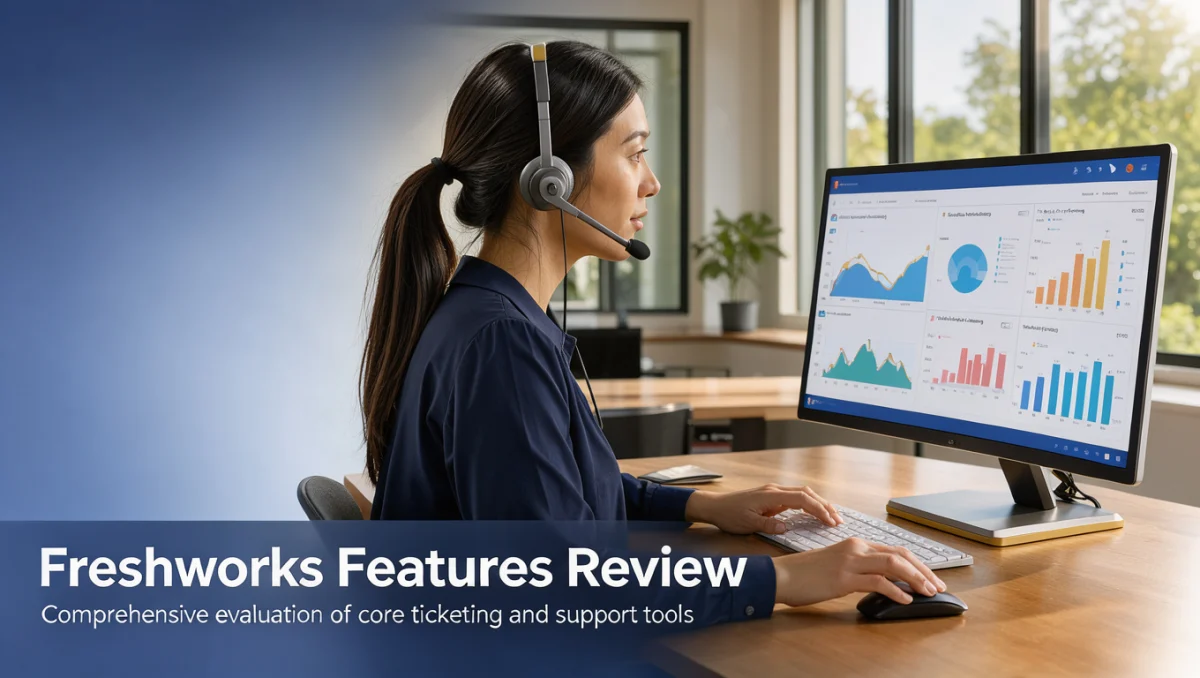
Service managers use reporting views to track request volume, response times and how the team resolves cases. Standard metrics show how quickly requests arrive, how long first responses take and how long full resolutions require. These figures expose bottlenecks and reveal peak periods.
Analytics also show individual and group workloads over time. Tracking recurring topics can point to product confusion, repeated service friction or gaps in documentation that deserve attention.
Team Collaboration and Administration
Internal communication tools let representatives work together behind the scenes without exposing discussions to the customer. Colleagues can leave private notes on a ticket, tag a specialist for technical advice and co-draft a response.
Administrative controls let leaders set role-based permissions, define coverage schedules and group staff by skill. This keeps sensitive customer data limited to authorized people while giving front-line workers what they need to do their jobs.
Ease of Use and Learning Curve
Adoption depends largely on whether agents can move through the interface quickly during a busy shift. The layout is clean and modular, separating ticket lists, contact profiles and action tools into predictable areas. New team members usually become comfortable with replying to and assigning tickets after a short introduction.
Advanced routing logic and detailed admin settings take more time to master. Building multi-condition assignment rules or custom dashboards requires careful planning so that rules do not contradict each other. Teams moving away from a simple shared inbox should set aside time for the managers who will handle the back-end setup.
Freshworks Pros and Cons
Weighing both the benefits and the limits helps determine whether the platform matches your resources and operational maturity.
Advantages
- Centralized message queues lower the chance of lost customer communications.
- Ticket assignment makes ownership of each resolution clear.
- Internal notes support smooth consultation between departments.
- Reporting gives objective insight into service volume and response patterns.
Drawbacks
- Complex routing rules need dedicated administrative planning to prevent misrouted tickets.
- Layered permission structures need ongoing oversight as teams grow.
- A broad feature set can feel crowded for organizations that only need simple contact capture.
Freshworks Compared With Similar Tools

The customer service market includes established options aimed at different company sizes and working styles. Freshworks presents itself as an approachable, scalable choice for businesses that want to unify support without heavy implementation effort.
Zendesk, by contrast, is typically aimed at mid-market and enterprise organizations that need heavily customized support ecosystems and multi-brand setups. It offers deep configuration options, but day-to-day operation often calls for dedicated administrative staff. Buyers weighing the two should honestly assess their internal technical capacity.
Help Scout is another relevant option. It centers on a clean, email-style shared inbox and suits teams that prefer conversational simplicity over elaborate ticket hierarchies. Organizations wanting minimal setup and a personal email feel often look at Help Scout, while teams that need structured ticket lifecycles and systematic dispatch rules tend to favor Freshworks.
Who Should Consider Freshworks
Knowing which profiles benefit most helps clarify whether your organization is ready for this type of software.
- Small to medium business teams: Departments handling dozens or hundreds of inquiries each day gain from centralized queues and shared ownership.
- Customer support managers: Leaders who need objective data on response times, backlogs and workload distribution will find the analytics useful.
- Multi-agent helpdesks: Where several people answer customers, shared visibility and internal notes prevent duplicated effort.
- Not ideal for solo freelancers: Individuals who manage clients through a standard email account rarely need assignment matrices or queue tools.
How to Choose the Right Plan
Subscription tiers differ in what they include, so map out your requirements before buying. Advanced routing or certain administrative controls may only be available at higher tiers.
| What to check | Why it matters |
|---|---|
| User seat allowances | Total monthly cost depends directly on how many agents need their own login. |
| Routing and automation complexity | Advanced dispatch rules and status triggers may be limited to particular tiers. |
| Reporting depth and history retention | Long-term trend tracking and custom reports often vary between plans. |
| External application connectivity | Confirm in the official vendor directory how your essential third-party tools connect. |
| Contract commitment terms | Billing cycles and renewal conditions affect cash flow and long-term budgeting. |
Frequently Asked Questions
When does a team need dedicated ticketing software?
Consider it once several people answer customers from the same general inbox and start producing duplicate replies or neglecting messages. Structured ticketing sets clear ownership, tracks each open inquiry to completion and gives managers accurate figures on resolution workload.
How should a company prepare its team before rolling out service software?
Start by defining support categories, standard response policies and which staff handle which topics. Preparing ticket tags, escalation paths and basic reply templates before launch helps agents adopt the new workflow without disrupting customer service.
What drives the total cost of a customer service platform?
Costs are mainly shaped by the number of seats, the chosen tier and the billing frequency. Budget for the administrative time needed to configure routing, build dashboards and train staff to use the platform consistently.
How can service teams tell whether their workflow setup is working?
Review resolution times, recurring ticket categories and handoff friction on a regular schedule. If agents are confused about assignments or requests sit unassigned, adjust the routing rules and simplify status categories.
Final Verdict
Freshworks offers a structured, dependable platform for businesses that want to modernize customer interactions and organize service delivery. Its design balances core ticket management with practical automation, which makes it a sound foundation for growing support teams. Readers who want impartial software comparisons can find more detailed evaluations at Trust Reviews X before making a purchase.
| Criterion | Score /10 | Reason |
|---|---|---|
| Features | 8.5 | Comprehensive core ticketing, conversation tracking and assignment automation. |
| Ease of Use | 8.0 | Intuitive daily agent workspace, though advanced setup needs upfront planning. |
| Pricing and Value | 7.0 | Tiered models mean buyers should carefully verify seat structures and renewal terms. |
| Integrations | 7.5 | Connects with many third-party applications, which should be checked in the vendor catalog. |
| Audience Fit | 8.5 | Matches growing support departments and multi-agent service desks well. |
| Support | 7.0 | Assistance varies by subscription tier, so confirm support channels before purchase. |
| Competitive Position | 8.0 | Holds a balanced middle ground between lightweight shared inboxes and complex enterprise suites. |
Overall score: 7.8/10
For organizations that have outgrown shared email accounts, Freshworks supplies the structure needed to professionalize customer communication. Before committing to a plan, have your management team review the automation rules you need and confirm seat requirements on the official Freshworks website.
Questions about choosing service software? Contact our editorial team at Review Craft X or reach out through https://trustreviewsx.com/contact/. You can also follow the Trustreviewsx team on LinkedIn at https://www.linkedin.com/company/trustreviewsx/ for regular buyer guides and software updates.