Trustreviewsx may earn a commission when you buy through links on this page, at no extra cost to you. This does not affect our ratings.
When people weigh quillbot vs wordtune, they are really choosing between two different philosophies of rewriting. Some writers want to reshape whole paragraphs at once, while others prefer polishing one sentence at a time. Looking at both through the lens of Review Craft X helps separate what each platform actually does from the marketing around it.
The right pick depends on how your daily drafting unfolds. If you need structured, multi-mode restructuring across long sections, one tool will suit you better. If you mostly refine phrasing inside active sentences, the other will feel more natural. This guide walks through both so you can make an informed decision.
Quick verdict: with an overall score of 7.7/10, the two tools show clear strengths. QuillBot serves people who transform text across larger sections, while Wordtune fits those focused on fine-tuning phrasing and sentence rhythm. Neither replaces manual proofreading or your own editorial judgment.
| Metric | Summary Details |
|---|---|
| Trustreviewsx score | 7.7/10 |
| Best for | Students, bloggers, and professionals seeking sentence rephrasing and structural vocabulary variety |
| Not ideal for | Teams requiring full-scale original document generation from brief prompts without manual oversight |
| Key strengths | Dedicated paraphrasing workflows, sentence tone modification, and vocabulary synonym suggestions |
| What to check before buying | Review character allowances and tone settings on each vendor official website |
How Trustreviewsx Reviewed the Two Tools
This review examines what each tool is built to do, who it serves, and how it stacks up against similar options. We apply seven criteria: features, ease of use, pricing and value, integrations, audience fit, support, and competitive position. Plans, prices, and limits change frequently, so we flag what to confirm on the official website before purchasing. This article was researched and drafted with the help of AI tools, then reviewed and edited by the Trustreviewsx Editorial Team.
The Short Answer
Choosing between QuillBot and Wordtune comes down to whether your work centers on broader paragraph reshaping or targeted sentence suggestions. QuillBot focuses on taking existing text and offering alternative structures through varied paraphrasing modes. Wordtune emphasizes contextual phrasing options that help writers clarify intent directly inside sentences.
If your process involves essays, academic summaries, or long articles, structural rearrangement is often essential. If your routine revolves around everyday correspondence, concise emails, and professional messages, direct tone refinement and clarity tend to matter more. Exploring software categories like Artificial Intelligence writing assistants shows that matching functionality to your drafting habits prevents workflow disruption.
Positioning Comparison

Understanding where each assistant positions itself helps you make realistic comparisons based on stable capabilities.
| Tool | Best for | Core strength | Consider if |
|---|---|---|---|
| QuillBot | Writers needing multi-sentence restructuring and vocabulary adjustment | Paraphrasing text blocks into alternative syntax patterns | Your work requires adjusting reading level and structural flow across full passages |
| Wordtune | Communicators wanting precise sentence rephrasing and tone polish | In-line sentence rewriting with contextual nuance | Your priority is selecting from multiple phrasing alternatives within active draft sentences |
Criterion-by-Criterion Comparison
To provide a structured evaluation, Trustreviewsx examines both options across core software assessment categories.
Features
QuillBot provides dedicated modules for rewriting passages, summarizing text blocks, and generating citations. Its primary strength lies in preset modes that alter sentence complexity, formality, and vocabulary density across entire paragraphs. Writers paste drafts into the interface to see structural alternatives arranged side by side.
Wordtune directs its feature set toward in-line sentence refinement. Rather than simply swapping synonyms, the interface presents complete sentence variations that adjust tone toward formal or casual registers. It also offers ways to expand short ideas or shorten dense phrases. Writers who value reviewing several variations before settling on a final sentence often find this targeted approach straightforward.
Ease of Use
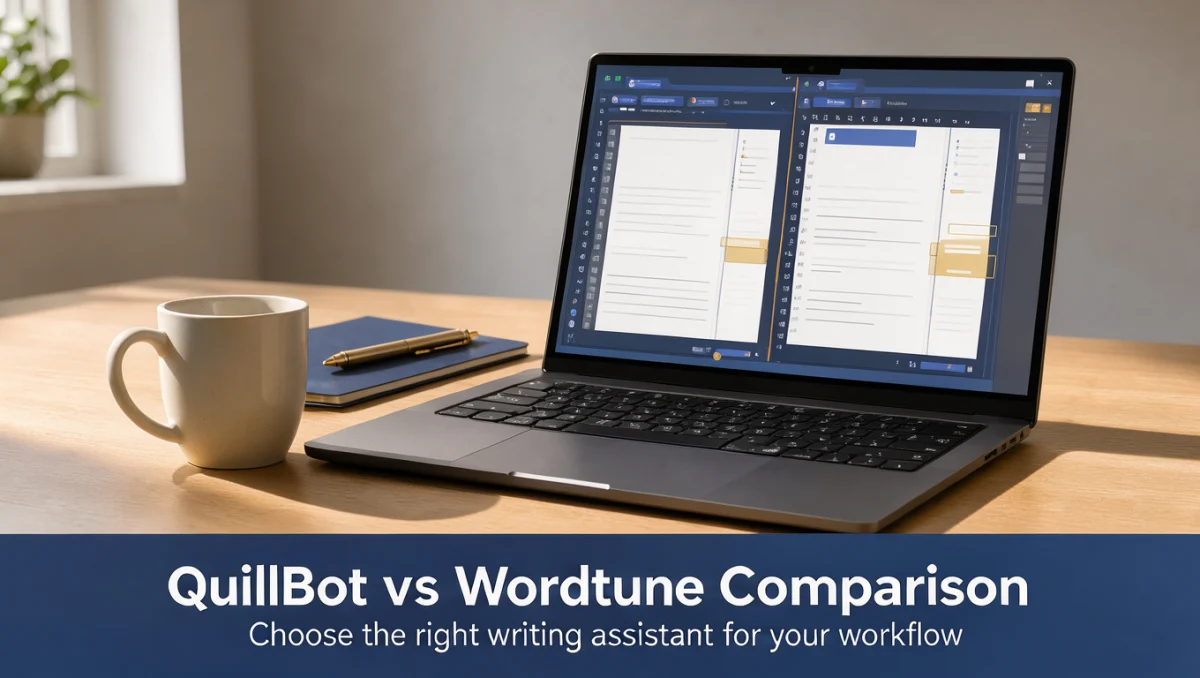
Both platforms have low learning curves because they focus on text manipulation rather than complex content management. QuillBot uses a split-screen design with original text on the left and transformed text on the right. Colored highlights mark altered words, making changes easy to track.
Wordtune centers on immediate contextual prompts. Highlighting a sentence produces alternative phrasing options directly above the selected text. This interaction style minimizes screen switching and keeps writers focused on their active drafts without managing separate panels.
Pricing and Value
Evaluating subscription value requires checking your expected drafting volume. Buyers should review account tiers on both vendor websites to verify how usage quotas apply to daily text volume. Confirming how rewrite limits function across billing levels ensures you select a plan that fits your writing schedule.
Integrations
Writing tools deliver value when they work inside your existing drafting environments. Prospective buyers should confirm compatibility with their preferred word processors, document platforms, and browsers directly on official product documentation. Checking whether extensions support your everyday editors avoids unnecessary copying between windows.
Audience Fit
QuillBot appeals strongly to students, academic researchers, and content creators who regularly restructure source material, synthesize complex passages, or refine literature reviews. Its citation assistance and text summarization align closely with formal study and research workflows.
Wordtune serves corporate professionals, marketers, and remote team members whose workday revolves around email, executive summaries, and client proposals. Non-native English speakers frequently appreciate the targeted phrasing options that clarify nuance in workplace communication.
Support
Support for language assistance software typically relies on self-service help centers, knowledge base articles, and billing inquiry systems. Before committing to a subscription, check the available support channels on each official platform to understand your options for account or interface questions.
Competitive Position
Both applications hold distinct positions in the digital editing ecosystem. QuillBot is positioned as a dedicated rewriting and research aid for students, competing alongside citation managers and grammar tools. Wordtune sits closer to executive writing coaches, competing with comprehensive grammar assistants and contextual suggestion extensions.
How to Decide Between QuillBot and Wordtune

Choosing between these two writing assistants requires evaluating your drafting habits, content types, and technical preferences. Independent evaluations from Trust Reviews X emphasize that no single writing assistant suits every drafting style.
Consider these practical factors before making your choice:
- Content length and context: If you regularly handle multi-paragraph documents, essays, or academic summaries, test QuillBot's paraphrasing modes to see how they handle larger contexts.
- Communication focus: If you mainly compose brief messages, customer updates, and internal emails, test Wordtune's in-line phrasing suggestions to see how quickly you reach clear wording.
- Tone adjustments: Check how each platform handles transitions between casual and formal vocabulary to ensure output matches your professional environment.
- Workflow placement: Review how each tool operates inside your browser or document software to minimize interruptions during drafting sessions.
Frequently Asked Questions
What are the primary differences in how these tools restructure sentences?
QuillBot alters sentence structure mainly by applying selectable rewriting modes across complete blocks of text, giving users control over formality and vocabulary shifts. Wordtune presents alternative sentence interpretations for individual lines, letting writers evaluate varying shades of tone and brevity before accepting a suggestion.
Which software is better suited for academic and research writing?
Academic workflows often favor QuillBot because its toolset includes citation generation and document summarization alongside sentence restructuring. Students should always confirm institutional guidelines on automated rephrasing assistants before submitting academic work.
How should buyers evaluate subscription limits before choosing a platform?
Prospective subscribers should visit the official pricing pages of both platforms to examine word count ceilings, processing limits, and tone mode availability. Reviewing these parameters prevents buying an account tier that restricts your typical daily draft size.
Do these writing assistants replace manual proofreading?
Automated assistants provide structural alternatives and vocabulary suggestions, but they cannot replace human judgment. Writers must review every suggestion carefully to ensure contextual accuracy, correct terminology, and proper intent.
Final Verdict: QuillBot vs Wordtune
Both QuillBot and Wordtune offer dependable solutions for writers seeking clearer expression and varied phrasing. Your final choice should reflect whether you need broader passage rewriting or immediate sentence-level tone polish.
| Criterion | Score /10 | Reason |
|---|---|---|
| Features | 8.0/10 | Both platforms provide focused text transformation tools, ranging from paragraph modes to tone variations. |
| Ease of Use | 8.5/10 | Clean split-screen layouts and direct in-line suggestion prompts ensure an intuitive user experience. |
| Pricing and Value | 7.5/10 | Subscription value depends on matching your typical draft volume with official tier limits. |
| Integrations | 7.0/10 | Users should verify compatibility with preferred browsers and word processors before subscribing. |
| Audience Fit | 8.0/10 | Clear separation exists between academic text synthesis workflows and business correspondence refinement. |
| Support | 7.0/10 | Assistance relies primarily on self-directed knowledge bases and standard customer help desks. |
| Competitive Position | 8.0/10 | Each tool maintains a well-defined niche within the wider digital writing assistance market. |
Overall score: 7.7/10
For students and freelancers working on extended drafts, QuillBot offers structured ways to reshape syntax and summarize ideas. For business professionals and remote communicators polishing daily correspondence, Wordtune provides quick, context-aware phrasing options. Always test both platforms on sample text to see which editing interface feels most natural for your routine.
Have questions about choosing writing software? Contact our editorial team at https://trustreviewsx.com/contact/ or connect with Trustreviewsx on LinkedIn at https://www.linkedin.com/company/trustreviewsx/.