Trustreviewsx may earn a commission when you buy through links on this page, at no extra cost to you. This does not affect our ratings.
Looking for a trustworthy activecampaign review is a sensible first move for any team weighing up an advanced customer experience platform. The real question is whether it fits your daily routine and the technical capacity you actually have. Choosing email and contact software means looking closely at usability, available team time and where you want the business to be in a year or two. At Trust Reviews X, our goal is balanced assessment, so you can pick a tool that suits genuine workflows rather than marketing promises.
Plenty of organizations ask whether a single automation hub will streamline audience messaging or simply add administrative drag. Balancing the depth of automation against the effort needed to implement it helps you adopt software that scales without creating bottlenecks.
Quick verdict: With an overall rating of 7.9/10, ActiveCampaign suits growing businesses, digital agencies and marketing teams that need multi-step visual automations and integrated contact management. It is less suited to solo operators who only want basic newsletter delivery without any technical setup.
| Metric | Summary Details |
|---|---|
| Trustreviewsx score | 7.9/10 |
| Best for | Organizations wanting multi-branch customer journeys and integrated lead management |
| Not ideal for | Casual creators needing basic broadcast tools with zero setup overhead |
| Key strengths | Visual workflow builder, conditional segmentation, and unified contact tracking |
| What to check before buying | Contact tier brackets, seat licensing requirements, and renewal terms on the official ActiveCampaign pricing page |
1. How Trustreviewsx Reviewed ActiveCampaign
This assessment looks at what the platform is designed to do, who it serves and how it compares with similar products. We scored it against seven Trustreviewsx criteria: features, ease of use, pricing and value, integrations, audience fit, support and competitive position. Plans, prices and limits change often, so we flag what to confirm on the official website before buying. This article was researched and drafted with the help of AI tools, then reviewed and edited by the Trustreviewsx Editorial Team.
2. What Is ActiveCampaign and Who Is It For
ActiveCampaign is a customer experience automation platform that brings email messaging, visual marketing workflows and customer relationship management into one operational system. It tackles the problem of coordinating transactional updates, segmented campaigns and sales lead progression as audience lists grow.
Organizations turn to this category of software to remove disconnected data silos between campaigns and pipeline tracking. Rather than juggling separate suites for contact databases and campaign delivery, teams run every interaction from first sign-up through repeat retention cycles in a single system.
Target Audience and Ideal Operational Context
ActiveCampaign serves small to mid-sized businesses, digital marketing teams and service agencies managing intricate customer journeys. Teams that depend on behavioral triggers, such as page visits, form submissions and purchase activity, gain real leverage from structured automation logic.
Businesses with straightforward broadcast needs, by contrast, often find the configuration demands excessive. If your goal is sending an occasional promotion to an unsegmented list, simpler newsletter services are a more practical investment.
3. Core Features and Automation Capabilities

Assessing an enterprise automation platform means examining how its underlying systems handle contact records, visual trigger logic, dynamic content delivery and sales management tasks. A closer look shows how each component supports everyday business operations.
Visual Workflow Automation
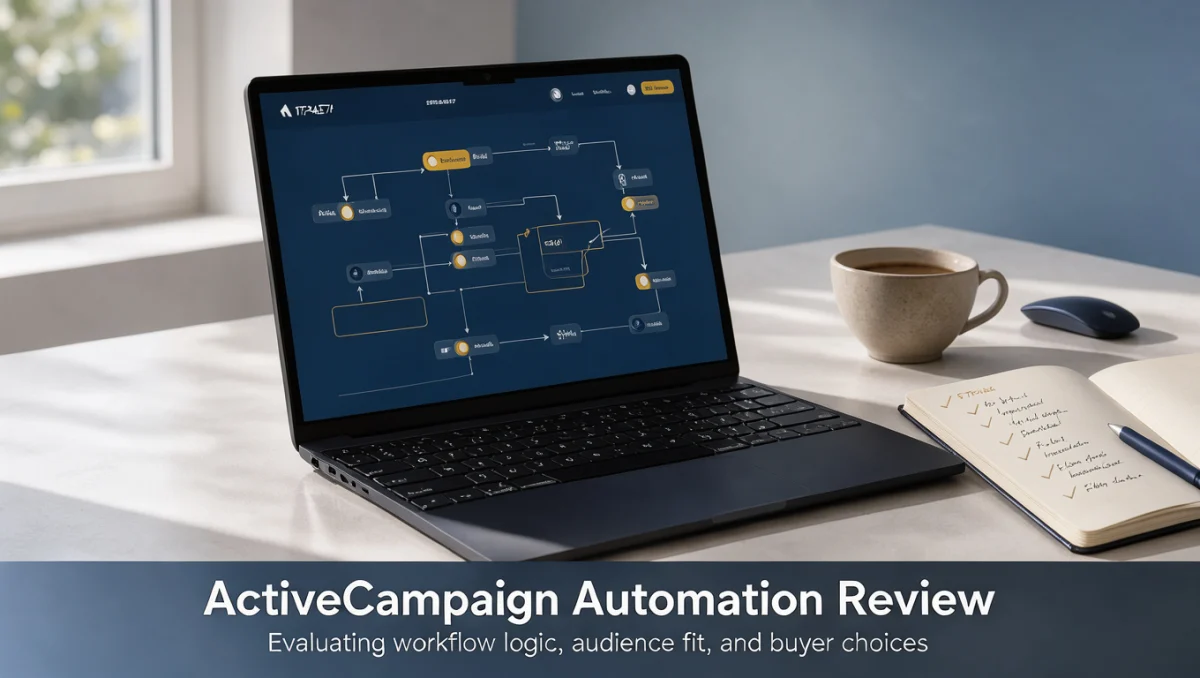
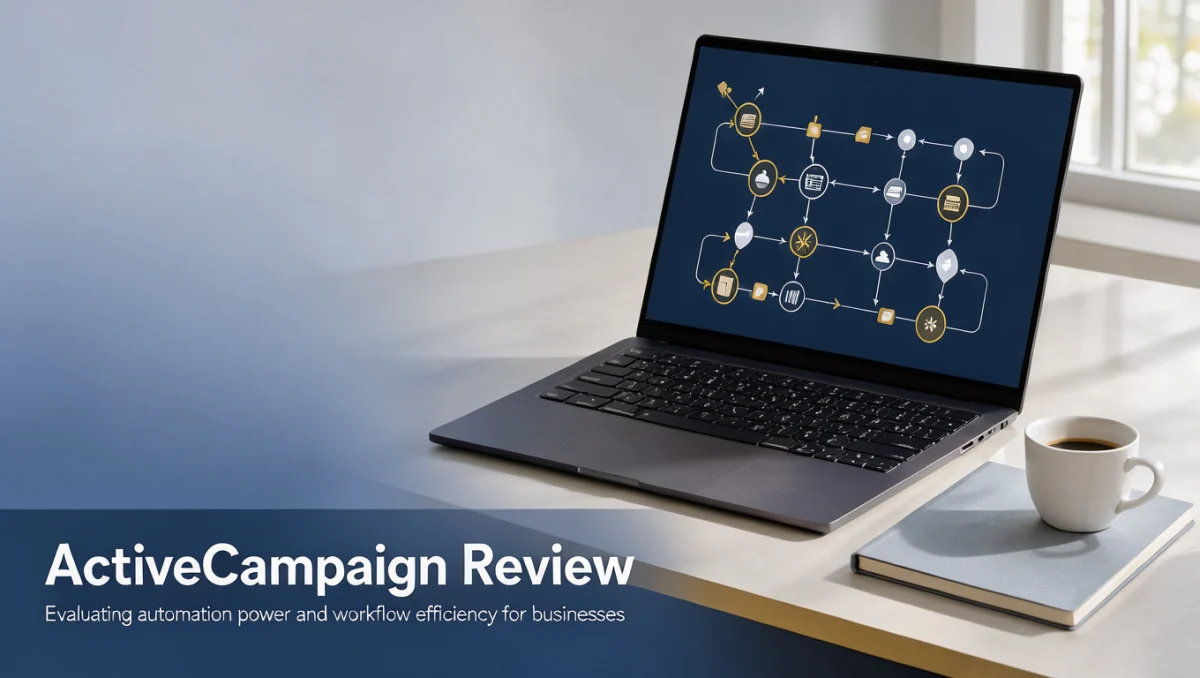
Visual workflow builders let operators assemble conditional pathways that run according to subscriber behavior. Users set entry triggers, such as link clicks, tag updates or field changes, then configure follow-up actions along branching routes.
These pathways support wait conditions, split tests and conditional filtering to steer audience subsets toward tailored communications. Structured pathways reduce administrative overhead while keeping lead routing orderly across departments.
Audience Segmentation and Dynamic Tagging
Segmentation systems maintain dynamic subscriber groups using real-time engagement data, geographic attributes and custom purchase variables. ActiveCampaign supports multi-condition logic, so administrators can combine several rules for highly precise targeting.
Dynamic tagging records user interests and purchase intent across customer journeys. This structured data foundation lets teams deliver contextual messages without manually rebuilding recipient lists for every campaign.
Email Campaign Creation and Delivery Management
The campaign builder offers template structures, drag-and-drop design modules and conditional content blocks that display distinct text or imagery based on contact tags. A single broadcast can therefore convey tailored information to different market segments.
Delivery management oversees bounce tracking, spam compliance checks and unsubscribe routing. Sound message management protects sender reputation across high-volume sending schedules.
Integrated Contact Management and Sales Pipelines
The integrated contact database consolidates communication histories, recorded events and lead scores within individual profile cards. Teams track deal stages across customizable pipeline boards, moving opportunities through negotiation phases automatically.
This tight coupling between marketing interactions and deal pipelines keeps client-facing staff informed about earlier marketing touchpoints. Automated task generation also prompts team members when high-value accounts show renewed engagement.
4. Ease of Use and Learning Curve

Ease of use in advanced automation software reflects the balance between operational flexibility and interface complexity. Basic navigation is straightforward, but mastering advanced conditional logic takes dedicated onboarding time and systematic planning.
New administrators often hit friction when first building multi-branch sequences, configuring field mappings and organizing contact taxonomy. Setting clear tagging conventions early prevents clutter as your contact directory grows.
Careful system architecture before launching automated workflows prevents messy tag sprawl and broken trigger sequences that disrupt customer communications.
Organizations should plan for a structured adjustment period during onboarding. Teams that map out their messaging journeys before configuring triggers tend to implement more smoothly than those attempting ad-hoc setup.
5. ActiveCampaign Pros and Cons
Weighing both structural advantages and operational constraints helps buyers set realistic implementation expectations before subscribing.
Key Advantages
- Visual automation builder supports intricate branching logic and behavioral triggers.
- Unified system bridges email distribution and sales pipeline tracking within one environment.
- Granular segmentation options allow precise message customization based on user actions.
- Extensive customization options support diverse operational models and business workflows.
Operational Considerations and Mitigations
- Learning requirements can slow initial adoption for non-technical team members, which teams can mitigate through phased rollouts and foundational staff training.
- Interface density requires thoughtful screen navigation, solvable by establishing standardized internal administrative procedures.
- Configuration overhead demands ongoing audit discipline to prevent duplicate tags and conflicting workflow triggers.
- Plan tiers vary by capability sets, making it essential to verify required tools on the official vendor directory prior to purchase.
6. ActiveCampaign vs Similar Tools
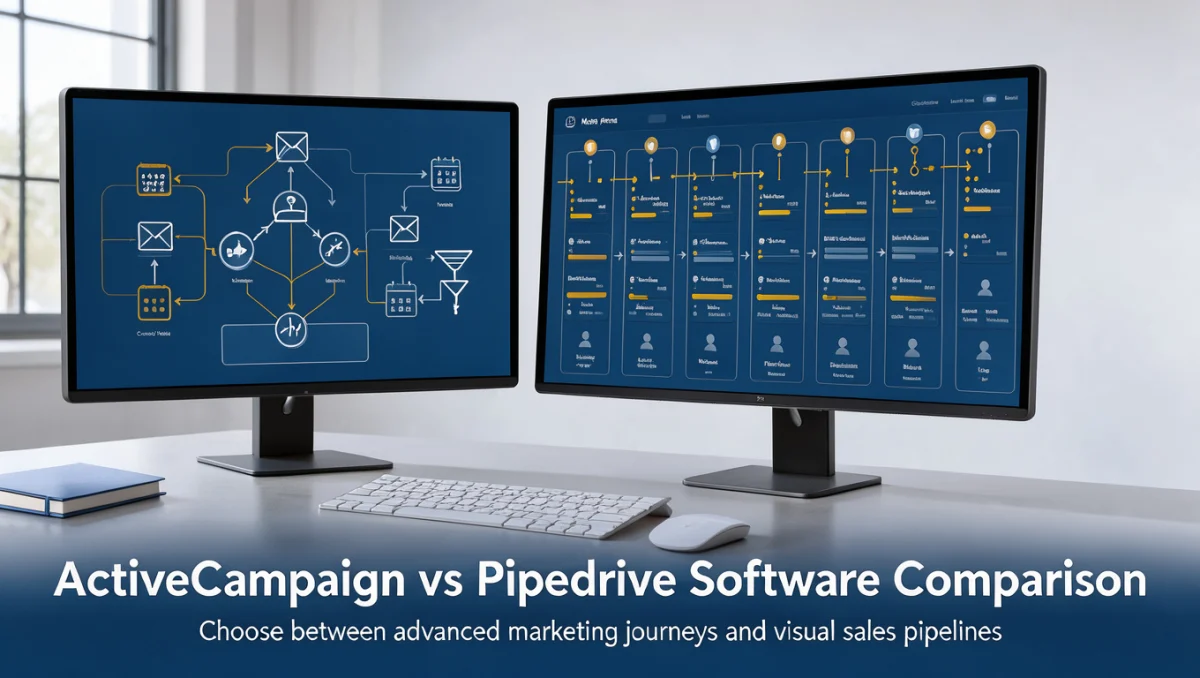
Understanding where ActiveCampaign sits relative to alternatives clarifies which solution matches your team's technical appetite. This activecampaign review comparison offers perspective across common market options.
| Software | Market Positioning | Core Functional Focus | Primary Consideration |
|---|---|---|---|
| ActiveCampaign | Automated customer experience platform | Complex visual logic and sales pipeline integration | Requires dedicated onboarding effort |
| Mailchimp | Broad-spectrum marketing software | Template-driven campaign broadcasting | Focuses on entry-level marketing convenience |
| HubSpot | All-in-one business growth platform | Unified inbound marketing and enterprise relationship tracking | Broad structural scope across company operations |
| Klaviyo | E-commerce focused messaging platform | Transaction-based automation for online retail | Tailored specifically around retail store data |
| Brevo | Multichannel operational messaging suite | Transactional notifications and communication tools | Suited for basic multichannel deployment |
Businesses working in the wider Marketing technology space must choose between specialized workflow depth and generalist communication tools. Platforms like Mailchimp emphasize rapid campaign dispatch for small businesses, whereas HubSpot delivers unified governance across large enterprise departments.
ActiveCampaign focuses on sophisticated workflow logic without forcing teams into an all-encompassing enterprise ecosystem. Buyers should decide whether their primary need is straightforward campaign delivery, retail transactional analysis or complex cross-departmental automation.
7. Who Should Use ActiveCampaign
Audience fit varies considerably depending on business size, technical capability and the main goal of your communication strategy.
Freelancers and Solo Consultants
Solo operators managing high-ticket consulting engagements can use automated lead nurturing to qualify prospective clients without manual email follow-up. However, freelancers offering basic services with small contact lists may find the setup requirements disproportionate to their needs.
Small Business Owners
Small business owners running established service firms or digital storefronts benefit from routing customer inquiries straight into pipeline management workflows. Automating follow-up tasks ensures inbound opportunities receive timely responses while reducing repetitive administrative work.
Marketing Professionals and Agencies
Marketing teams and creative agencies form the core audience that extracts the most value from advanced automation engines. Marketers can build bespoke retention funnels, track behavioral signals and demonstrate lead qualification metrics across multiple client accounts.
Corporate Office Teams
Internal communication departments and administrative teams within larger organizations can use automation to route information requests and event registrations. Nevertheless, organizations bound by strict infrastructure policies must confirm that cloud-hosted workflows align with their governance guidelines.
Students and Non-Commercial Users
Students and hobbyists exploring digital communication often find business-grade automation software unnecessarily complex. Free educational resources and lightweight mailing tools are far more accessible for learning foundational communication principles.
Groups That Should Consider Alternatives
Organizations that should look elsewhere include casual newsletter publishers, teams without dedicated administrative resources and operations needing only simple transactional confirmations. In these cases, straightforward dispatch tools deliver faster time to value without administrative drag.
8. How to Choose the Right Plan
Subscription software typically structures packages around contact database volume, seat licenses and access to specialized features. Buyers should methodically review plan inclusions to avoid unexpected cost increases as operations scale.
| What to Check on the Official Pricing Page | Why It Matters |
|---|---|
| Contact volume thresholds | Database tier boundaries determine baseline subscription costs as your audience expands |
| User seat allocations | Additional administrative seats may require plan upgrades or separate recurring seat fees |
| Automation and workflow limits | Advanced conditional actions or custom pipeline modules might reside in higher subscription tiers |
| Data retention policies | Historical event tracking and contact activity logs may carry specific retention windows |
| Support availability channels | Different plan levels may provide distinct communication paths for technical troubleshooting |
To avoid surprises in your budget, audit your current subscriber list and remove duplicate or unengaged contacts before migrating data. Review the official plan comparison to confirm your essential daily tools fall within your intended subscription tier.
9. Frequently Asked Questions
How should an organization prepare its contact database before migrating
Teams should audit existing subscriber records, delete inactive or bounced addresses and document all current tag definitions. Establishing a clear data dictionary ensures historical contact records map cleanly into new custom fields without creating duplicates.
What factors influence the total software cost beyond the base subscription
Total spending often depends on contact volume tiers, the number of staff needing administrative access and any third-party data enrichment tools. Organizations should project subscriber growth over a twelve-month horizon to set an accurate operating budget.
How long does initial setup typically require for a small marketing team
Implementation timelines depend on database cleanliness and the complexity of automated customer journeys. Basic email dispatch can begin within several days, while intricate multi-branch workflows and pipeline integration usually take several weeks of careful configuration and testing.
What administrative practices prevent automation conflicts over time
Maintaining strict naming conventions for tags and workflows prevents accidental cross-triggering between campaigns. Conducting quarterly audits of active sequences ensures outdated messaging pathways are retired before they confuse active contacts.
When should a growing business consider upgrading subscription levels
Upgrades become necessary when audience volume exceeds current account thresholds or when team workflows require specialized permissions and advanced reporting. Reviewing team usage every quarter helps managers identify when a tier change is justified.
10. Final Verdict
ActiveCampaign delivers an advanced customer experience engine suited to businesses that treat automation as a primary revenue driver. While the platform requires a committed investment in learning and regular administrative upkeep, its ability to unify complex behavioral logic with sales pipeline tracking offers strong value for growing organizations.
| Evaluation Criterion | Score /10 | Editorial Assessment |
|---|---|---|
| Features | 8.5/10 | Advanced visual automation builder, dynamic tagging and integrated deal pipelines provide extensive operational flexibility. |
| Ease of Use | 7.0/10 | Comprehensive feature depth creates a noticeable learning curve that requires structured training for new administrators. |
| Pricing and Value | 7.5/10 | Tiered models scale alongside contact volume, requiring buyers to verify exact feature distribution on the official pricing page. |
| Integrations | 8.0/10 | Broad ecosystem connectivity allows seamless synchronization across popular web services, payment systems and form builders. |
| Audience Fit | 8.5/10 | Highly aligned with small-to-midsize businesses, digital agencies and growth teams that actively manage detailed customer journeys. |
| Support | 7.5/10 | Standard troubleshooting resources and documentation provide reliable guidance, though access channels vary across plan levels. |
| Competitive Position | 8.0/10 | Maintains a distinct market niche by delivering deeper automation logic than entry-level tools without enterprise-level implementation overhead. |
Overall Trustreviewsx Score: 7.9/10
For small businesses and agencies ready to build structured, multi-step customer journeys, ActiveCampaign is a solid, future-ready investment. If your organization only needs basic monthly newsletters, consider simpler alternatives so you don't pay for automation capabilities you won't use.
Readers with specific implementation questions or software evaluation inquiries are welcome to reach out to the Trustreviewsx team through our official contact portal or connect with Trustreviewsx on LinkedIn for ongoing software analysis.