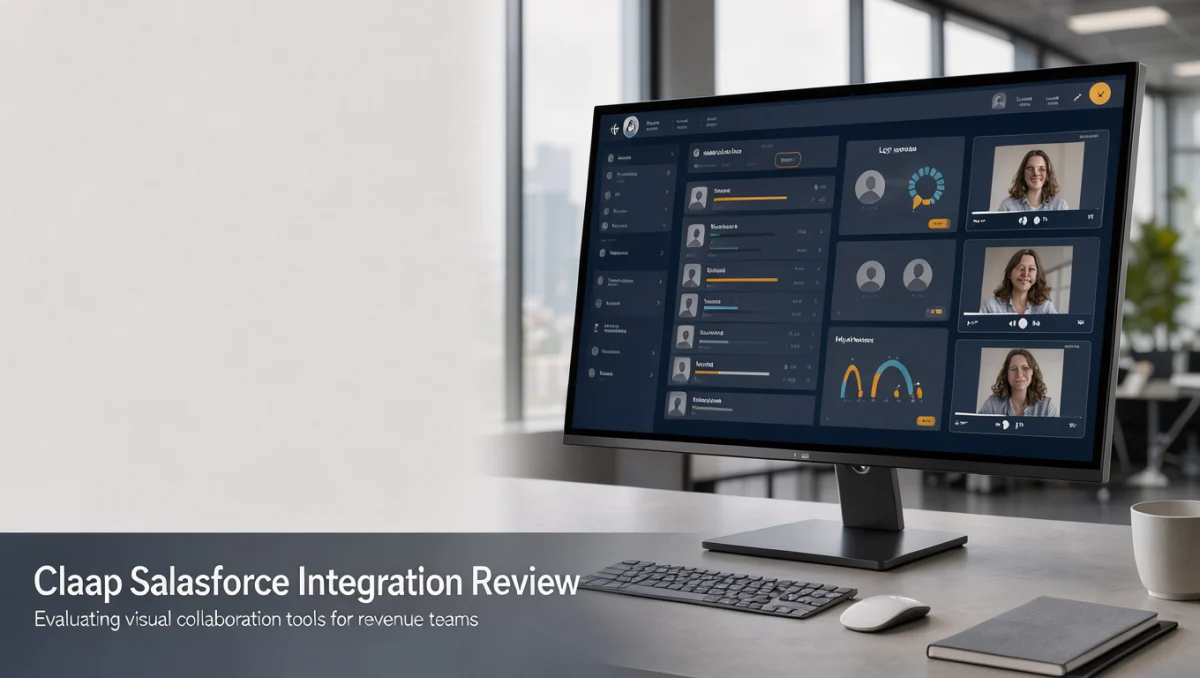
Revenue leaders rarely judge a tool by its marketing copy alone. For the claap salesforce integration to earn a place in your stack, it has to prove how asynchronous video and customer records actually connect, and whether that connection saves time instead of adding data entry.
Remote deal teams often struggle to share visual customer context next to opportunity records. Pairing recorded walkthroughs with pipeline data can cut down on repetitive status updates, but only if the data mapping, seat licensing, and user permissions are clear from the start.
How We Reviewed Claap
We assessed Claap against seven criteria: features, ease of use, pricing and value, integrations, audience fit, support, and competitive position. Plans and limits change frequently, so treat any figures here as a starting point and confirm current details on the official website before purchase. This draft was prepared with AI assistance and then checked and edited by the Review Craft X editorial team.
What Claap Does and Who Benefits
Claap combines asynchronous screen recording, video notes, and meeting intelligence in one workspace. Teams use it to exchange short video walkthroughs, document client conversations, and gather feedback without booking live calls. It suits remote-first companies, sales groups, and product teams trying to reduce meeting volume.
Within broader Artificial Intelligence workflows, buyers usually want automatic transcription and summaries tied to customer accounts. Claap aims to fill that gap by linking visual commentary to sales opportunities, helping distributed teams keep pipeline activity visible across time zones.
Core Capabilities

Recording and Screen Capture
Account representatives can record tailored product demos, proposal explanations, and implementation summaries. Viewers can change playback speed and comment at specific timestamps, which keeps cross-functional reviews moving without matching calendars.
Transcription and Meeting Notes
Spoken conversations are transcribed automatically and condensed into short overviews. Sales teams can pull action items, objections, and feature requests from recorded calls. Confirm on the official Claap site which languages and transcription options cover your customer base.
Workspace Organization
Shared folders and account channels keep customer-facing videos in one place. Colleagues can be tagged, action items assigned, and inline video or text replies added, building a searchable history of customer conversations for sales, marketing, and product teams.
Ease of Use
Video tools only pay off when people use them daily. Claap offers a clean interface with straightforward playback controls and threaded comments, so account executives can record and share clips with little friction.
Connecting the workflow to an enterprise CRM adds setup work. Administrators need to define sharing rules and check how links appear in opportunity feeds, and most platforms require admin permissions to complete authentication. Plan time for revenue operations to walk individual reps through account linking.
Strengths and Limitations
Where Claap Helps
- Reduces meeting fatigue by moving updates into asynchronous video.
- Keeps video documentation next to written comments and interaction history.
- Supports timestamped feedback for complex technical or contract discussions.
- Provides structured workspaces that help sales and engineering share knowledge.
Where It Falls Short
- Results depend on consistent habits for recording, labeling, and linking videos.
- Advanced enterprise sync features may require higher plan tiers, so verify on the official pricing page.
- CRM data quality still depends on users following agreed tagging conventions.
Claap Compared With Similar Tools
Loom is built mainly for quick screen recording and general team video sharing. Gong focuses on enterprise revenue intelligence, with conversation analytics and pipeline risk forecasting aimed at sales leadership.
Claap sits between lightweight recording and formal meeting intelligence. Teams wanting one workspace for internal updates and client-facing recordings often compare it with single-purpose recording tools. Review your current stack to decide whether you need specialized forecasting or flexible video messaging.
Who Should Consider Claap
Good Fit
- Mid-market sales teams sharing personalized proposal walkthroughs and documenting client commitments.
- Customer success managers delivering onboarding tutorials without repeating live training sessions.
- Distributed product and revenue groups that need visual feedback between sales and development.
- Solutions engineers documenting custom configurations for prospects during evaluations.
Consider Other Options If
Solo operators and small businesses with few customer interactions may do fine with email or basic recording tools. Organizations without an active CRM will see limited benefit from CRM synchronization, and teams with strict on-premise hosting requirements should confirm fit in the vendor documentation.
Choosing the Right Plan

Vendors adjust tiers, seat allocations, and admin controls over time, so check each requirement against the official pricing page before buying.
| What to Check on the Official Page | Why It Matters |
|---|---|
| CRM connectivity prerequisites | Enterprise CRM connections are often reserved for higher-tier subscriptions. |
| User seat and guest access rules | Per-seat billing affects the cost of including specialists or managers. |
| Video storage and retention policies | Archiving multi-year sales calls requires adequate storage. |
| Administrative and permission controls | Protecting client confidentiality requires granular sharing permissions. |
Frequently Asked Questions
How should teams prepare their CRM before connecting video tools?
Define clear naming conventions and decide which objects, such as leads or opportunities, will receive video links. Setting these rules first keeps data consistent across the sales team.
What should buyers review about subscription costs?
Confirm minimum seat commitments, renewal terms, and whether advanced transcription carries separate usage fees. The official pricing page helps forecast ongoing costs.
Can client-facing video links be shared with external prospects?
Platforms typically offer public or access-restricted links. Check workspace sharing settings so internal annotations stay hidden from outside viewers.
How does asynchronous video change deal cycles?
Decision-makers can review recorded walkthroughs on their own schedule, avoiding calendar coordination. This often shortens turnaround for contract questions and technical reviews.
Final Verdict
At Review Craft X, we judge tools by operational transparency and sustainable workflow value. The claap salesforce integration gives revenue teams a modern way to tie asynchronous video and meeting records to customer tracking. Buyers should verify plan prerequisites and governance rules on the official Claap website, but for teams modernizing remote sales operations, it is a credible option worth testing.
| Criterion | Score / 10 |
|---|---|
| Features | 8.0 |
| Ease of Use | 8.5 |
| Pricing and Value | 7.5 |
| Integrations | 7.0 |
| Audience Fit | 8.5 |
| Support | 7.0 |
| Competitive Position | 7.5 |
Overall score: 7.7 / 10
For guidance on selecting business software or to send us questions, visit our Review Craft X site and reach out through the contact page.