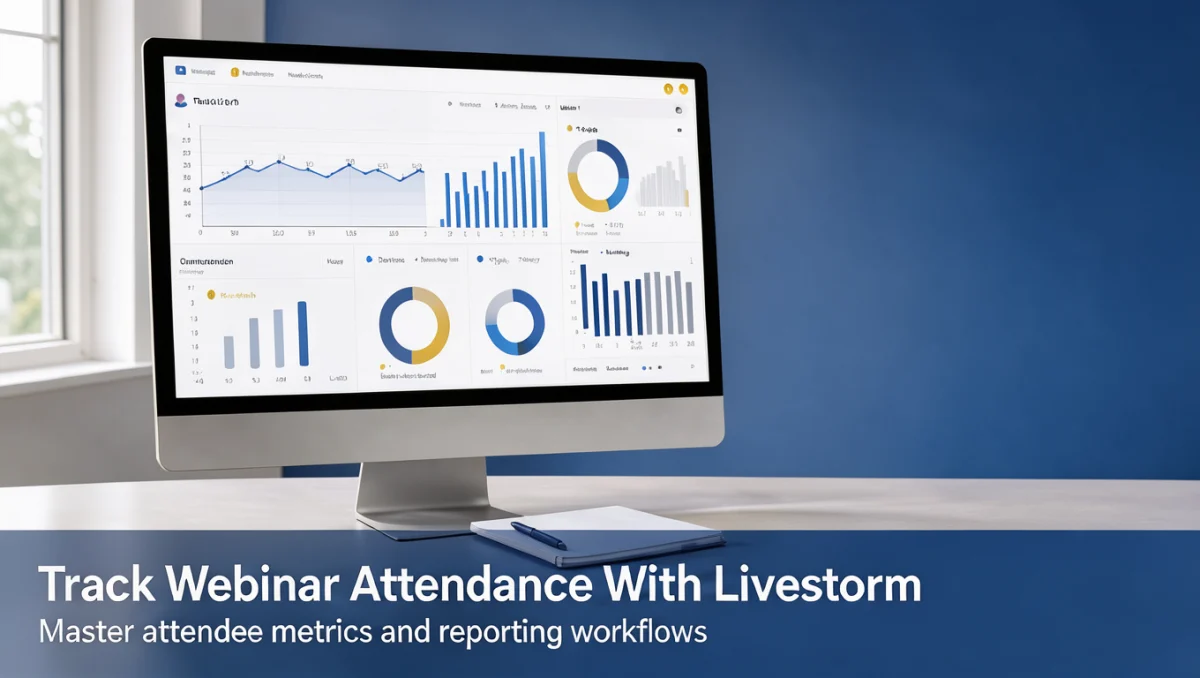
Attendance data is only useful when it is collected cleanly from the start. Understanding how a virtual event platform records check-in times and session duration helps organizers build reports they can trust, without spending hours reconciling viewer lists by hand.
Livestorm is a video engagement platform built for live meetings, product demos, and structured online seminars. Its participation records give marketing and training teams a consolidated view of who showed up and for how long.
Quick verdict: Rated 7.7/10 by Trustreviewsx, Livestorm suits teams that need structured session logs and clear participation summaries. It fits marketing teams and training managers who want consolidated attendance reporting, and is less relevant for anyone who only needs occasional informal video chats with no tracking requirements.
| Metric | Summary |
|---|---|
| Trustreviewsx score | 7.7/10 |
| Best for | Teams that want structured post-session attendance records and engagement analytics |
| Not ideal for | Solo operators who only host casual, unstructured video calls without reporting needs |
| Key strengths | Unified event workflows, automated attendance logging, and clear exportable session reports |
| What to check before buying | Confirm on the official Livestorm website which plan tier supports your team's reporting and export needs |
1. How Trustreviewsx Reviewed Livestorm
This review examines what Livestorm is designed to do, who it serves, and how it compares with similar tools. We assessed it against seven Trustreviewsx criteria: features, ease of use, pricing and value, integrations, audience fit, support, and competitive position. Plans, prices, and limits change frequently, so we flag what to verify on the official website before buying. This article was researched and drafted with AI assistance, then reviewed and edited by the Trustreviewsx Editorial Team.
2. Before You Start Tracking Attendance
Before you monitor attendance, confirm that your registration workflow collects clean participant data at signup. Webinar platforms depend on consistent registrant identifiers, such as email addresses, to record when someone enters and leaves the session.
Review your organization's privacy guidelines before logging who attends. Because data protection rules govern how personal activity is recorded, check the official Livestorm website for the data handling disclosures that apply to attendee records.
Set internal benchmarks for attendance metrics so your team understands the difference between total registrants, active viewers, and on-demand replay viewers. Our Collaboration & Productivity section also covers tools that can align team workflows across your marketing and communication stack.
3. Getting Started Workflow for Tracking Attendance

3.1. Setting Up Registration Fields
Accurate attendance tracking starts with a well-structured registration form. Capture key identifiers such as corporate email, company name, and job function so you can segment attendance records effectively later.
Standardize mandatory fields across recurring webinars. Consistent naming makes it possible to compare results across quarters without manual data cleaning.
3.2. Monitoring Real-Time Session Turnout
During the live broadcast, track incoming attendee volume alongside your presentation pacing. Live dashboards show active participant counts, giving you visibility into arrival patterns and early drop-off points.
Note significant drop-offs during transitions, such as moving from slides to live audience questions. Linking drops to specific agenda topics helps hosts adjust the length and content of future sessions.
3.3. Reviewing Post-Webinar Analytics and Exports
After the broadcast ends, open the event reporting overview to review attendance totals. Compare total registrations against actual attendees to calculate your baseline attendance rate.
Export the attendee activity report to inspect individual connection lengths and overall engagement. Confirm on the official Livestorm account portal which spreadsheet formats and report filters match your reporting requirements.
4. Best Practices for Accurate Event Reporting
Set consistent tagging rules for each event type so internal training sessions do not skew public marketing averages. Clear category labels keep departmental analytics clean and actionable.
Compare live attendance with replay viewership to measure long-term engagement. Many registrants who miss the live session watch the recording in the following days, which creates a second layer of engagement data.
Sync attendance records with your existing systems promptly after each event. Timely updates let sales representatives follow up while prospect interest is still high.
5. Common Mistakes to Avoid in Attendance Tracking

A frequent error is ignoring multi-device logins. When a participant switches from mobile to a desktop, unrefined logs can create duplicate entries unless email matching is enabled.
Ignoring connection duration also distorts performance evaluations. Someone who leaves after three minutes should not be treated the same as an attendee who stays engaged for forty-five.
Another common mistake is failing to audit export settings before major events. Check the export columns on your account dashboard in advance to make sure key fields such as attendance duration are captured.
6. Who Should Track Webinar Attendance With Livestorm
6.1. Corporate Training Coordinators
Internal training coordinators benefit from structured attendance logs that document compliance and course completion. Automated session timestamps replace manual sign-in rosters for employee development sessions.
6.2. Demand Generation Marketers
Marketing teams use attendance duration to score lead quality. Attendees who sit through a full product overview are usually warmer prospects than those who leave during the introduction.
6.3. Organizations Not Ideal for Complex Attendance Systems
Small groups holding casual peer-to-peer discussions rarely need detailed attendance analytics. For informal catch-ups, a simple video calling app without event analytics is a more practical choice.
7. FAQ
How should teams prepare for post-webinar attendance audits?
Define your standard reporting metrics before the session starts, including the minimum duration that counts as qualified attendance. Confirm on the official Livestorm reporting guide which analytical columns to export for internal records.
What causes discrepancies between registered contacts and actual attendees?
Scheduling conflicts, reminder email delivery issues, and time zone confusion often reduce the conversion from registration to live attendance. Tracking attendance rates across multiple sessions reveals seasonal patterns and helps marketing coordinators optimize scheduling.
How does attendance duration affect post-event lead qualification?
Connection duration reflects audience interest more accurately than registration status alone. Sales teams can prioritize prospects who watched the full presentation over registrants who left before the key product demonstration.
What should administrators check regarding reporting permissions?
Verify team member access levels so only authorized personnel can view participant contact details and attendance records. Confirm on the official Livestorm management settings page how reporting permissions are assigned across account members.
8. Final Verdict
| Criterion | Score /10 | Reason |
|---|---|---|
| Features | 8.0 | Provides unified session management, structured registration workflows, and detailed participant analytics. |
| Ease of Use | 8.2 | Presents clear event overviews and streamlined analytics dashboards suited to business teams. |
| Pricing and Value | 7.2 | Buyers should verify plan structures and participant allowances on the official site against their budget. |
| Integrations | 7.4 | Data synchronization depends on platform settings that should be checked on the vendor portal. |
| Audience Fit | 8.1 | Fits marketing professionals and corporate educators who need reliable post-session attendance verification. |
| Support | 7.3 | Service options and assistance workflows should be reviewed directly on the vendor portal before purchase. |
| Competitive Position | 7.7 | Holds a dedicated position among modern webinar tools focused on automated analytics and audience interaction. |
Overall score: 7.7/10
For marketing teams, corporate trainers, and enterprise communicators who need verifiable attendance records, Livestorm offers organized event management and detailed participation reporting. Review plan options on the official website before deploying.
Have questions about setting up event tracking? Send them through the Trustreviewsx Contact Page or connect with our team on LinkedIn.
See More how to track webinar attendance with livestorm · Review Craft X