Trustreviewsx may earn a commission when you buy through links on this page, at no extra cost to you. This does not affect our ratings.
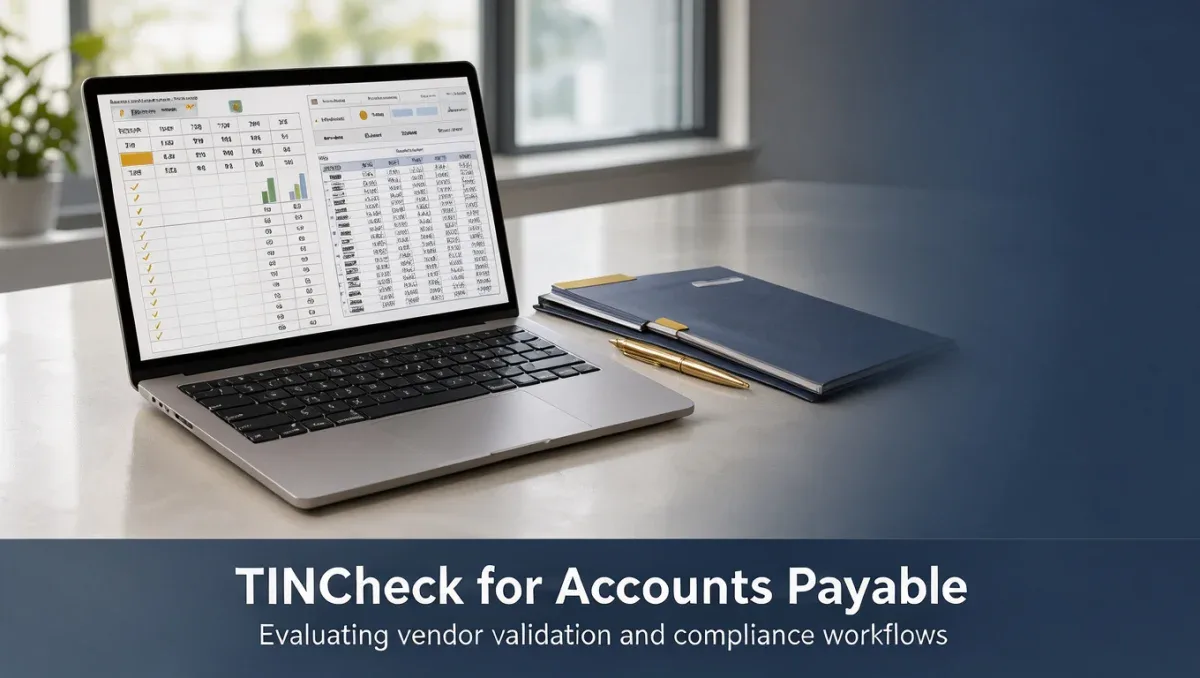
TINCheck for accounts payable teams serves as an automated payee verification service designed to validate vendor taxpayer identification numbers and legal names before disbursements occur. Managing vendor master files requires continuous diligence, and finance departments turn to specialized validation platforms to mitigate backup withholding notices and vendor file errors. At Trust Reviews X, we analyze business platforms to help finance leaders select tools that maintain clean supplier records.
Evaluating software for vendor onboarding and annual information return preparation requires clarity on core capabilities and operational requirements. Implementing tincheck for accounts payable teams helps organizations structure their verification steps during supplier setup rather than addressing discrepancies during annual tax reporting cycles.
Quick verdict: TINCheck earns an overall rating of 8.0/10 from Trustreviewsx. It suits organizations seeking structured vendor validation against official databases to reduce filing errors. It is not ideal for finance groups wanting an all-in-one accounts payable automation suite that includes invoice capture, approval routing, and direct payment execution.
| Evaluation Metric | Assessment Summary |
|---|---|
| Trustreviewsx score | 8.0/10 |
| Best for | Accounts payable departments needing focused taxpayer identification matching and vendor list screening. |
| Not ideal for | Organizations wanting an end-to-end invoice processing platform with integrated bank payments. |
| Key strengths | Automated taxpayer identity verification, vendor list screening against government watchlists, and batch record checks. |
| What to check before buying | Confirm volume thresholds, user seat structures, and record retention terms on the official TINCheck website. |
1. How Trustreviewsx Reviewed TINCheck
This review looks at what TINCheck is built to do, who it serves, and how it compares with similar tools, using the seven Trustreviewsx criteria: features, ease of use, pricing and value, integrations, audience fit, support and competitive position. Plans, prices and limits change often, so we point out what to confirm on the official website before you buy. This article was researched and drafted with the help of AI tools, then reviewed and edited by the Trustreviewsx Editorial Team.
2. What is TINCheck and who is it for
TINCheck is an online compliance and payee verification solution developed to help businesses confirm vendor information against public and regulatory registries. The software assists accounts payable departments, shared services centers, and compliance officers who must verify Form W-9 and Form W-8 details during vendor onboarding. Proper verification protects operational budgets within modern Accounting departments by reducing potential penalties associated with incorrect payee filings.
The system focuses on risk mitigation for disbursement processes. Instead of manually inspecting paper documents or navigating separate agency portals, accounts payable staff enter vendor records into the tool to confirm matching tax details prior to scheduling payments.
- Accounts payable specialists handling new supplier setup and maintenance.
- Tax compliance managers responsible for annual information returns.
- Procurement teams verifying supplier credentials before contract execution.
- Disbursement coordinators checking compliance registries prior to payment runs.
3. What TINCheck helps you do

The primary purpose of verification software in payables operations is establishing accurate vendor data records. TINCheck organizes this work across several key operational areas.
3.1. Taxpayer identification and name matching
TINCheck validates whether a submitted taxpayer identification number corresponds with the official registered business name or individual legal name. Accounts payable staff use this functionality to confirm details from submitted W-9 forms before creating a vendor profile in their enterprise financial ledger. Verifying these records early helps prevent year-end mismatch notices from tax authorities.
3.2. Regulatory list screening
The application checks payee information against compliance and sanction databases, including treasury watchlists and excluded party registries. Teams utilize this screening to verify that a potential supplier is legally eligible to receive corporate disbursements. This process establishes documented audit trails for internal risk reviews.
3.3. Batch record verification
Organizations managing hundreds or thousands of active suppliers require efficient methods to review vendor databases periodically. TINCheck provides batch upload capabilities, allowing departments to process multiple supplier records simultaneously and review aggregate match results.
4. Ease of use and learning curve
Verification tools present a low operational learning curve because their functional scope remains targeted. Accounts payable staff typically grasp single-record search operations quickly, as the process requires entering standard fields like taxpayer number, legal entity name, and address details.
Complexity generally arises when organizations interpret mismatched responses or handle bulk data normalization. When submitted vendor files contain typographical errors or formatting anomalies, team members must establish standardized routines to request updated documentation from suppliers.
| Operational Task | Complexity Level | Team Responsibility |
|---|---|---|
| Single vendor lookup | Low | Entering W-9 data and reviewing match status indicators. |
| Batch list preparation | Moderate | Cleaning address fields and formatting spreadsheets for upload. |
| Mismatch resolution | Moderate | Contacting vendors for corrected documentation or legal entity clarification. |
5. A two-week evaluation plan for TINCheck
Testing a verification tool requires assessing data accuracy and administrative workflow compatibility. Teams can structure an internal two-week evaluation framework to determine operational fit.
- Days 1 to 3: Baseline preparation and initial lookups. Gather a sample of twenty existing vendor files representing different entity types, including sole proprietors, partnerships, and corporations. Run individual lookups to observe verification response clarity and understand how match statuses are presented.
- Days 4 to 7: Batch testing and file formatting. Prepare a standardized batch file containing fifty to one hundred historical vendor records. Evaluate the upload routine, processing duration, and how the resulting output flags discrepancies or missing data points.
- Days 8 to 14: Exception handling and policy alignment. Test records known to contain historical name changes or reporting discrepancies. Document internal standard operating procedures for resolving mismatched flags, then confirm subscription parameters on the official TINCheck website.
6. Where TINCheck shines and where it may fall short

Understanding operational strengths and functional boundaries prevents misaligned software selections.
| Area | Shines when | May fall short when |
|---|---|---|
| Payee verification | Accounts payable teams need fast validation of tax credentials against official registries. | Finance teams expect automatic corrections for misspelled vendor names. |
| Regulatory screening | Disbursement teams require consolidated checks against multiple watchlists simultaneously. | Organizations require comprehensive credit scoring or deep supplier financial stability analytics. |
| Process specialization | Departments want a dedicated compliance check that integrates cleanly into existing manual checks. | Companies desire an end-to-end accounts payable automation tool handling invoice approvals and payments. |
7. TINCheck compared with similar tools
TINCheck operates alongside both public verification resources and broader compliance suites.
| Tool | Best for | Core focus |
|---|---|---|
| TINCheck | Payables departments needing combined TIN matching and watchlist verification. | Payee identity validation and regulatory screening. |
| IRS e-Services TIN Matching | Authorized filers performing direct government matching without secondary watchlist screening. | Basic taxpayer identification number validation for information returns. |
| Sovos | Enterprises requiring global tax determination and comprehensive regulatory reporting. | End-to-end enterprise tax compliance and reporting workflows. |
8. Who should use TINCheck
Software value depends heavily on transaction volume and regulatory exposure across the supplier base.
| User Profile | Fit Level | Recommendation |
|---|---|---|
| Mid-market accounts payable teams | High | Well-suited for organizations onboarding multiple domestic suppliers monthly and needing structured audit trails. |
| Enterprise disbursement operations | High | Beneficial for periodic batch maintenance of extensive supplier master files to maintain clean reporting records. |
| Solo operators or micro businesses | Low | Less practical for entities processing only a few vendor payments annually where direct free agency portals suffice. |
| Accounts payable automation seekers | Moderate | Suitable only as a specialized verification component alongside dedicated invoice approval software. |
9. Pricing at a glance
Vendor verification services commonly use tiered access models based on query volumes or monthly subscription bands. Because plan details, search quotas, and user license terms change over time, teams should confirm operational costs directly.
- Confirm whether pricing is structured around annual subscription commitments, per-lookup fees, or prepaid search allotments on the official TINCheck website.
- Review whether batch lookup processing requires higher-tier packages or involves separate transaction rates before subscribing.
- Check whether multiple team members can share access or if individual seat licenses are required for each accounts payable specialist.
10. Frequently asked questions
Should accounts payable teams verify vendor records before or after the first payment?
Payables teams should verify vendor records before processing the first disbursement. Verifying details during supplier onboarding prevents issuing payments to entities with mismatched tax identities, reducing the administrative burden of chasing corrected documentation or managing backup withholding obligations later.
What documentation should teams prepare before using a verification tool?
Organizations should gather completed W-9 or W-8 forms, current vendor master file extracts, and established internal guidelines for handling name mismatches. Having clear operational procedures ensures that team members know what follow-up actions to take whenever a verification search returns an unconfirmed status.
Can verification software replace internal accounts payable approval controls?
Verification software functions as a data validation tool rather than an internal control system. While it verifies the accuracy of tax identification numbers and screens against regulatory lists, finance teams must still maintain approval matrices, invoice matching procedures, and segregation of duties for disbursements.
What steps should be taken if a vendor lookup returns an invalid match?
When an invalid match occurs, accounts payable staff should reach out to the vendor to confirm their legal entity name and tax identification number. Often mismatches occur due to sole proprietorship naming conventions or recent corporate restructuring, which require an updated, signed W-9 form to resolve properly.
11. Final verdict
| Criterion | Score /10 | Reason |
|---|---|---|
| Features | 7.5/10 | Provides focused identity validation and list screening but remains dedicated purely to verification rather than full AP automation. |
| Ease of use | 8.5/10 | Simple search interface allows team members to verify records quickly with minimal training overhead. |
| Pricing and value | Confirm before buying | Review search volume allotments and fee schedules on the official TINCheck pricing page to ensure positive return on investment. |
| Integrations | Confirm before buying | Check official documentation regarding compatibility with your enterprise resource planning system or financial software. |
| Audience fit | 8.5/10 | Addresses the exact compliance needs of accounts payable teams managing vendor master files. |
| Support | Confirm before buying | Check support options and response guidelines on the official provider website before purchasing. |
| Competitive position | 7.5/10 | Maintains a clear niche focused on compliance verification, though broader tax suites offer more expansive enterprise modules. |
| Overall score | 8.0/10 | Calculated average of scored criteria reflecting strong performance for specialized payee verification workflows. |
TINCheck provides practical value for accounts payable departments focused on eliminating filing penalties and maintaining high-quality vendor master files. Finance organizations handling steady supplier onboarding should confirm current volume limits and integration options with their accounting platforms before subscribing.
Have a question about choosing software? Send it to the Trustreviewsx team through our contact page or follow Trustreviewsx on LinkedIn for new reviews and comparisons.